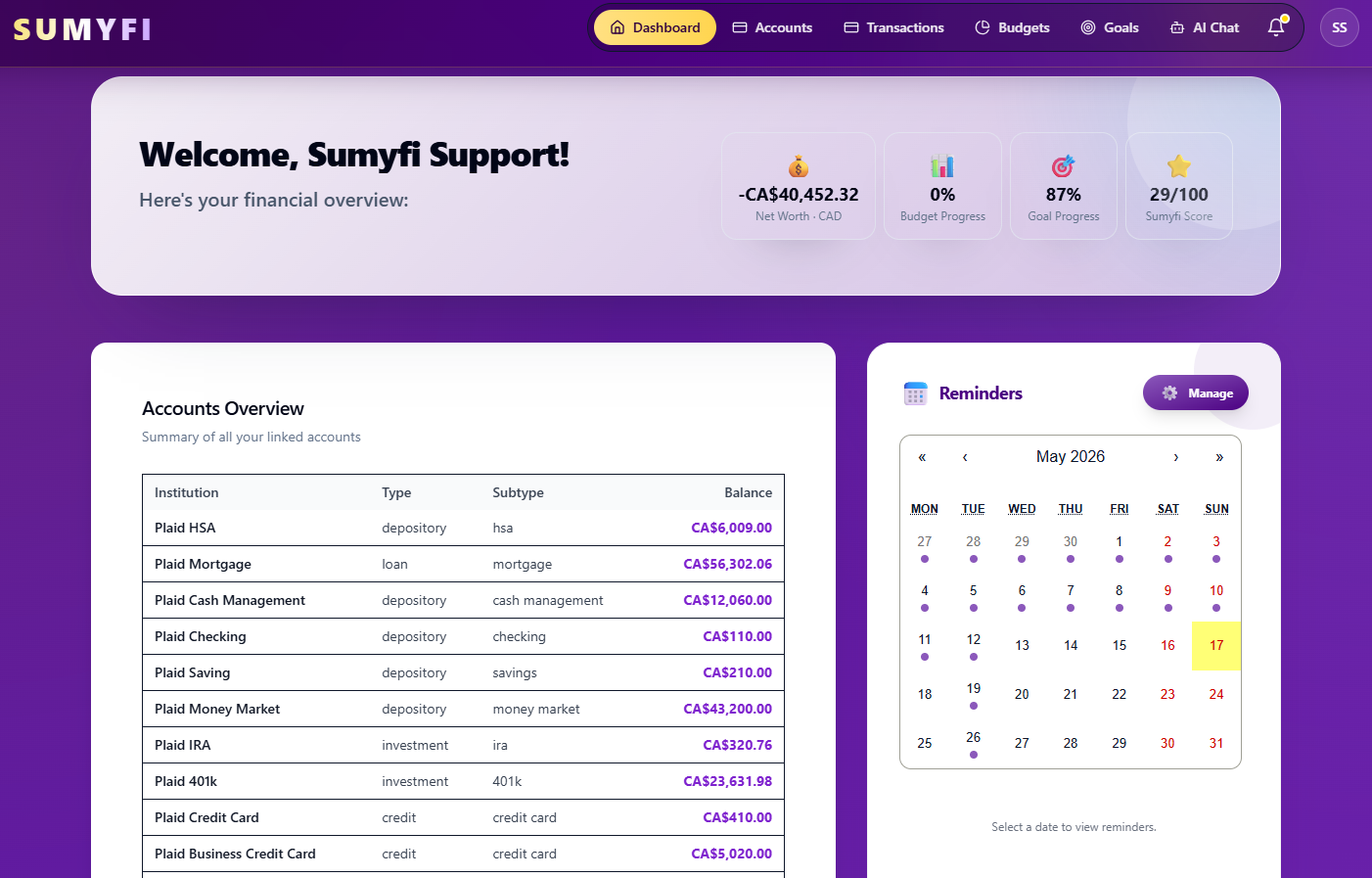
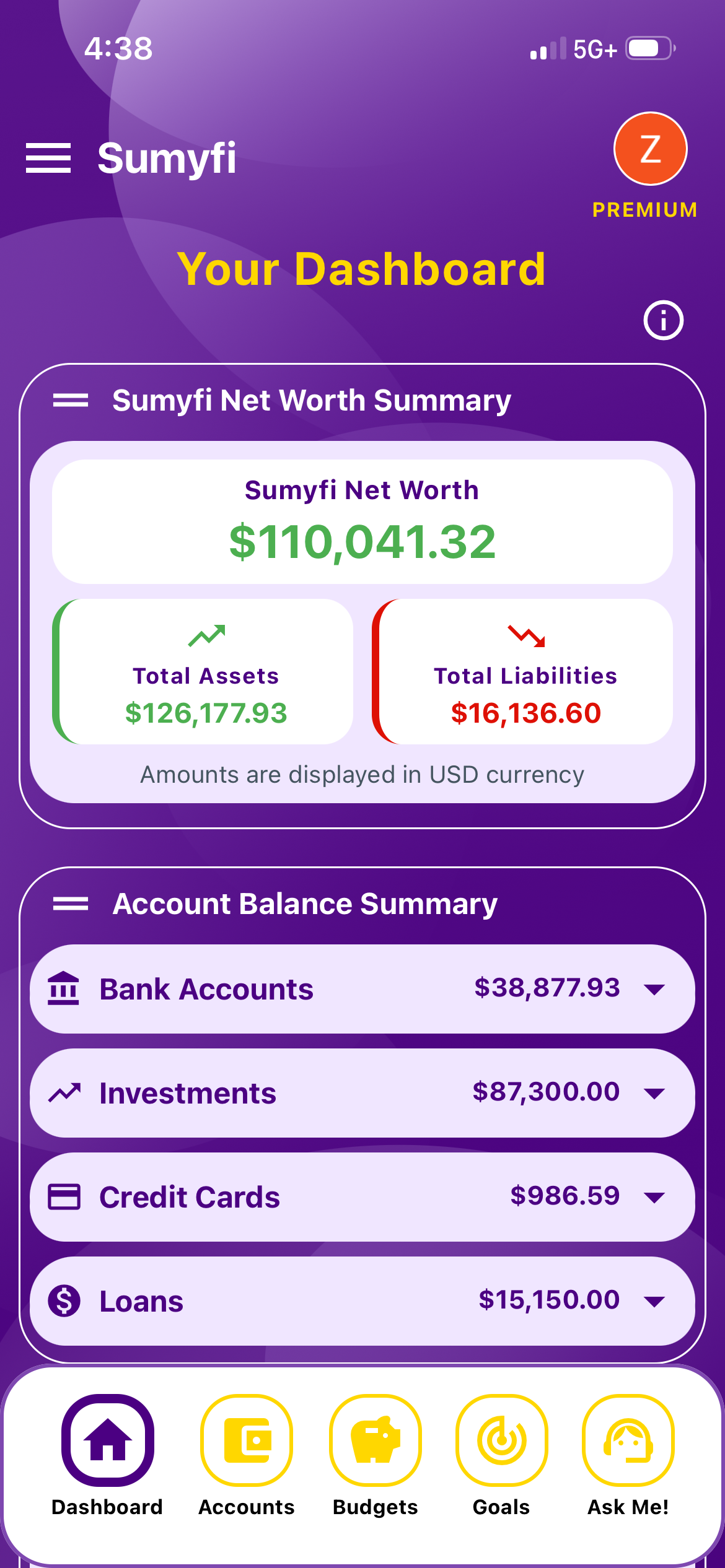
An AI personal finance app should not feel like a chatbot pasted onto a dashboard. It should use AI to make money patterns easier to understand, decisions easier to prioritize, and routine reviews less overwhelming.
Most finance apps have added an AI chat box over the last couple of years, and a lot of them answer questions you could have answered by glancing at a pie chart. That's a low bar. The point of AI in a money app is to do the part most of us skip: comparing this month against the last few, noticing the charge that crept up, and pointing out which of the twenty numbers on the dashboard actually matters this week.
This guide covers what a useful AI personal finance app does, what a weak one does, how your data should be handled once an AI model is involved, and a short test you can run during a free trial. Sumyfi comes up as one option, since it's the app we build, but the checklist works for any of them.
What a useful AI money insight looks like
The quickest way to judge an AI finance feature is to read the sentences it produces. Weak ones read like a horoscope: 'You spent a lot on dining this month. Consider cooking at home more often.' You already knew that. There's no number, no comparison, and nothing you can do with it on a Tuesday night.
A useful insight is specific, compares against your own history rather than a national average, and names the likely cause. A few examples of the kind of output worth paying for:
Notice what those have in common: a dollar figure, a comparison you can check yourself, and a reason. The last part matters most. If the app can't show you the transactions behind a claim, treat the claim as a guess until you've looked.
Groceries
'Grocery spending is $140 above your 3-month average. Most of the gap is two Costco trips on the 4th and the 18th, so this looks like stocking up rather than a new habit.'
Recurring bills
'Your phone bill went from $65 to $78 in September. Nothing else on the account changed, so it may be a promo ending. Worth a call.'
Cash flow
'Rent, car insurance and two annual renewals land in the next 9 days, about $2,310 in total. After those, your chequing balance would be around $400.'
Goals
'At your current pace the emergency fund reaches $5,000 in March, not December. Moving $150 a month out of the dining budget would close most of that gap.'
What the AI is actually doing, and what it can get wrong
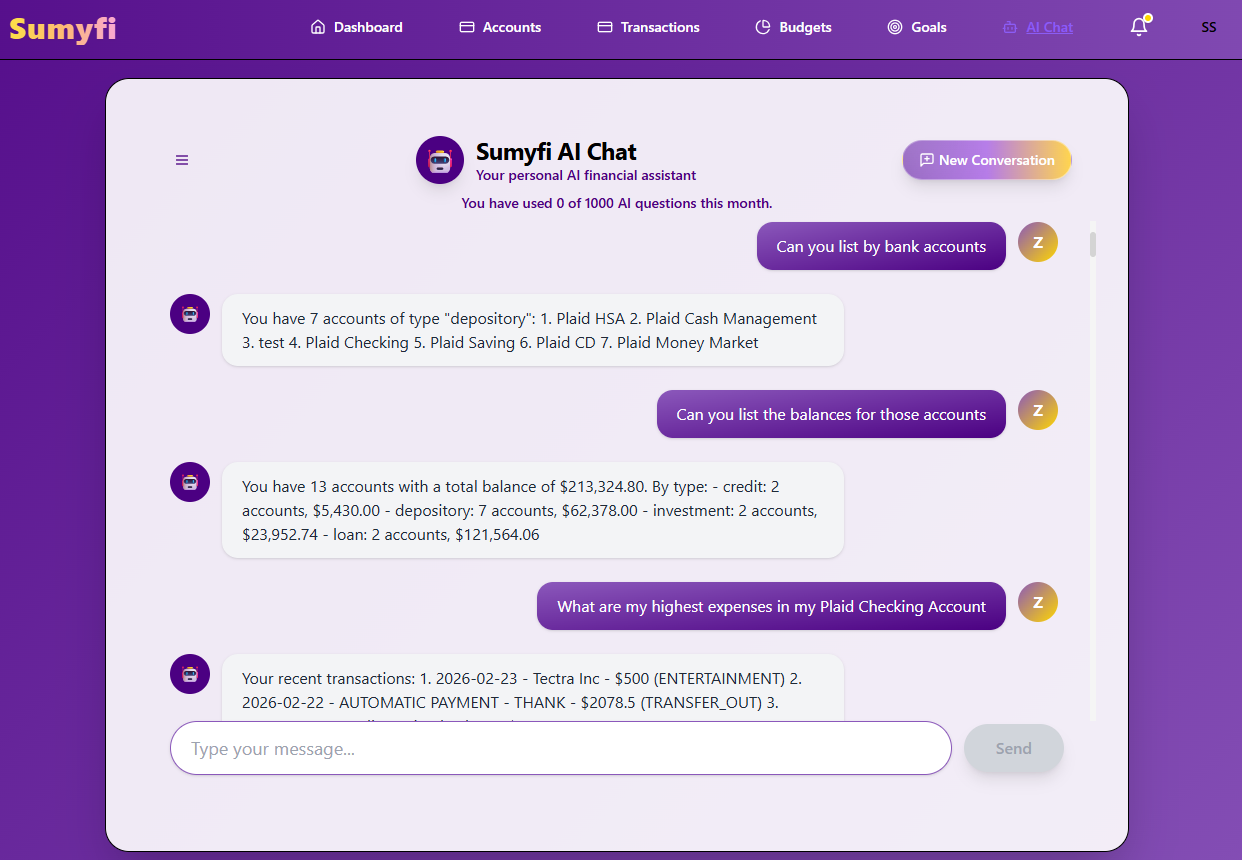
Most of the useful work in an AI finance app is ordinary arithmetic. Categorizing transactions, spotting recurring charges, and calculating averages don't need a language model. What the model adds is the write-up: reading those numbers, deciding which ones are worth mentioning, and explaining them in plain English. It also lets you ask follow-up questions like 'why is my credit card balance higher than last month?' without building a filter yourself.
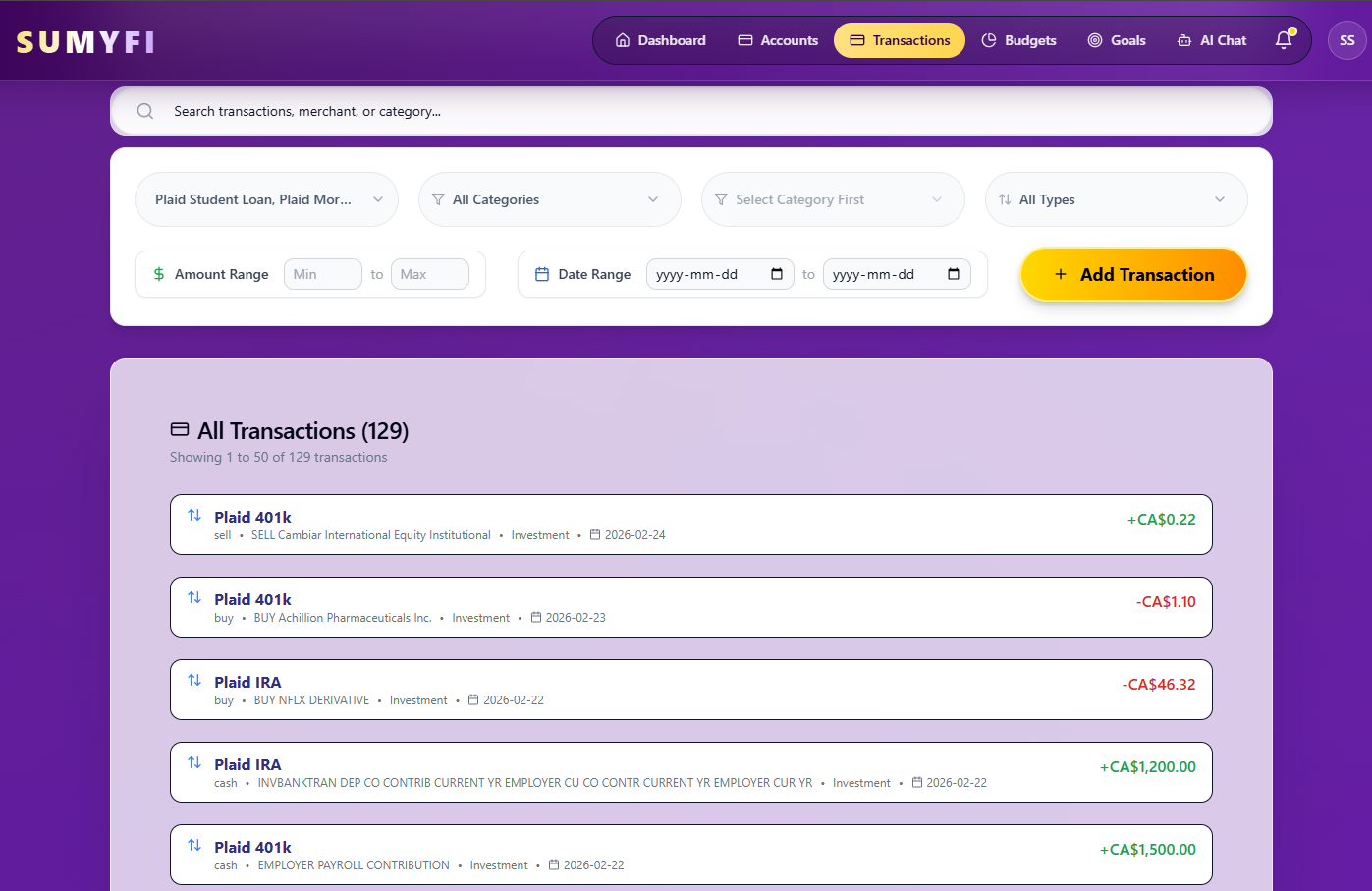
That split is worth understanding, because the numbers can be checked and the explanation can be wrong. Language models sometimes misread a figure, treat a refund as new spending, or state a guess with more confidence than it deserves. A transfer between your own savings and chequing can look like a big expense if it's miscategorized, and the AI will happily explain a spending spike that never happened. Good apps reduce this by grounding answers in your actual data and showing the figures they used. You reduce it by spot-checking anything before you act on it.
It's also not a financial advisor. It doesn't know that you're planning to change jobs in the spring, that a family member is about to need help, or what your tax situation looks like. Sumyfi's own AI usage policy says AI output is informational and isn't tax, credit, or investment advice, and that's the right framing for every app in this category. Use it to see your money more clearly, then make the call yourself.
One more thing to watch: what the AI is allowed to change. Sumyfi's assistant can create or edit budgets, goals, transactions and reminders when you ask it to, so 'change my groceries budget to $650 a month' happens right in the chat. That's handy, but any app that edits your data should show you exactly what it changed, and it shouldn't act unless you asked.
How your data should be handled when an AI model is involved
There are two separate questions here, and apps tend to blur them together.
The first is how the app gets your bank data. The standard setup is a read-only connection through an aggregator such as Plaid. You log in to your bank inside Plaid's window, not the app's, and the app receives access to balances and transactions without ever seeing your password. Read-only means it can look but can't move money. You should be able to disconnect an account at any time.
The second question is newer: when you ask the AI something, what gets sent to the model, and who runs that model? Many apps use third-party AI providers, which is fine if the app limits what it shares. Sumyfi's published policy asks for your consent before AI features are switched on, sends only what's needed to answer the current question, and never sends account numbers, card numbers, login credentials or government ID. Balances get rounded (a $5,432.12 balance becomes roughly $5.4K) and merchant and account names are generalized where the question allows it. The tradeoff is that an answer might say 'a coffee shop' instead of the exact place. For most questions that's a fair trade.
Before you link accounts to any AI finance app, check these:
Is there a published AI usage policy that says what data goes to the model and what never does?
Does account linking go through a known aggregator, with read-only access stated plainly?
Can you stop using the AI features and still use the rest of the app?
Is the company specific about its security claims? Sumyfi's security page says outright that it doesn't currently claim SOC 2 certification. A plain statement like that is a better sign than a row of vague badges.
Is multi-factor authentication available on your account with the app itself, not just at your bank?
The 10-minute weekly review is where AI earns its keep
The place AI makes the biggest difference isn't the dashboard you glance at daily. It's the short weekly check-in that most people mean to do and don't, because it involves opening four apps and doing mental math. If the app does the comparing for you, the review gets short enough to actually happen.
A routine that works for a lot of people looks like this:
- Ask what changed since last week. A good answer names one or two categories that moved and why.
- Ask what's due before your next paycheque or payday, and what the balance looks like after it clears.
- Check goal pace. Is the trip fund or the debt payoff ahead, on track, or slipping?
- Make one adjustment, not five. Move money between budget categories, pause a subscription, or bump a goal contribution.
If the app makes that loop faster, the AI is worth having. If you find yourself opening the full transaction list every week to double-check what it told you, it isn't saving you any time yet, and that's useful to know before you pay for it.
How to test an AI personal finance app during a free trial
Feature lists all read the same, so test the AI directly. Connect your main chequing account and your most-used credit card, then give it a few days to pull in history. Start with questions you already know the answer to, like 'how much did I spend on groceries last month?' or 'what are my recurring charges?' If it gets those wrong, it'll get the harder ones wrong too.
Then ask something you don't know, such as which category has grown most over three months, and check the answer against the transactions. Notice whether it shows its working or just asserts a number. Finally, ask a question it shouldn't be able to answer well, like whether you should buy a particular stock. A well-built app will say it can't advise on that rather than improvising.
On alternatives: Monarch Money, Copilot, YNAB, Rocket Money and others each take a different angle. Some lean on a budgeting method, some on design, some on cancelling subscriptions. Their AI features change often enough that we won't rank them here. Run the same test on whichever ones you're considering and keep the one whose answers you'd trust without checking every time.
If you want to include Sumyfi in that test: the free plan covers budgets, goals, transaction categorization and manually added accounts. Premium adds automatic bank sync through Plaid for US and Canadian institutions, the AI assistant, custom spending alerts and predictive insights, and it comes with a 7-day free trial, which is enough time to run everything above.