
Now on the App Store and Google Play
The Sumyfi mobile app is now live on both the App Store and Google Play, so you can start on the platform you already use.
Sumyfi Mobile Budgeting App for iPhone and Android
Take control of your finances on the go. The Sumyfi mobile app brings your dashboard, budgets, goals, and insights to both Android and iPhone today.
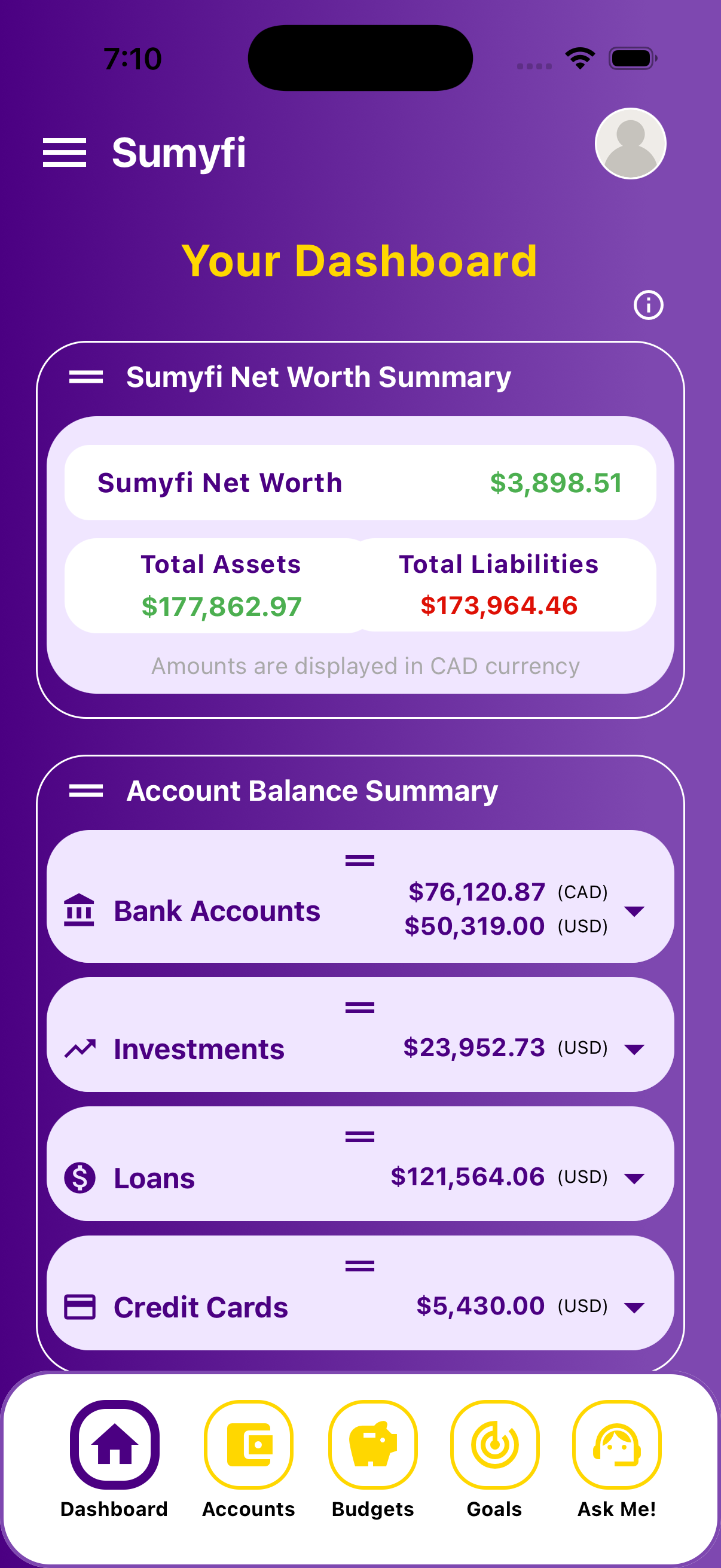
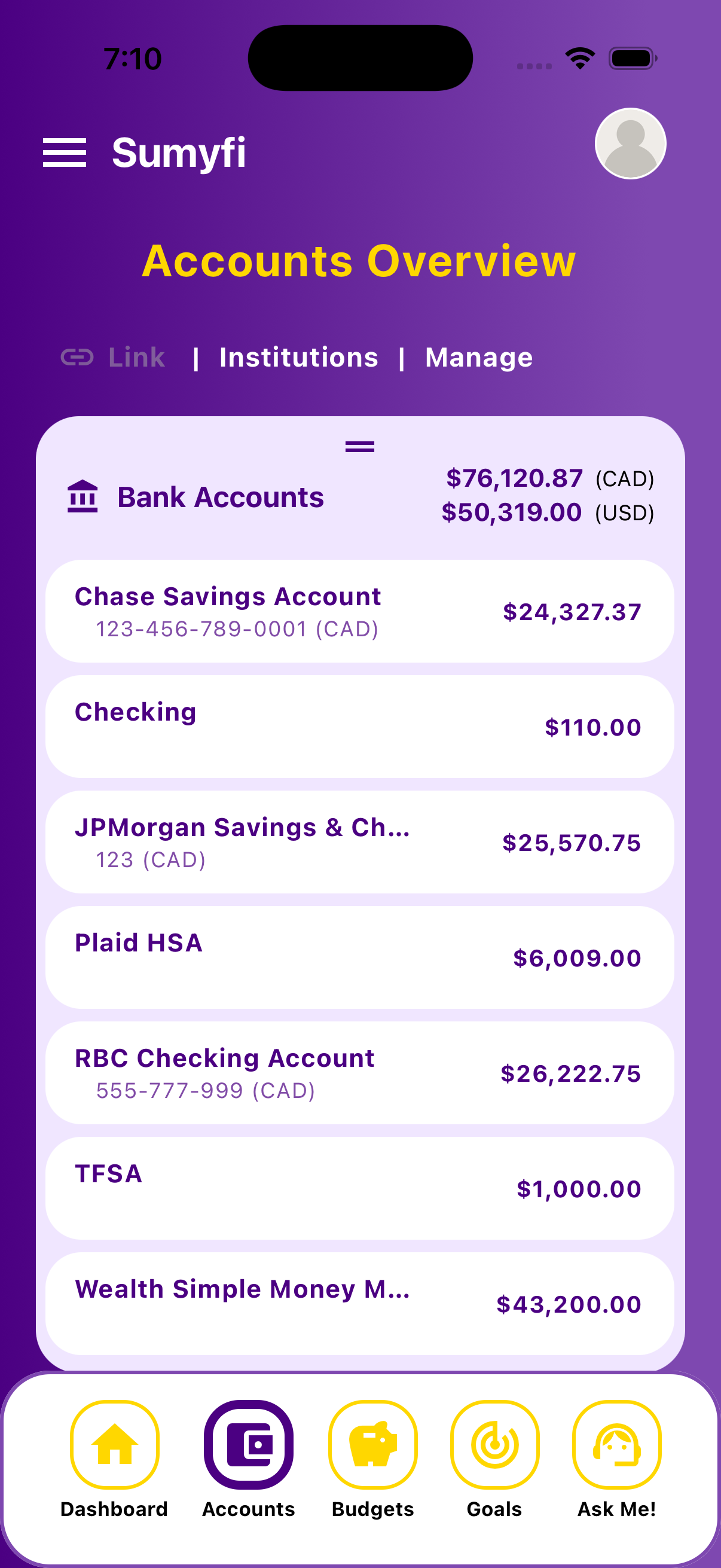
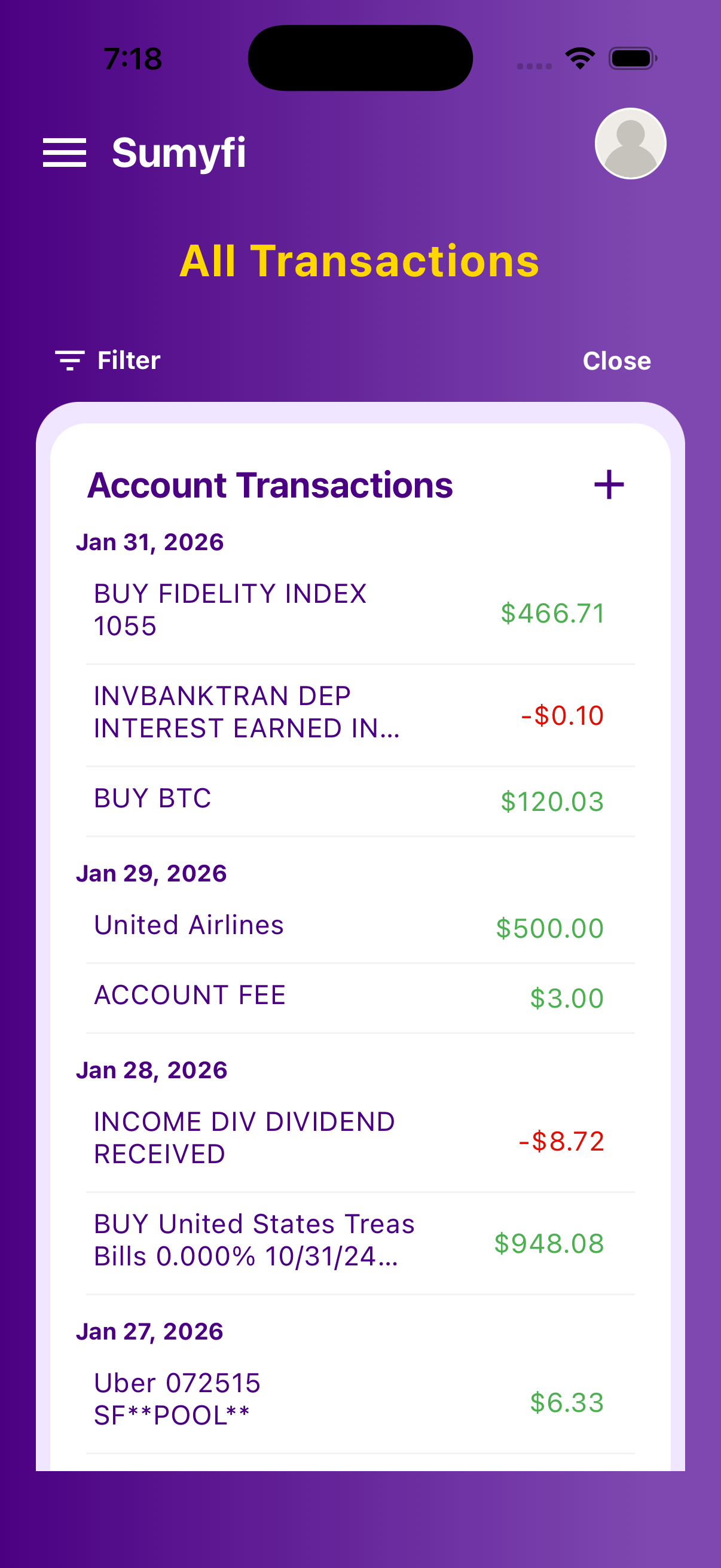
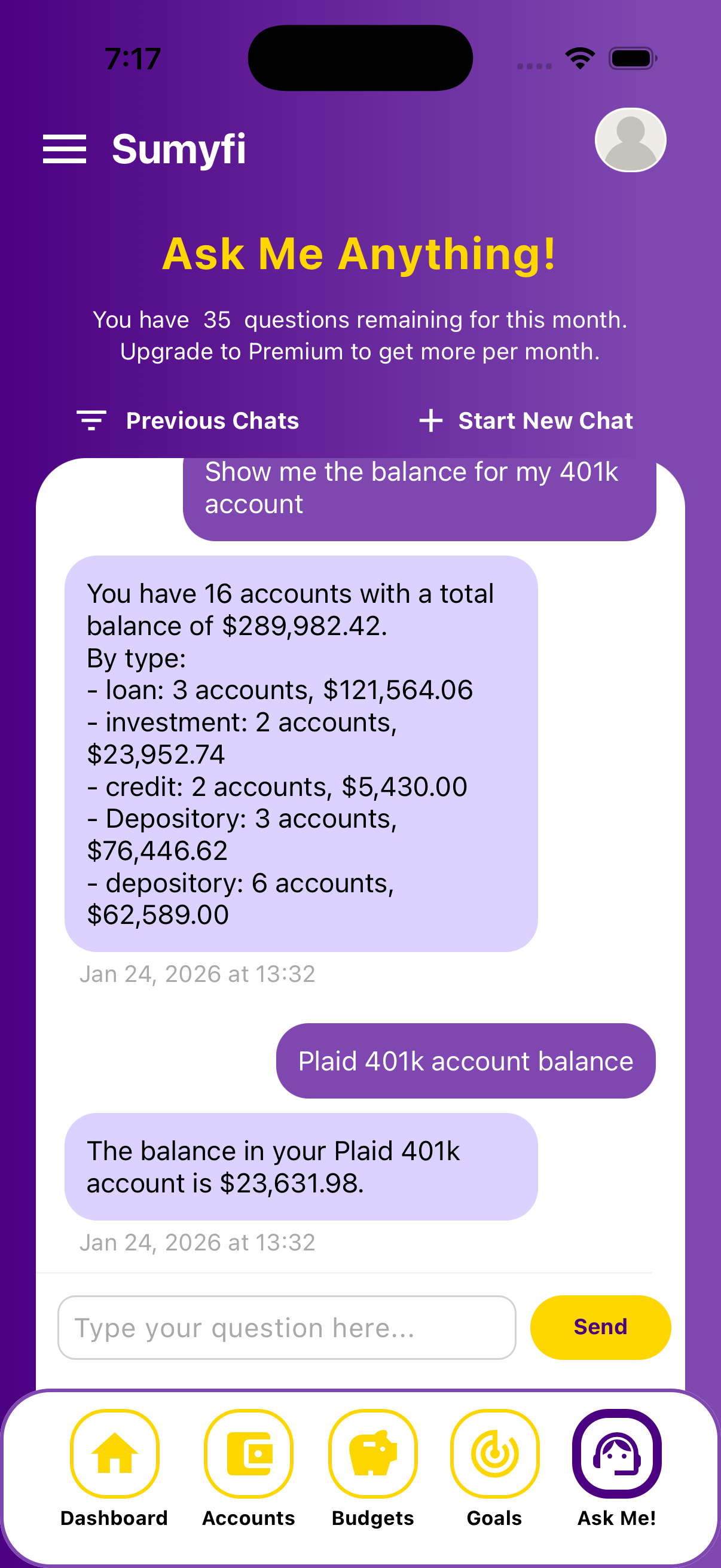
- Track spending and budgets in real time
- Set and monitor financial goals
- Get instant notifications and insights
- Secure login with biometrics
- Available now on the App Store and Google Play


You can still override these links with VITE_GOOGLE_PLAY_URL and VITE_IOS_APP_STORE_URL in your frontend environment.
Encrypted connections • Read-only bank sync • Public security docs
What users are saying
App
“The Sumyfi app made budgeting feel approachable. The interface is clear and the insights help me stay on track.”
Feedback from beta test userApp
“I set my first savings goal in minutes. The app is fast, simple, and focused on what actually matters.”
Feedback from early access userApp
“It’s rare to see a finance app that feels this polished while still being honest about what’s coming next.”
Feedback from beta test user