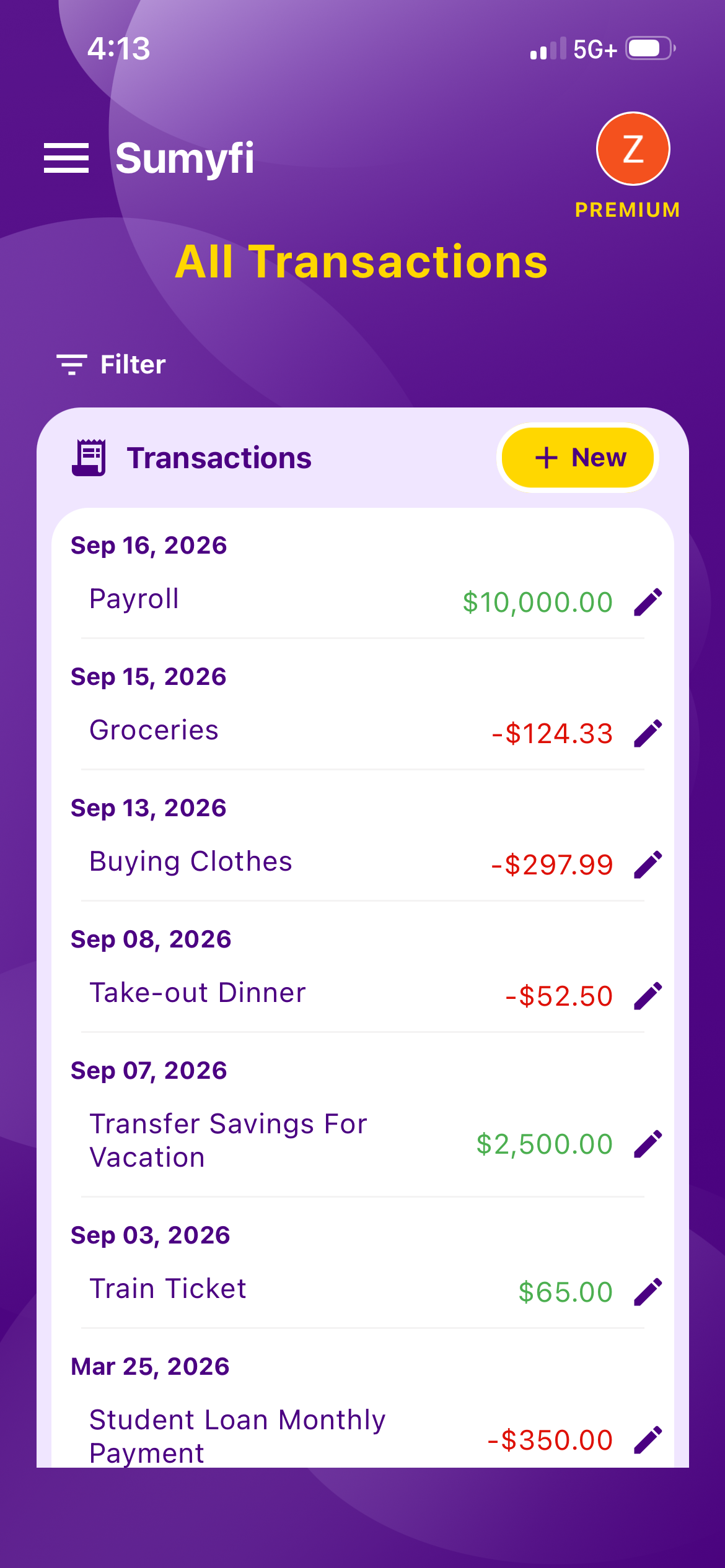
A budgeting app that connects all banks should do more than import balances. It should turn linked accounts into a budget that is easier to trust, easier to update, and easier to review when the month starts moving quickly.
Here's the slightly awkward truth: no budgeting app connects to every bank. They all rely on a data provider such as Plaid, MX, Finicity or Flinks, and each of those covers thousands of institutions, but not all of them, and not every account type at each one equally well.
So when you're looking for a budgeting app that connects all banks, the real question is narrower and more useful: does it connect to all of your banks, does it keep those connections working, and does having everything linked actually make your budget easier to run? This guide covers how connections work, why they break, how to check coverage before you commit, what to do about the one account that refuses to link, and what a connected budget should do for you each week.
How budgeting apps actually connect to your bank
The budgeting app doesn't talk to your bank directly. A data aggregator sits in the middle. When you click 'link account,' a window from the aggregator opens, you pick your bank, sign in there, and approve access. The aggregator then gives the app a token that lets it read balances and transactions. The app never sees your password.
Behind that window, the aggregator gets your data one of two ways. The better way is an API the bank built for this purpose: you approve access once, the bank hands over data through a stable, token-based connection, and things rarely break. The older way is credential-based access, where the aggregator signs in to online banking on your behalf and reads what's there. That still works, but it's more fragile. When the bank redesigns its login page or changes how it sends verification codes, the connection drops and you have to re-link.
Large US banks have mostly moved to API connections. Smaller banks, many credit unions, and a good share of Canadian institutions still lean more on the older method, because Canada's open-banking framework is still rolling out. That's why the same app can feel rock solid for one person and flaky for another.
How to check whether an app connects to all your banks
Don't start with the institution count on the marketing page. Start with your own list:
- Write down every account you'd want in a budget: chequing and savings, each credit card including store cards, car and student loans, the mortgage, brokerage and retirement accounts, and payment apps like PayPal or Venmo.
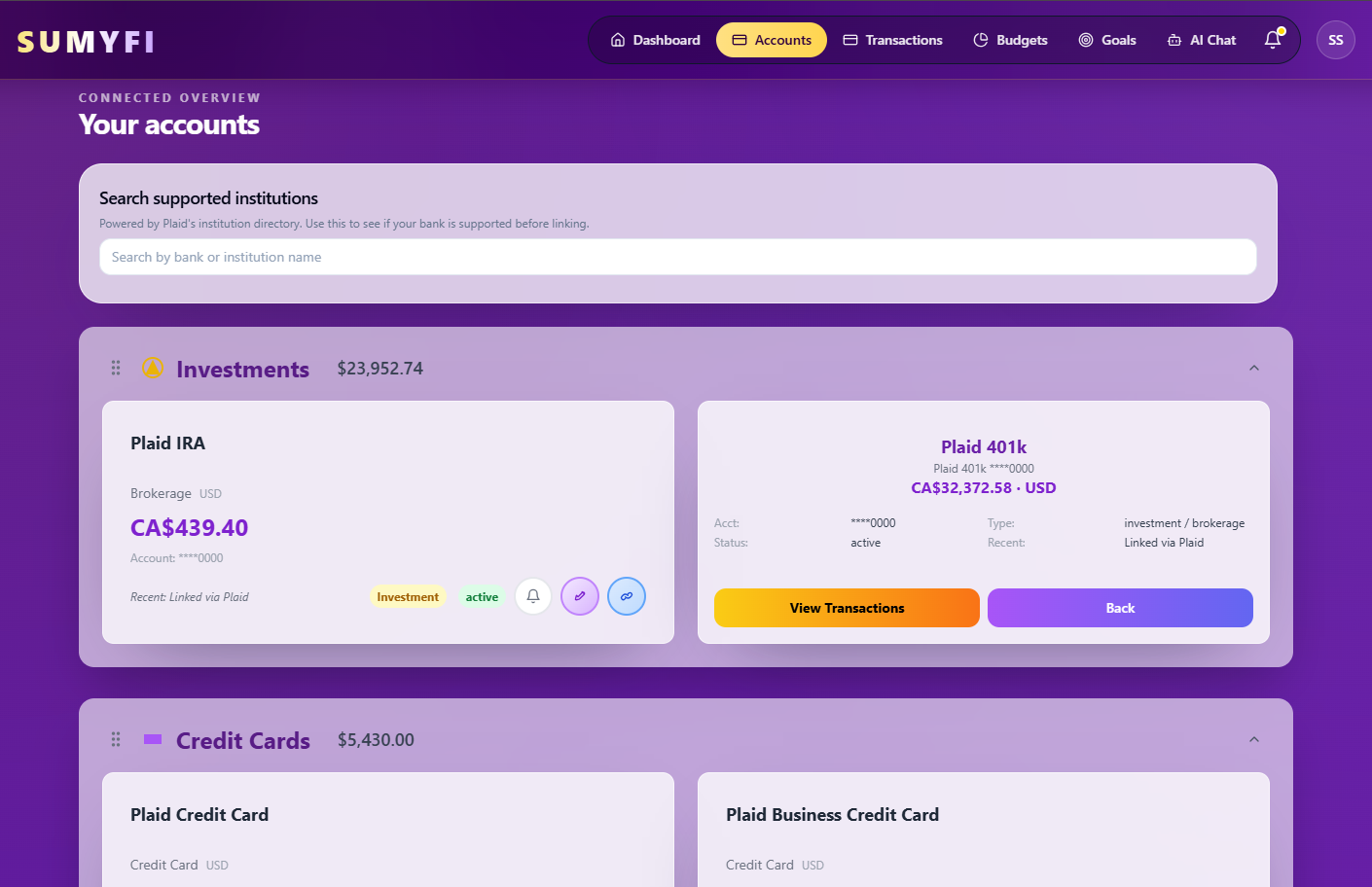
- Search for each institution in the app's lookup before you sign up. Sumyfi has one on its Financial Institutions page, and most apps publish something similar.
- During the trial, connect the trickiest account first, such as the small credit union or the brokerage, not the big bank you already know will work.
- Wait a few days, then compare. Are new transactions arriving? Do the balances match what your bank shows? Are pending charges handled sensibly, or do they show up twice?
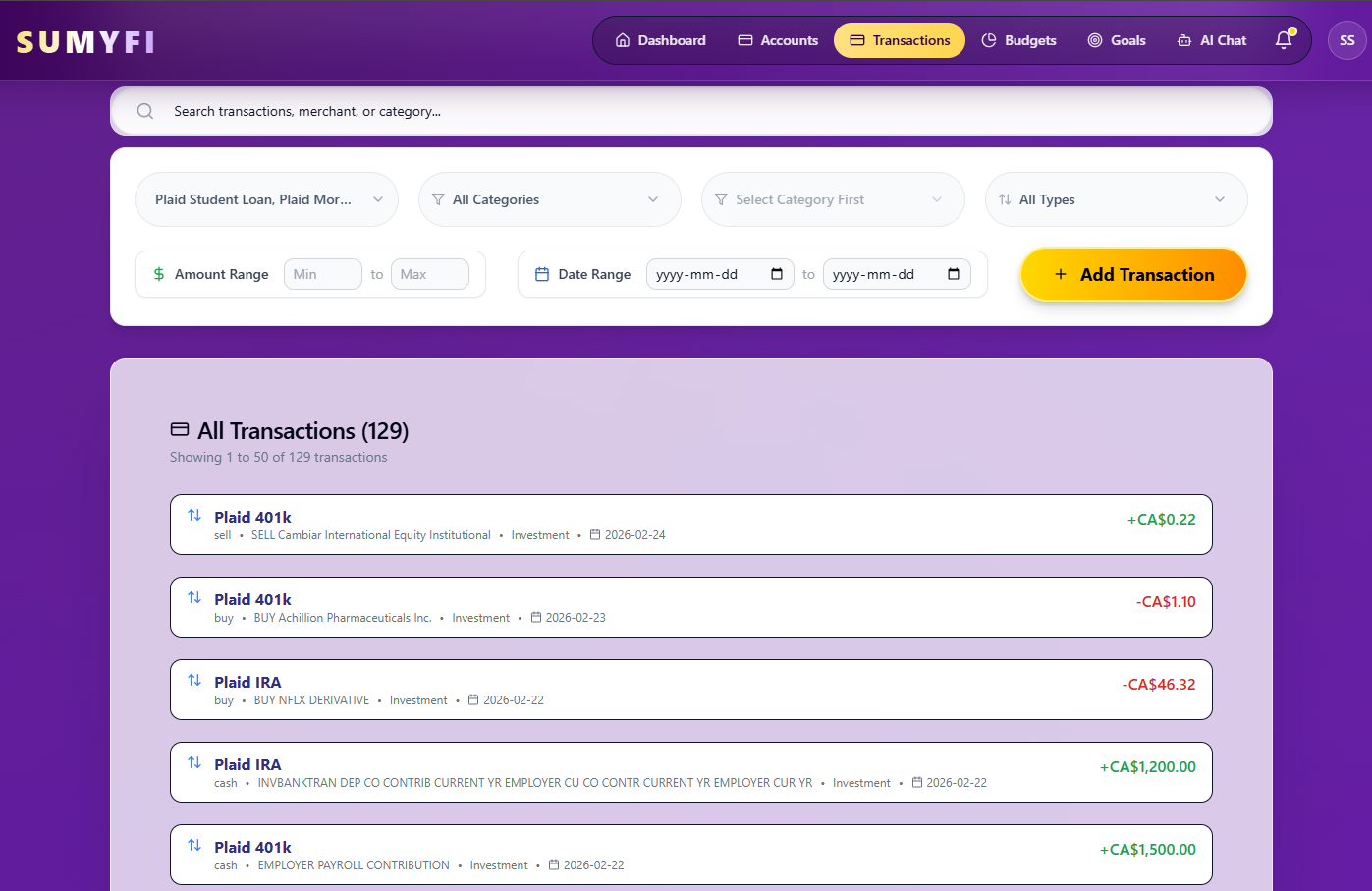
- Check how transfers are treated. Paying your credit card from chequing should be a transfer, not spending. If the app counts it as an expense, your budget will look like you spent the same money twice.
That last check catches more problems than any other. A budget built on double-counted transfers is wrong in a way that's easy to miss for weeks.
What to do about the account that won't connect
Almost every household has one: the credit union that isn't supported, the pension portal that times out, the old student loan servicer. You have a few reasonable options.
For slow-moving balances like a mortgage, a pension or a car loan, a manual account is perfectly fine. Update it once a month when the statement arrives and your net worth stays accurate. Sumyfi's free plan works entirely with manually added accounts, so you can also use it this way if you'd rather not link anything at all.
For an account you spend from often, it may be easier to change your habits than to fight the connection: run day-to-day spending through a card that does connect, and treat the unsupported account as a savings or bill-paying account you update by hand.
Payment apps deserve a note of their own. A PayPal or Venmo purchase often shows up at your bank as one lump transfer with no detail about what you bought. Plan to recategorize those, or split them, so they land in the right budget category.
Is it safe to connect every bank to one app?
The connection itself is designed to be low risk. Access is read-only, so the app can look at balances and transactions but can't move money or pay anyone. Your bank password stays with the aggregator. You can disconnect an account from inside the app, and Plaid also runs a portal where you can see which apps have access to your data and revoke it.
The bigger question is the company running the budgeting app, because it ends up holding a copy of your transaction history. Read its privacy policy, check whether it turns on multi-factor authentication for its own logins, and look at how specific its security claims are. Sumyfi, for example, links accounts through Plaid with read-only access, never stores your bank credentials, encrypts connections, and supports multi-factor authentication. Its security page also says directly that it doesn't currently claim SOC 2 certification. Apps that are clear about what they don't have are generally easier to trust about what they do.
The bank sign-in screen comes from a known aggregator, not a form inside the app
Read-only access is stated in writing
Multi-factor authentication is available on your app account
You can disconnect accounts and delete your data when you leave
What a connected budget should do for you each week
The whole reason to link everything is so your budget reflects what actually happened without you typing it in. That only pays off if you look at it. A ten-minute check once a week is enough, and with every account connected it can be that short.
Here's what a good weekly glance tells you: groceries are at 78% of budget with ten days left in the month, a $96 annual software renewal just hit your credit card, and after rent and the phone bill clear you'll have about $640 in chequing until payday. Three facts, one decision: ease off the groceries or move $50 over from another category.
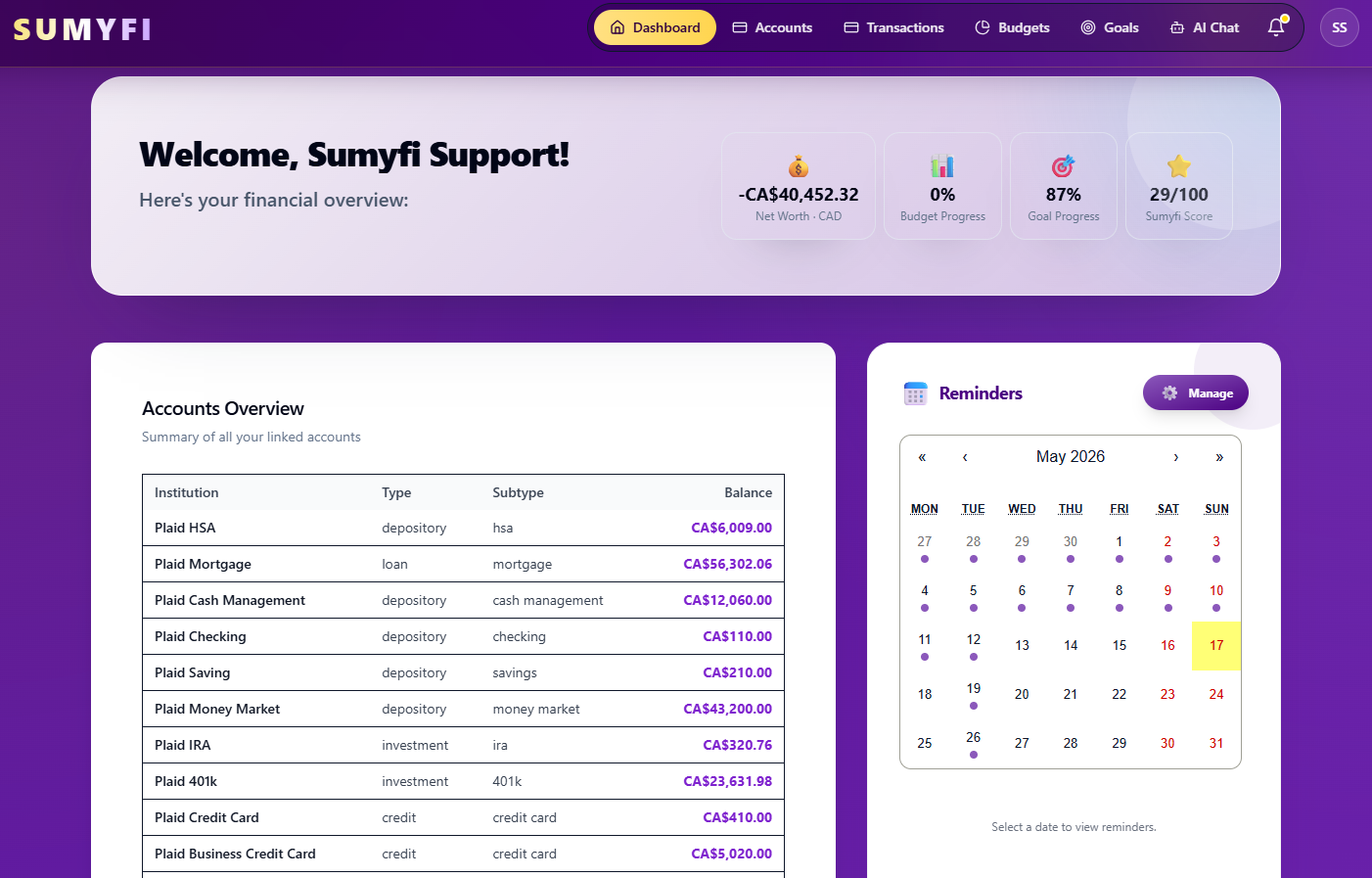
The failure mode is a budgeting app that connects all banks beautifully and then becomes one more app you never open. If the dashboard shows you twenty numbers and none of them tell you what to do, it's a balance viewer, not a budget. Look for recurring-charge tracking, budget categories that update as transactions arrive, bill reminders, and goals that use your real balances.
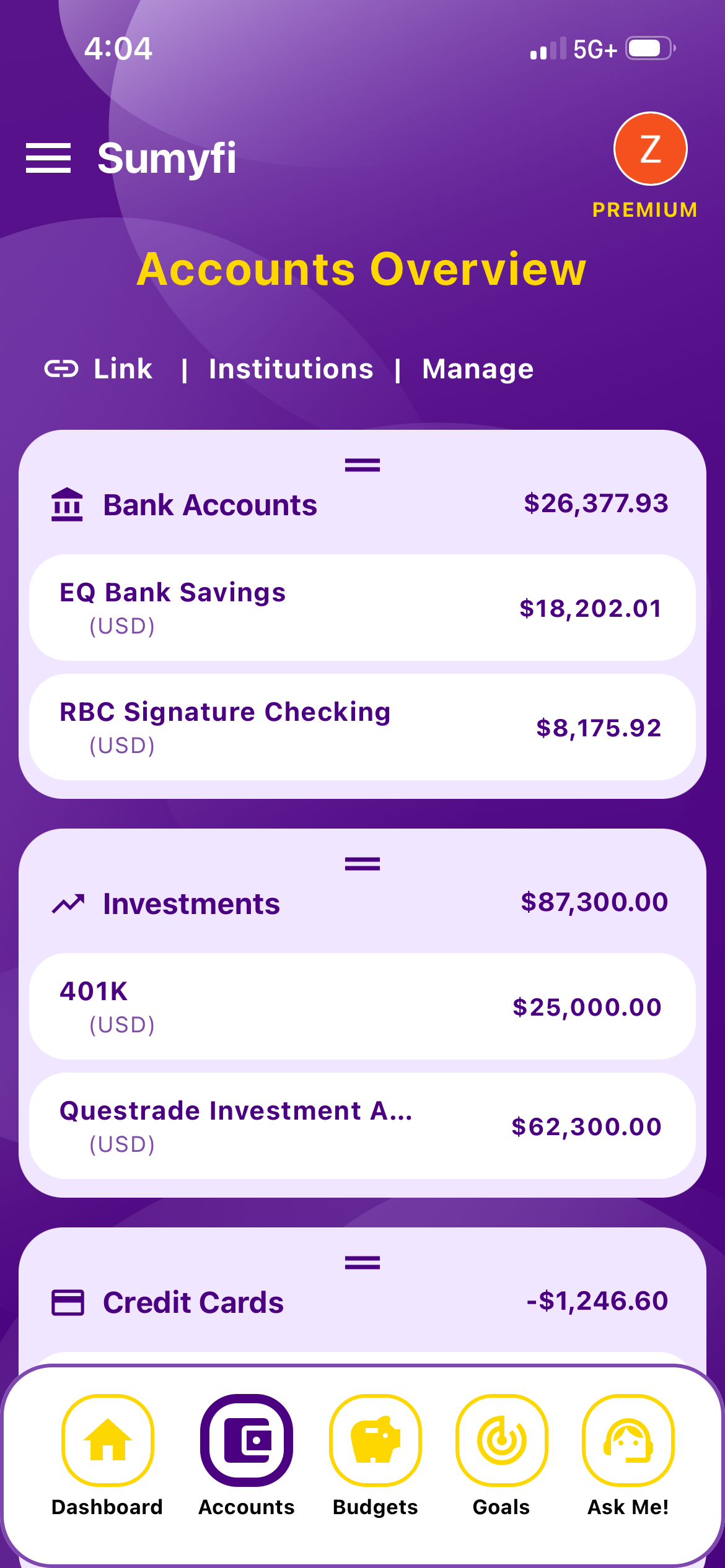
Sumyfi does those things for US and Canadian accounts, with an AI assistant on Premium that can answer questions like 'what changed in my spending this week?' or adjust a budget when you ask. Automatic bank sync is part of Premium, which has a 7-day free trial. That's long enough to run the coverage check above against your own banks before you decide.