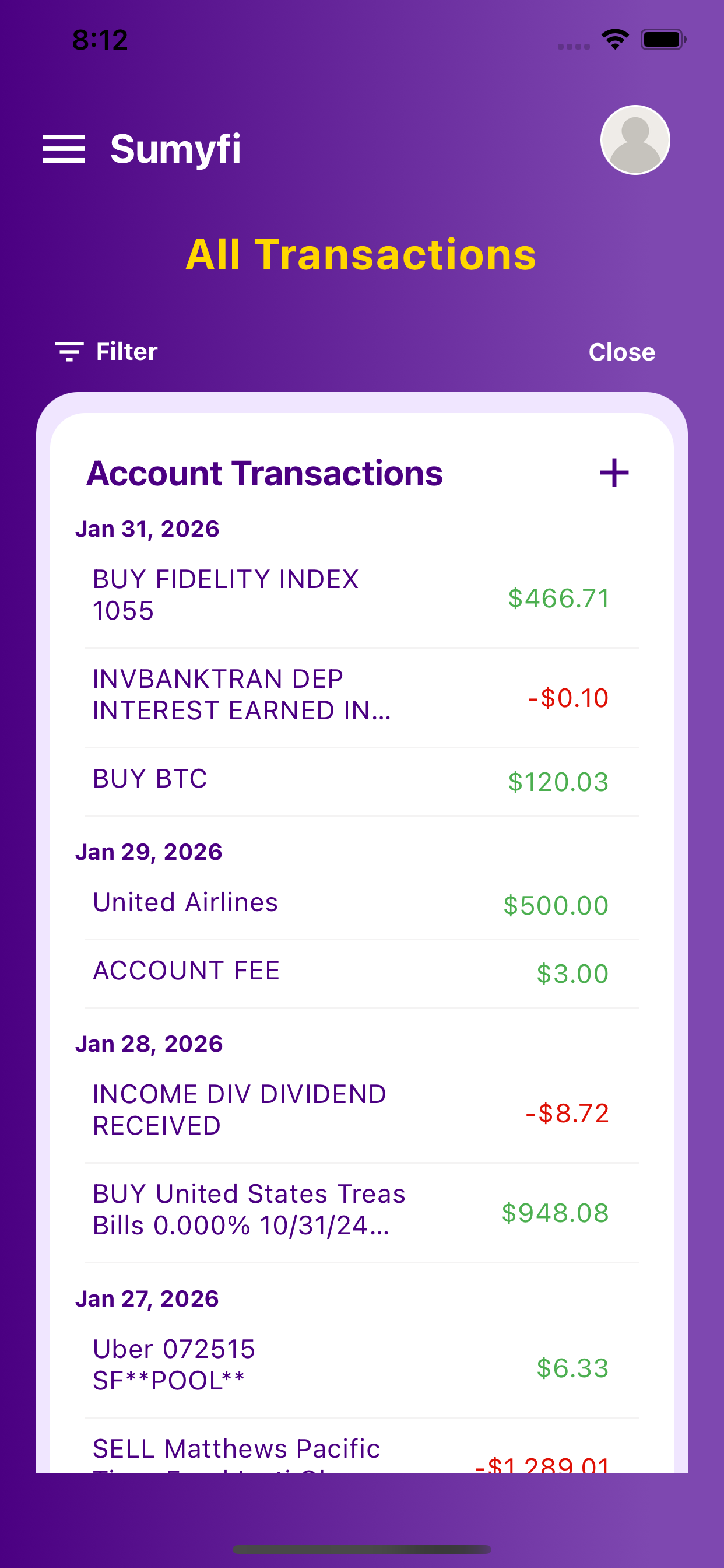
Use one clear workflow for spotting recurring charges and cleaning up subscriptions that quietly drain cash with practical comparisons, concrete product details, and fewer disconnected money tools.
These seemingly innocuous recurring payments, ranging from streaming platforms and fitness apps to software licenses and premium content, quietly chip away at our budgets, often unnoticed for months, even years. The cumulative impact can be staggering, transforming small monthly fees into significant annual expenditures that offer little to no value in return.
The challenge isn't just identifying these hidden financial leaks; it's the arduous, often frustrating process of actually *cancelling* them. From navigating labyrinthine customer service portals to deciphering obscure cancellation policies, the manual effort required to reclaim your hard-earned money can feel like a Herculean task.
The Silent Drain: Why Forgotten Subscriptions Are Costing You More Than You Think
The average consumer today juggles a multitude of digital services, each promising enhanced productivity, entertainment, or convenience. While many of these subscriptions genuinely enrich our lives, a significant portion often falls by the wayside, becoming "set it and forget it" expenses that continue to bill us long after their utility has expired. This phenomenon, often dubbed "subscription creep," represents a substantial, yet frequently overlooked, financial burden.
The Psychology of Subscription Creep
Why do we forget about these recurring payments? Several psychological factors contribute to this pervasive issue:
The Cumulative Financial Impact: A Hidden Budget Killer
While a single forgotten subscription might seem insignificant, their combined effect can be devastating to a personal budget. Consider this analytical commentary:
Illustrative Cumulative Cost of Forgotten Subscriptions (Annual)
This table illustrates how just five forgotten subscriptions can siphon nearly $700 from your annual income - money that could be allocated to savings, debt reduction, investments, or discretionary spending. For individuals with tighter budgets, this "ghost spending" can be the difference between meeting financial goals and falling short. Over a decade, this equates to nearly $7,000, compounding the lost opportunity for growth.
Common Culprits: Where Do Subscriptions Hide?
Forgotten subscriptions aren't limited to a single category. They can manifest in various forms across your digital and real-world interactions:
The sheer diversity of these recurring payments makes manual tracking an almost impossible feat, underscoring the critical need for a centralized, automated solution like Sumyfi to effectively cancel forgotten subscriptions.
Free Trial Amnesia: Many subscriptions begin with a "free trial." We sign up with good intentions to evaluate the service, but life intervenes. Days turn into weeks, weeks into months, and suddenly, the trial has converted to a paid subscription that we never intended to keep.
The Paradox of Choice: With an overwhelming number of services available, it's easy to sign up for multiple options simultaneously, intending to choose one later. This often leads to retaining several, even if only one is actively used.
Hassle Factor: The perceived effort of cancelling a subscription can often outweigh the motivation to save a small monthly fee. This "cancellation friction" is a deliberate strategy by many companies to reduce churn.
Streaming Services
Netflix, Hulu, Disney+, Spotify, Apple Music, YouTube Premium, HBO Max, etc. (often signed up for specific shows or albums).
Fitness & Wellness Apps
Peloton, Headspace, Calm, various workout trackers or diet plans.
Software & Productivity Tools
Adobe Creative Cloud, Microsoft 365, VPN services, password managers, project management tools, cloud storage (Dropbox, Google Drive, iCloud).
E-commerce & Retail Memberships
Amazon Prime (beyond the initial perceived value), subscription boxes (beauty, food, clothing), premium shipping services.
Gaming Subscriptions
Xbox Game Pass, PlayStation Plus, Nintendo Switch Online, various in-game passes.
News & Content Paywalls
Digital subscriptions to newspapers, magazines, exclusive online content.
App-Specific Upgrades
Premium versions of mobile apps (e.g., photo editors, journaling apps, weather apps).
Local Memberships
Gym memberships, club dues, local service subscriptions that auto-renew.
The Manual Gauntlet: How to Uncover Forgotten Subscriptions Without a Dedicated Tool
Before the advent of sophisticated financial management platforms like Sumyfi, individuals were left to their own devices to unearth forgotten subscriptions. This manual process is not only time-consuming and tedious but also prone to errors and omissions, often leaving significant financial leaks undetected.
Method 1: Scouring Your Bank and Credit Card Statements
This is the most common, albeit laborious, approach. It involves meticulously reviewing every transaction on your financial statements.
- Gather All Statements: Collect statements from all bank accounts and credit cards you've used over the past 12-24 months. This includes accounts you might not use regularly, as a forgotten subscription could still be billing there.
- Look for Recurring Charges: Systematically go through each statement, line by line, specifically looking for:
- Cross-Reference and Investigate:
- Challenges of This Method:
Method 2: Sifting Through Your Email Inbox
Your email inbox is a treasure trove of digital receipts and subscription confirmations.
- Search Keywords: Use the search function in your email client (Gmail, Outlook, etc.) to look for common subscription-related terms:
- Review Confirmation Emails: These emails often contain details about your subscription, including the service name, cost, and sometimes even cancellation instructions.
- Check Spam/Promotions Folders: Sometimes, important subscription emails can end up in these folders, so don't overlook them.
Method 3: Checking App Store Subscriptions (Apple, Google Play)
Many subscriptions are managed directly through your device's app store.
- Open Settings: Go to the "Settings" app on your iPhone or iPad.
- Tap Your Name: Tap on your name/Apple ID at the very top.
- Subscriptions: Tap "Subscriptions."
- Review and Manage: Here you'll see all active and expired subscriptions linked to your Apple ID. You can tap on any active subscription to view details and cancel forgotten subscriptions.
- Open Google Play Store: Launch the "Google Play Store" app.
- Tap Profile Icon: Tap your profile icon (usually top right).
- Payments & Subscriptions: Tap "Payments & subscriptions," then "Subscriptions."
- Review and Manage: This screen displays all active and expired subscriptions. You can select an active one to manage or cancel.
Method 4: Reviewing PayPal or Other Payment Processor Accounts
If you frequently use PayPal, Stripe, or other third-party payment processors for online purchases, they often have a record of recurring payments.
- Log In: Go to PayPal.com and log into your account.
- Settings: Click the "Settings" icon (gear icon).
- Payments: Select "Payments" from the top menu.
- Manage Automatic Payments: Under "Automatic payments," click "Manage automatic payments."
- Review and Cancel: Here you'll find a list of all merchants authorized to take recurring payments from your PayPal account. You can select any active payment to view details and cancel forgotten subscriptions.
The overarching challenge with all manual methods is their inherent inefficiency and fragmentation. You're piecing together a puzzle from disparate sources, each with its own interface and limitations. This process is:
This arduous journey highlights why a modern, integrated solution is not just a convenience, but a necessity for effective financial management.
Detailed Steps
Consistent Amounts: Payments of the exact same amount appearing every month or quarter.
Unfamiliar Merchant Names: Many subscriptions bill under names that aren't immediately recognizable (e.g., "XYZ Media Holdings" instead of "Popular Streaming Service").
Keywords: Search for terms like "subscr," "premium," "member," "auto-renew," "monthly fee," "annual fee."
Dates: Note any charges that consistently appear around the same date each billing cycle.
Create a spreadsheet to list all suspicious or unrecognized recurring charges, noting the merchant, amount, and frequency.
For each entry, try to recall if you signed up for that service. If not, proceed to investigate further.
Use a search engine to look up the merchant name. Often, this will reveal the associated service.
Volume of Transactions: For active spenders, statements can contain hundreds of transactions, making manual review daunting.
Vague Descriptions: Merchant names on statements can be cryptic, making it hard to identify the actual service.
Multiple Accounts: Juggling statements from multiple banks and credit cards significantly increases complexity.
Time Consumption: This process can take several hours, if not days, to complete thoroughly.
Missed Charges: It's easy to overlook a small, infrequent charge amidst a sea of legitimate transactions.
"Subscription," "renewal," "trial," "premium," "invoice," "receipt," "membership," "welcome," "upgrade."
Also search for specific service names you *think* you might have subscribed to (e.g., "Spotify," "Netflix," "Adobe").
Email Overload: A cluttered inbox can make it hard to find relevant emails.
Old Accounts: You might have used an old email address for certain subscriptions that you no longer actively check.
Deleted Emails: If you regularly purge your inbox, crucial confirmation emails might be gone.
No Email Confirmation: Some services might not send a confirmation email, or it might have been missed.
- For Apple iOS Devices
- For Google Play (Android Devices)
Considerations
- This method only covers subscriptions purchased *through* the respective app stores. Many services (e.g., Netflix, Spotify directly from their websites) are not managed here.
- You might have multiple Apple IDs or Google accounts, requiring you to check each one.
- For PayPal
Challenges of the Manual Gauntlet
Time-Consuming
It demands a significant investment of your precious time.
Error-Prone
The human element means details can be easily missed, especially with dozens or hundreds of transactions.
Incomplete Picture
No single manual method provides a holistic view. You might find some subscriptions via email, others via your bank, and still others in an app store, but rarely all of them in one go.
Lack of Proactive Alerts
Manual methods are reactive; they don't prevent future forgotten subscriptions or alert you to upcoming renewals.
The Painful Process: Manually Cancelling Identified Subscriptions
Once you've painstakingly identified a forgotten subscription through manual means, the battle is only half won. The act of cancellation itself can be an exercise in frustration, often involving deliberate "dark patterns" designed to retain subscribers.
Step 1: Identifying the Service Provider
This might seem obvious, but as noted, bank statements often show cryptic merchant names. You might need to:
Step 2: Locating Cancellation Instructions (Website, App, Support)
This is where the real challenge begins. Companies vary widely in how transparent and accessible they make their cancellation process.
Step 3: Navigating Cancellation Flows (Dark Patterns, Retention Efforts)
Many companies employ strategies to make cancellation difficult, a practice known as "dark patterns."
Step 4: Confirming Cancellation and Monitoring Future Statements
Even after going through the arduous cancellation process, your work isn't done.
The Frustration Factor: Why Manual Cancellation Is a Relic of the Past
The entire manual process of identifying and cancelling forgotten subscriptions is fraught with frustration:
This antiquated approach to financial management is unsustainable in today's subscription-heavy economy. It's clear that a modern, streamlined solution is not just desirable, but essential for anyone serious about optimizing their personal finances and truly mastering how to cancel forgotten subscriptions.
- Google the Merchant Name: Search for the name exactly as it appears on your statement. This usually reveals the actual service provider.
- Check Transaction Details: Some banking apps or online portals offer more detailed transaction information, which might include the service's website or contact number.
Company Website
- Navigate to the company's official website.
- Look for "Account Settings," "My Subscriptions," "Billing," "Help," or "FAQ" sections.
- Often, cancellation options are buried deep within these menus.
Within the App
- If it's an app-based service, open the app and look for similar settings or profile options.
Customer Support
Sometimes, the only way to cancel is to contact customer support directly via phone, email, or live chat. This can involve long wait times, repetitive explanations, and being passed between departments.
Hidden Buttons/Links: The "cancel subscription" button might be small, greyed out, or tucked away in an obscure corner of the page.
Multi-Step Confirmation: You might have to click through multiple screens, each asking "Are you sure?" or offering incentives to stay (e.g., a free month, a discounted rate).
Confusing Language: Vague terminology or misleading options can make you unsure if you've actually cancelled.
Forced Interaction: Some services require you to speak to a representative, who is often trained to try and save your subscription. This can be time-consuming and emotionally taxing.
"Pause" vs. "Cancel": Be wary of options to "pause" your subscription if your intention is to fully cancel. Ensure you select the definitive cancellation option.
Look for Confirmation: Most legitimate services will send a cancellation confirmation email. Save this email as proof.
Check Future Statements: For at least the next one or two billing cycles, closely monitor your bank or credit card statements to ensure the recurring charge has indeed stopped. If it reappears, you'll need to re-engage with the company, armed with your confirmation email.
Time Sink: Each cancellation can take anywhere from 10 minutes to over an hour, depending on the company's tactics. Multiply that by several forgotten subscriptions, and you've lost an entire afternoon.
Mental Load: The cognitive effort required to track, investigate, and navigate these processes adds significant mental burden.
Emotional Toll: Dealing with retention specialists or confusing interfaces can be genuinely irritating and stressful.
Risk of Failure: Despite your best efforts, you might still miss some subscriptions or fail to complete a cancellation effectively, leading to continued charges.
The Modern Solution: Effortlessly Cancel Forgotten Subscriptions with Sumyfi
The era of manual financial drudgery is over. Sumyfi represents a paradigm shift in personal finance management, offering an agile, intelligent, and incredibly user-friendly platform designed to tackle complex financial challenges like forgotten subscriptions with unprecedented ease. We understand that your time is valuable, and your financial peace of mind is paramount. That's why Sumyfi was engineered from the ground up to be your ultimate financial command center.
Introducing Sumyfi: Your All-in-One Financial Command Center
Sumyfi is more than just a budgeting app; it's a comprehensive personal finance hub that replaces the fragmented, manual approaches of the past. Imagine a world where all your financial accounts - checking, savings, credit cards, investments, loans - are consolidated into one intuitive dashboard. Sumyfi brings this vision to life, offering:
Sumyfi's Subscription Tracking: A Panoramic View of Your Recurring Payments
This is where Sumyfi truly shines in the battle against forgotten subscriptions. Our platform's core strength lies in its ability to automatically identify and consolidate all your recurring payments.
- Connect Your Accounts: In a matter of minutes, securely link all your bank accounts, credit cards, and other financial institutions to Sumyfi. Our advanced encryption and security protocols ensure your data is always protected.
- Automatic Identification: Once connected, Sumyfi's intelligent algorithms get to work. They meticulously scan your transaction history, identifying patterns indicative of recurring payments. This includes:
- The "Forgotten" Aspect - Sumyfi Surfaces Everything: The beauty of Sumyfi is its ability to reveal subscriptions you genuinely *forgot* about. By aggregating data from all your connected accounts, it catches those elusive charges that might have slipped through the cracks of manual review. You'll see a dedicated section in your Sumyfi dashboard listing every single recurring payment, complete with merchant name, amount, and frequency. No more guesswork, no more missed charges.
Streamlined Cancellation: Taking Control with a Few Clicks
Sumyfi doesn't just show you your subscriptions; it empowers you to act on them. While Sumyfi itself doesn't directly cancel subscriptions (as this requires authentication with the service provider), it provides all the necessary tools and information to make the cancellation process as swift and painless as possible.
Describe the Sumyfi Interface for Managing/Cancelling Subscriptions:
Emphasize Ease, Speed, and Clarity:
Sumyfi transforms the daunting task of managing and cancelling subscriptions into a few simple clicks. No more hours spent sifting through statements or navigating confusing websites. Our intuitive design and comprehensive data aggregation mean you can identify and take action on forgotten subscriptions in minutes, not hours.
Beyond Subscriptions: How Sumyfi Transforms Your Entire Financial Life
While Sumyfi's ability to help you cancel forgotten subscriptions is a powerful feature, it's just one facet of its comprehensive capabilities. Sumyfi is designed to be your holistic financial partner:
Seamless Connectivity: Connects with thousands of financial institutions across both the United States and Canada, ensuring a complete financial picture regardless of where you bank.
Automated Transactions: Categorizes your spending automatically, providing instant insights without manual input.
Clean Net Worth Tracking: Understand your true financial standing at a glance, with real-time updates.
- Powerful Budgeting Tools: Create and manage budgets that actually work for you, not against you.
- Slick Dashboard Interface: Experience a user interface that's not only visually appealing but also incredibly easy to navigate, putting complex financial data into a digestible format.
- Agile Engineering: Built with modern technology, Sumyfi offers lightning-fast setup and robust performance, far surpassing bulky legacy choices.
How it Works
Consistent Charges: Sumyfi flags transactions that occur regularly with the same or similar amounts.
Merchant Recognition: Our system recognizes common subscription providers, even if their billing name on your statement is slightly obscure.
Upcoming Renewals: Sumyfi proactively identifies upcoming renewal dates for annual or quarterly subscriptions, giving you ample warning.
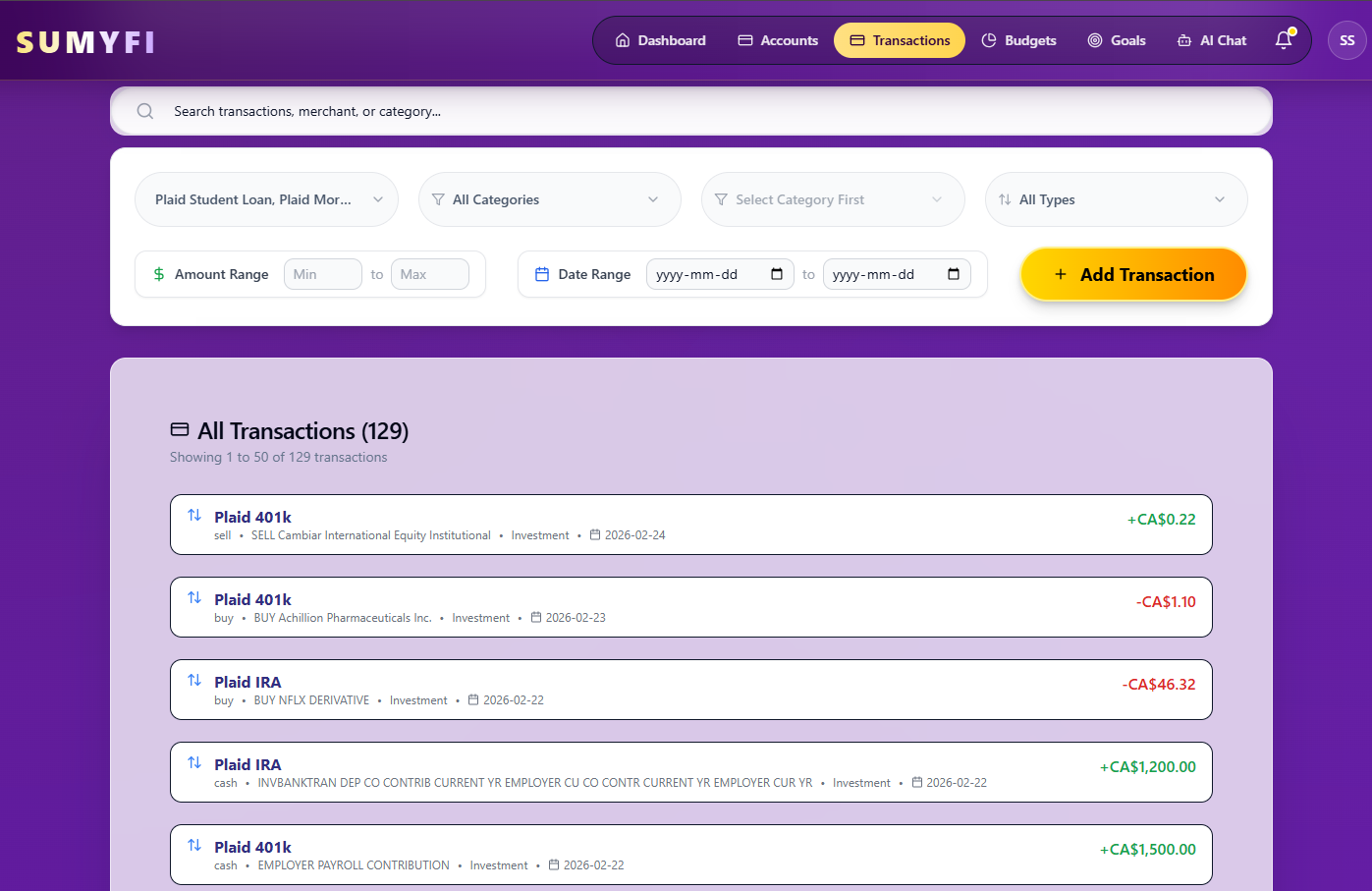
Dedicated Subscription Manager: Within your Sumyfi dashboard, you'll find a clear, organized "Subscriptions" section.
At-a-Glance Overview: See a list of all identified subscriptions, their monthly/annual cost, and the last payment date.
Direct Access to Cancellation Info: For each subscription, Sumyfi provides direct links and clear instructions on how to cancel. This might include:
A link to the service provider's subscription management page.
Contact details for their customer support.
A summary of common cancellation steps.
Empowering Action: Sumyfi eliminates the frustrating hunt for cancellation instructions, putting all the necessary information at your fingertips. You can quickly navigate to the right place and execute the cancellation with confidence.
Mark as Cancelled: Once you've cancelled a subscription, you can mark it as such within Sumyfi, ensuring your financial overview remains accurate and you don't waste time re-investigating it.
Net Worth Tracking: Understand your true financial standing by seeing all your assets and liabilities in one place, updated in real-time.
Budgeting Made Simple: Create custom budgets, track your spending against them, and receive alerts to stay on track.
Automated Transaction Categorization: Say goodbye to manual data entry. Sumyfi intelligently categorizes your expenses, giving you instant insights into where your money goes.
Goal Setting: Set financial goals, whether it's saving for a down payment, retirement, or a dream vacation, and track your progress effortlessly.
Financial Insights: Gain deeper understanding of your spending habits, identify areas for savings, and make informed financial decisions.
Proactive Strategies: Preventing Future Forgotten Subscriptions
While Sumyfi excels at helping you cancel forgotten subscriptions you already have, its true power lies in empowering you with proactive strategies to prevent them from accumulating in the first place. A modern financial approach isn't just about fixing past mistakes; it's about building resilient habits for the future.
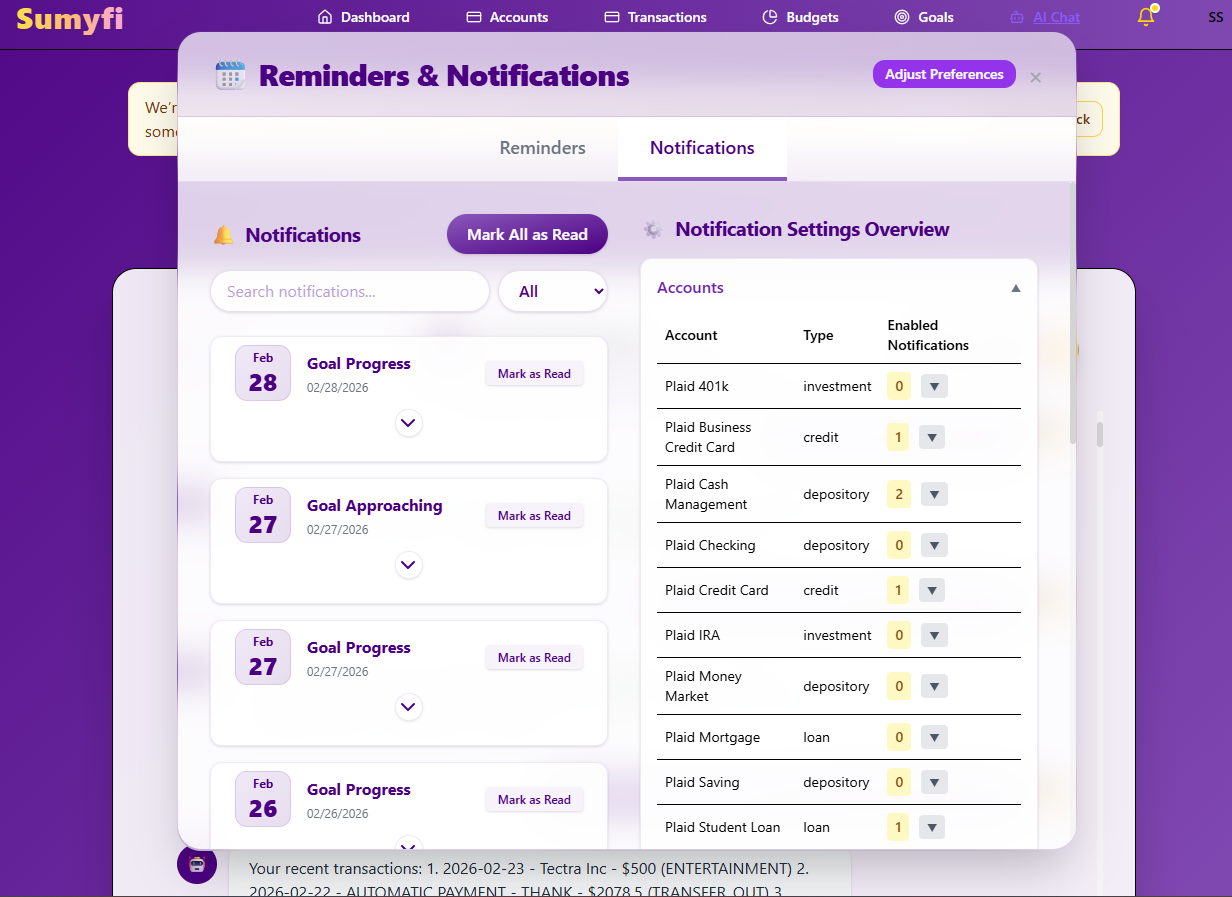
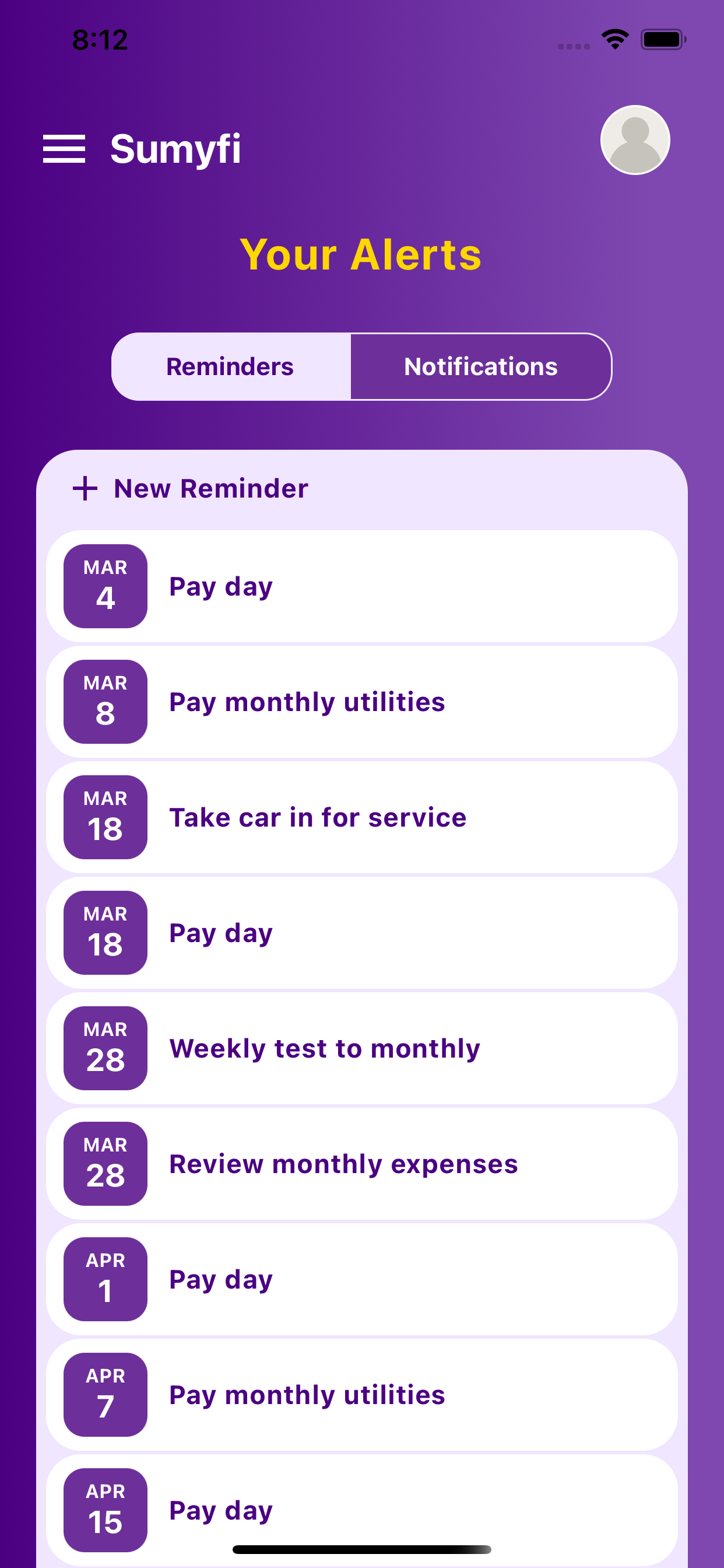
Leverage Sumyfi's Alerts and Notifications
One of Sumyfi's most valuable features is its intelligent notification system.
These timely notifications transform you from a reactive financial manager into a proactive one, allowing you to make conscious decisions about every dollar leaving your account.
Regular Financial Reviews (Powered by Sumyfi's Dashboard)
Sumyfi's slick dashboard isn't just for tracking; it's designed for regular, insightful financial reviews.
By integrating Sumyfi into your regular financial hygiene routine, you create a continuous feedback loop that keeps you informed and in control.
The "Subscription Audit" Mindset
Adopt a mindset of regularly auditing your subscriptions. Think of it like decluttering your digital life.
Sumyfi provides the data to fuel this audit, making it an evidence-based decision rather than a guessing game.
Using Virtual Cards for Trials (and why Sumyfi is still better for ongoing management)
Some financial institutions offer virtual credit card numbers that can be set with spending limits or expiry dates. These can be useful for signing up for free trials, as they prevent automatic billing if you forget to cancel.
Why Sumyfi is still superior for ongoing management:
While virtual cards are a clever trick for trials, they don't solve the broader problem of managing *active* subscriptions or providing a holistic view of your recurring expenses.
Sumyfi, on the other hand, provides a comprehensive, centralized solution for *all* your subscriptions - both new trials and long-standing services - ensuring you have complete control and visibility without resorting to workarounds. By combining proactive strategies with Sumyfi's powerful features, you can ensure that "forgotten subscriptions" become a relic of your financial past.
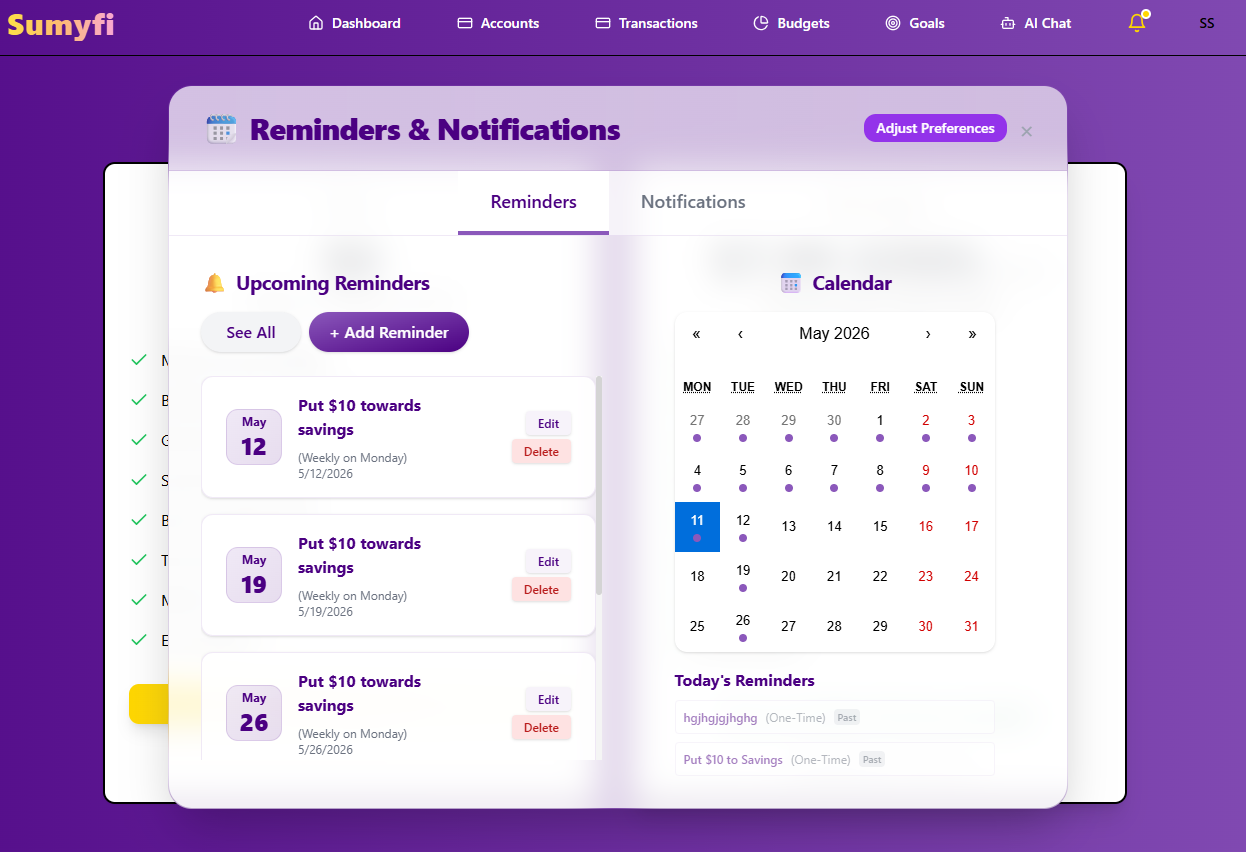
Upcoming Renewal Alerts: Sumyfi proactively alerts you before annual or quarterly subscriptions are due to renew. This gives you a critical window to decide if you still want the service or if it's time to cancel. No more surprise charges for services you forgot you had.
New Subscription Detection: Sumyfi can notify you when a new recurring charge is detected, prompting you to verify if it's an intended subscription or an error.
Spending Threshold Alerts: Set custom alerts for when your subscription spending exceeds a certain limit, helping you stay mindful of your overall recurring expenses.
Dedicated Subscription Section: Make it a habit to glance at your "Subscriptions" section in Sumyfi once a month or quarter. This quick check takes minutes but can save you hundreds.
Spending Trends Analysis: Sumyfi's analytics show you where your money is going. If you notice a spike in "Entertainment" or "Software" expenses, it's a clear indicator to review your subscriptions in those categories.
Net Worth Impact: Understand how your recurring expenses affect your net worth over time. Seeing the direct impact can be a powerful motivator to trim unnecessary subscriptions.
"Do I Use It?": For every subscription, ask yourself: "Do I actively use this service at least once a month (or quarter, for less frequent services)?"
"Is It Worth It?": Evaluate the value. Is the benefit you derive worth the recurring cost? Sometimes, a free alternative or a one-time purchase might be more cost-effective.
"Can I Get It Cheaper?": Research if there are cheaper tiers, family plans, or bundled options you could switch to.
"When Did I Last Use It?": If you can't remember the last time you logged in or used a service, it's a prime candidate for cancellation.
How it Works: You generate a temporary card number linked to your actual account, but with restrictions.
Benefit for Trials: If you forget to cancel a free trial, the virtual card might decline the first payment, preventing an unwanted charge.
Not for Long-Term Use: You wouldn't use a virtual card for a subscription you genuinely intend to keep.
No Centralized View: Virtual cards don't give you a dashboard of all your recurring payments. You'd still have to manually track which virtual card is linked to which service.
No Proactive Alerts: They won't remind you of upcoming renewals or highlight unused services.
Choosing the Right Tool: Why Sumyfi Stands Apart from the Crowd
In the crowded landscape of personal finance tools, discerning the truly effective solutions from the merely adequate can be challenging. When it comes to managing and cancelling forgotten subscriptions, and indeed, your entire financial life, Sumyfi's agile engineering, comprehensive features, and user-centric design position it as the undisputed leader.
Comparing Sumyfi to Legacy Tools (Spreadsheets, Older Apps)
For years, individuals relied on manual spreadsheets or rudimentary budgeting apps to track their finances. While these tools offered some level of organization, they are fundamentally inadequate for the complexities of modern financial management, especially concerning subscription creep.