Free Trial Field Notes6 min read

    Expense Tracker Free Trial With Bank Sync: Judge The Real Workflow (2026)

    An expense tracker free trial with bank sync should make spending easier to follow while the week is happening, not three days later when you finally remember to check.

    People usually want this kind of app because they do not want to guess where the money went. They want to see spending while it is still fresh enough to matter, not after the week is over and the lesson is already gone.

    That means the trial needs to happen during a normal week. Groceries, little impulse purchases, subscriptions, transfers, eating out, all of it. If the app can turn that stream of activity into something you can understand quickly, it is doing its job. The real workflow should feel lighter, not busier.

    If it brings the data in but still leaves you confused, then the helpful part is missing.

    The best test is simple: after a few days of real spending, open the app and see whether it answers your questions faster than your current method.

    Spending review test

    A synced expense tracker is only useful when it turns transaction volume into something you can understand quickly.

    The real issue is whether bank sync improves understanding, not just data collection

    A lot of tools can collect transactions. Fewer can make those transactions easy to read. During the trial, notice how quickly the app helps you spot overspending, odd charges, or a category that is drifting upward.

    This is where people quietly give up on expense trackers. They do not need another archive. They need something that helps them understand spending without a cleanup session first.

    It is also worth watching for the small annoyances. Messy merchant names, categories that keep shifting, or imports that are technically correct but still hard to read can ruin the whole experience.

    • Do synced transactions tell a clear spending story quickly?
    • Are category corrections occasional or constant?
    • Would this realistically replace spreadsheet or notes-based review?

    A strong trial makes spending review less delayed, less manual, and less fuzzy

    You should come away feeling like the app shortened the gap between spending and understanding. That is the real value here. Not automation for its own sake. Just faster clarity.

    If the trial gives you that, the paid version may be worth it. If it mostly creates one more layer of cleanup, then the trial gave you a clear answer.

    The app does not need to be amazing. It just needs to make spending easier to read than whatever you are doing now.

    Continue with the 7-day trial overview, browse the Dashboard Hub after you decide whether this expense tracker free trial with bank sync angle fits the routine you care about.

    3-step workflow

    How the aggregation workflow works in practice

    The useful test is whether linked accounts become easier to interpret, not just easier to import.

    1

    Aggregate assets, debts, and everyday accounts

    Bring checking, savings, cards, and liabilities into one read-only dashboard so trying an expense tracker free trial with bank sync to see whether it is easier than tracking spending by hand begins from one connected balance-sheet view during setup.

    2

    Track balance changes and transaction movement

    Track what moved across connected accounts without hopping between institutions while trying an expense tracker free trial with bank sync to see whether it is easier than tracking spending by hand stays visible in the same review for this workflow.

    3

    Monitor the wider financial trajectory

    Carry the same connected data into recurring bills, goals, and net worth while the connected data continues to support more than a one-time import after the first connection is complete.

    Free plan

    What's included in the free plan

    This section explains the free setup before pricing takes over so the buyer can test trying an expense tracker free trial with bank sync to see whether it is easier than tracking spending by hand before premium noise takes over before upgrade comparisons begin.

    • Create an account without entering a credit card.
    • Keep balances, transactions, budgets, and recurring activity tied to trying an expense tracker free trial with bank sync to see whether it is easier than tracking spending by hand from one web dashboard.
    • Add eligible institutions later once the dashboard has earned a broader role during the next setup step.
    • Review pricing once the dashboard has shown enough value for current checkout terms, upgrade options, and any active promotion support when pricing actually matters.

    Product screenshots

    See the product behind the copy

    Screenshots shown: Accounts, Dashboard.

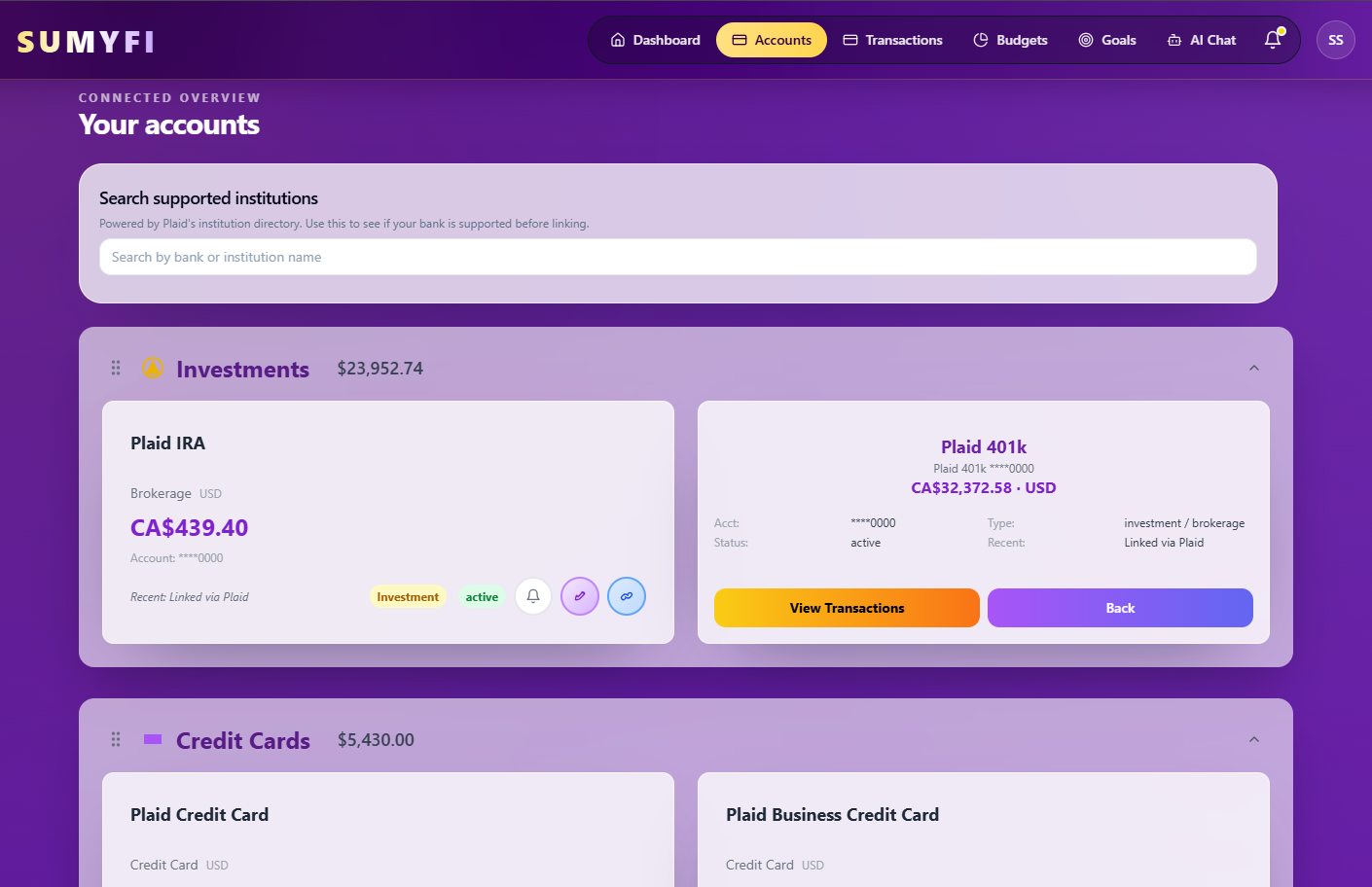
    Accounts overview in Sumyfi

    Accounts gives you a single view of connected and manually added accounts.

    Sumyfi dashboard home screen

    Dashboard brings balances, transactions, and linked accounts into one overview.

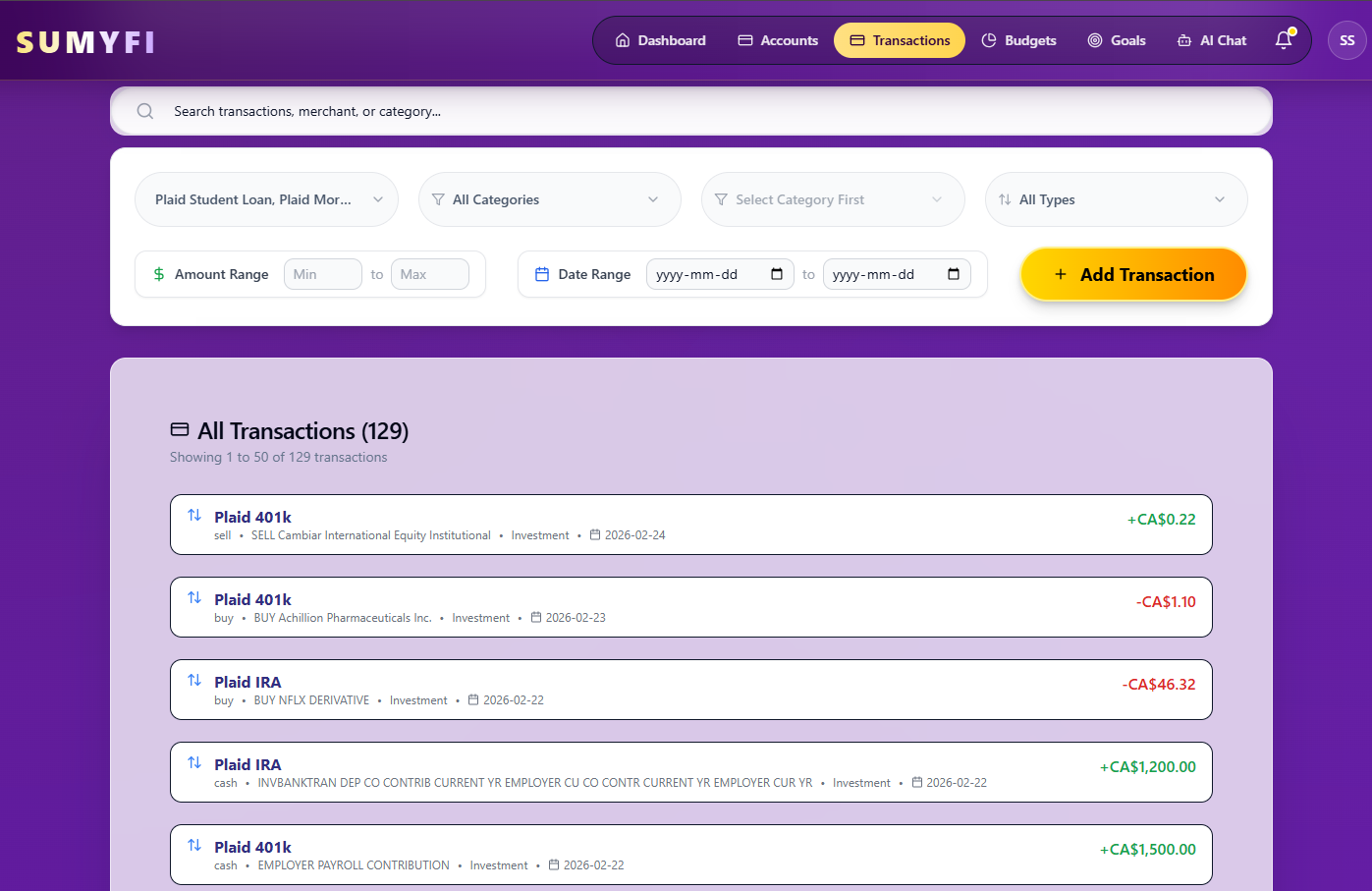
    Transactions view in Sumyfi

    Accounts gives you a single view of connected and manually added accounts.

    Mobile view

    The same workflow stays usable during faster phone check-ins

    These iPhone screenshots help show that the desktop workflow for expense tracker free trial with bank sync carries into a lighter mobile review without splitting into a separate product experience.

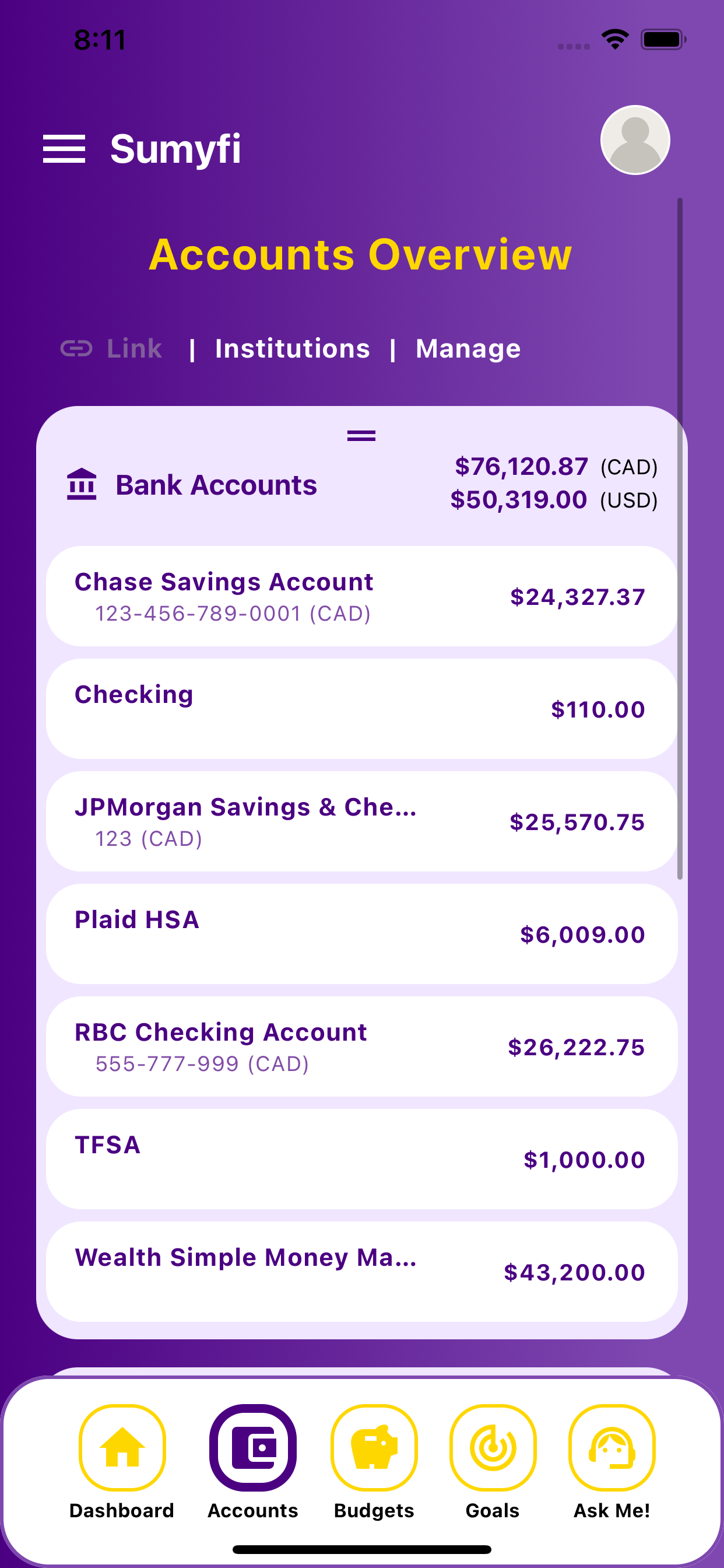
    Expense Tracker Free Trial With Bank Sync mobile linked account balances

    Linked balances

    Monitor balances across linked banks, credit cards, and loans on mobile.

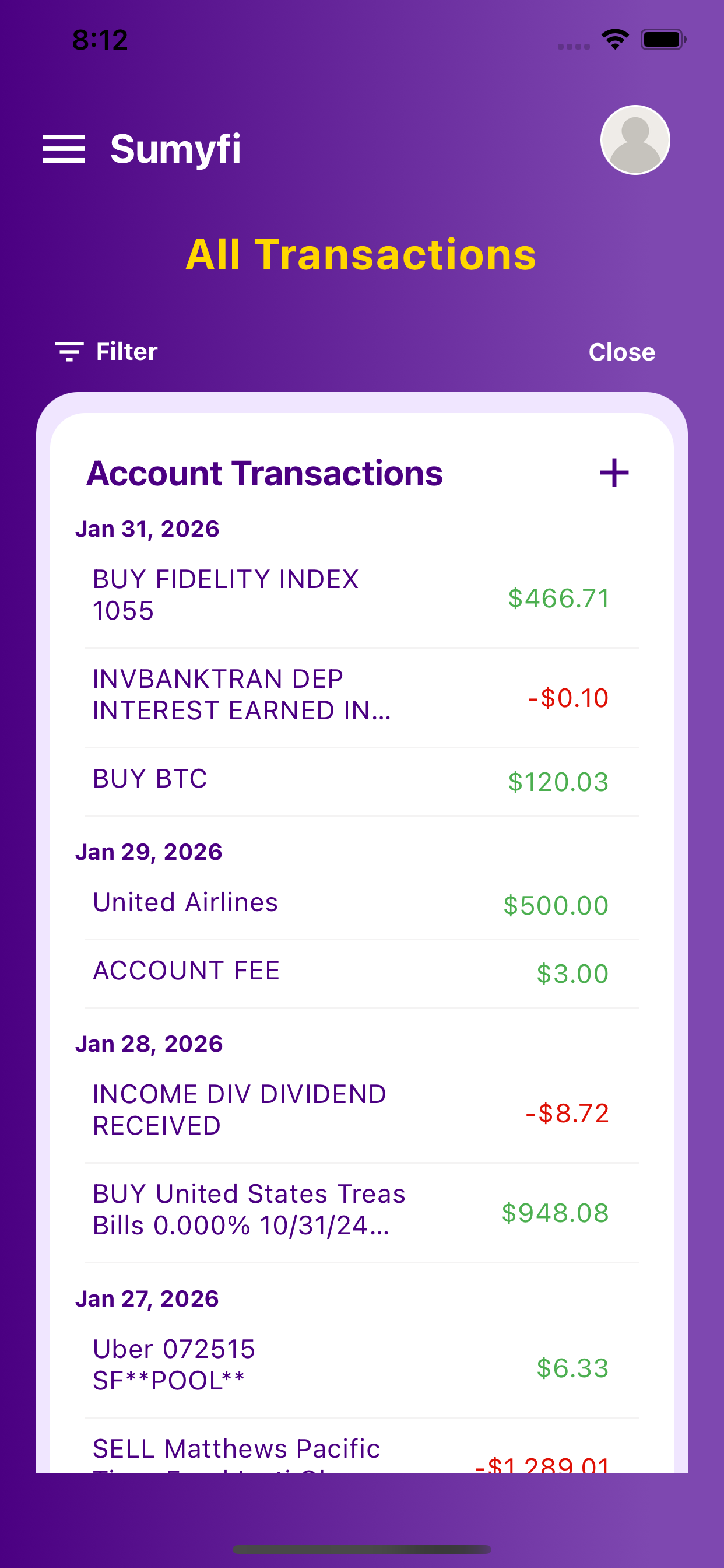
    Expense Tracker Free Trial With Bank Sync mobile cash flow and transactions

    Transaction review

    Categorize transactions and review real-time cash flow on the go.

    Comparison table

    How expense tracker free trial with bank sync compares in real use

    Use direct criteria instead of repeated comparison filler.

    Decision areaSumyfiOther tools
    Balance-sheet visibilityBalances and liabilities in one dashboardVisibility often stops at a narrower account view
    Recurring-bill contextRecurring bills stay close to linked accountsRecurring activity may sit in a separate workflow
    Decision supportConnected accounts feed goals and next actionsMore interpretation is left to the user