Nearly every US money app can see a Chase or Bank of America account. The real differences show up with credit unions, 401(k) portals, student loan servicers and the reconnect prompts after you change a password. Here's how to judge an app on the accounts Americans actually have.
If you're shopping for the best app for American bank accounts, you'll find that almost every option looks the same on the big names. Link a Chase checking account or a Bank of America credit card and it'll show up in a minute or two. That's not where apps differ. They differ on the Navy Federal savings account, the 401(k) your employer runs through a recordkeeper you've never heard of, the federal student loan that moved to a new servicer last year, and what happens two weeks later when your bank asks you to verify a code and the app quietly stops updating.
So This guide goes account type by account type: the big national banks, online banks and payment apps, credit unions, and the accounts that aren't banks at all but still belong in the picture. Then it covers reconnect prompts, which are the most common reason people give up on a linked app, and a simple two-week scorecard for testing any app against your own setup.
Chase, Bank of America, Wells Fargo and the other big banks
The largest US banks are the easy part. Chase, Bank of America, Wells Fargo, Citi and U.S. Bank have spent years working with data aggregators, and most money apps connect to them without drama. If your finances live entirely at one big bank plus a card from another, almost any reputable app will do the linking part well, and you should choose on everything else.
That doesn't mean there's nothing to watch. A few quirks show up even with the big banks:
Joint accounts
If you and a partner both link the same joint checking account, the app may count it twice. Decide who links it.
Business accounts
Linking your login can pull in a business checking account you'd rather keep out of the household budget. Look for a way to hide it.
Zelle transfers
These usually come through as 'Zelle payment to' plus a name. Rent paid to a landlord and $40 sent to a friend for concert tickets look identical until you label them.
Credit card payments
Paying the Chase Sapphire from your Wells Fargo checking should be a transfer between your own accounts, not a new expense.
Ally, SoFi, Capital One 360 and the apps in between
A lot of Americans keep their emergency fund in a high-yield savings account at an online bank like Ally, SoFi, Capital One 360, Discover or Marcus. These usually connect fine, and they matter more than people think. If the app can't see your $9,000 emergency fund, it'll tell you that you have $1,400 in cash, and every number built on top of that will feel scarier than reality.
Payment apps are messier. PayPal, Venmo and Cash App can hold balances of their own, and purchases made through them often show up at your bank as one lump transfer with no detail. If you carry a balance in Venmo or get paid through Cash App, check whether the app can link those accounts directly, or plan to track them by hand.
Apple Card is a known gap for many web-based money apps, because Apple has kept its card data inside its own ecosystem. If it's your main card, check specifically before you pay for anything. The fallback is to export the monthly statement from the Wallet app as a spreadsheet file and import it.
Credit unions are where the best app for American bank accounts proves itself
There are thousands of credit unions in the US, from Navy Federal and Pentagon Federal down to a community credit union with three branches. Coverage across them is genuinely uneven. Some connect as smoothly as Chase. Some show a balance but no transactions. Some don't show up at all.
Part of the reason is that many credit unions don't build their own online banking. They license it from a small number of software providers. When a credit union switches providers or upgrades its login, connections can break for every member at once, and it can take a while for aggregators to catch up. If your credit union announces a new online banking system, expect to re-link your account after the switch.
If your main checking account is at a credit union, test that account first and give it a couple of weeks before you commit to a paid plan. It's the single best predictor of whether the app will work for you.
The 401(k), HSA, student loan and mortgage accounts
A full picture of an American household's money includes several accounts that aren't held at a bank, and these are where apps tend to show only a balance, show a stale balance, or show nothing.
None of these accounts change much week to week, so a balance that's a few days old is fine. What you want to avoid is an app that silently leaves them out, which makes your net worth look tens of thousands of dollars different from the truth.
HSA accounts
Providers like HealthEquity, Fidelity and Optum Bank may split your HSA into a cash part and an invested part. Check that both appear.
Federal student loans
Servicers such as Nelnet, MOHELA and Aidvantage handle these, and loans get transferred between servicers. After a transfer, the old connection goes stale and you need to link the new one.
Mortgages
Lenders often sell the servicing of your loan. You'll get a letter with a new company name, and the old link stops updating.
Car loans
Loans from a dealer's finance arm, like Toyota Financial or Honda Financial, can be hit or miss. A manual balance updated monthly works fine.
Why your bank keeps asking you to reconnect
Every linked-account app eventually shows you a message like 'Action needed: reconnect your account.' It isn't necessarily a sign the app is bad. It usually means your bank wants you to confirm access again.
The most common triggers are changing your online banking password, a bank asking for a fresh one-time code by text or email, the bank's own periodic consent renewal, and the bank changing its login screens. If you change your Chase password on Monday, assume you'll need to re-link Chase in your money app that week.
What separates a good app from a frustrating one is what happens next. A good app tells you clearly which account stopped updating and when. A bad one keeps showing the last balance it saw, so you don't notice for three weeks that your checking account number is wrong.
It's also worth knowing that several big banks, Chase and Wells Fargo among them, have a page in their security settings that lists the third-party apps with access to your data. If you stop using an app, revoke access there as well as inside the app.
A two-week scorecard for any app you're considering
Before paying for anything, link your accounts and run this scorecard after 14 days. Each line is a yes or no. An app that scores well on your hardest account is a better choice than one with a nicer design and a gap in the middle of your finances.
Every account showing
Each checking, savings, card, loan and retirement account you linked is visible, or you've added it manually.
Fresh transactions
Card purchases show up within a day or two of posting at your bank.
Balances match
Open your bank's own app and compare. They should agree, give or take pending items.
No double counting
Card payments and transfers between your accounts aren't counted as spending.
Reconnects were painless
If you had to re-link once, it took under a minute and you were told about it.
Your hardest account works
The credit union, the HSA or the student loan is in there and updating.
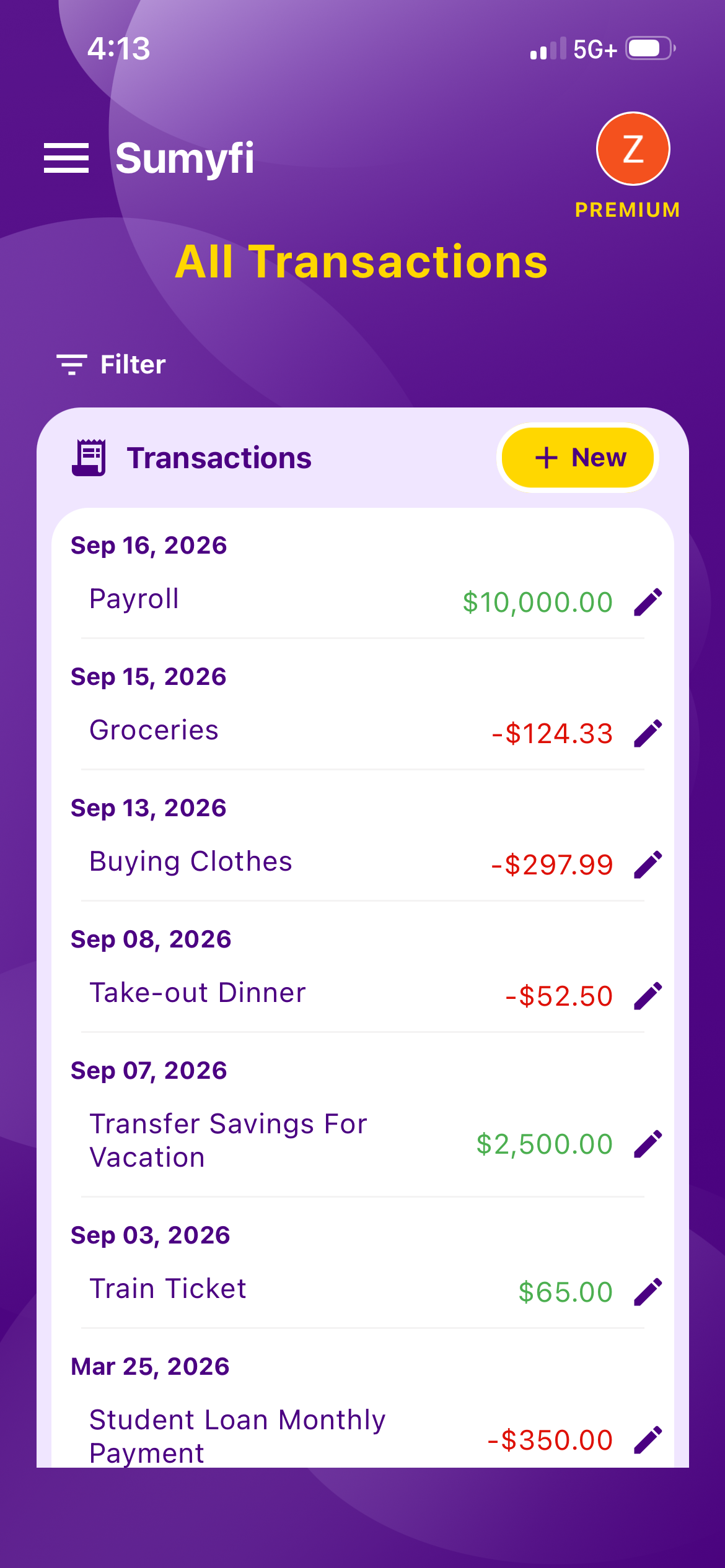
Using Sumyfi with American bank accounts
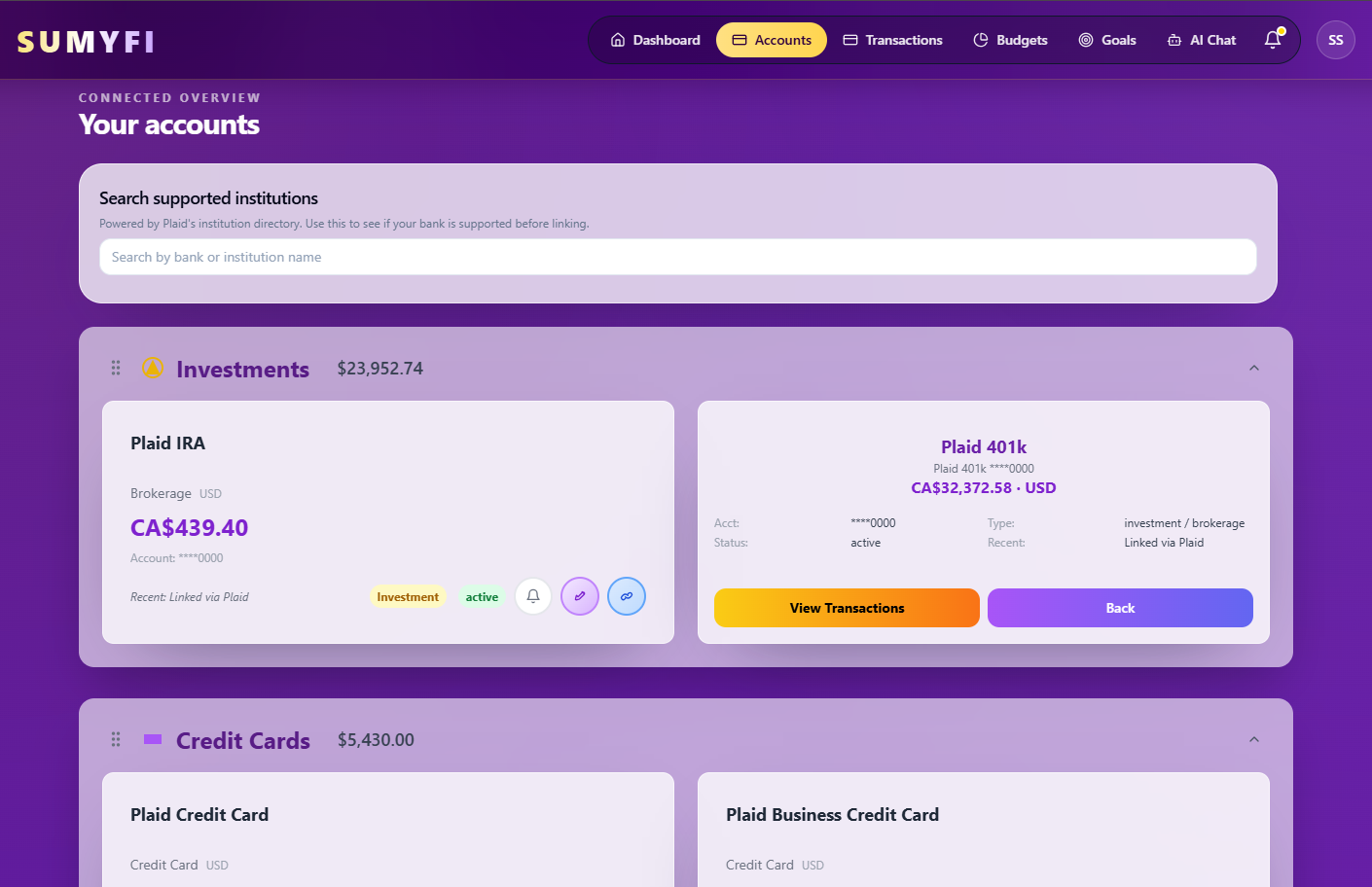
Sumyfi connects US and Canadian institutions through Plaid with read-only access, so it can see balances and transactions but can't move money. Coverage depends on the bank, which is why the scorecard above matters more than any claim on a website, ours included.
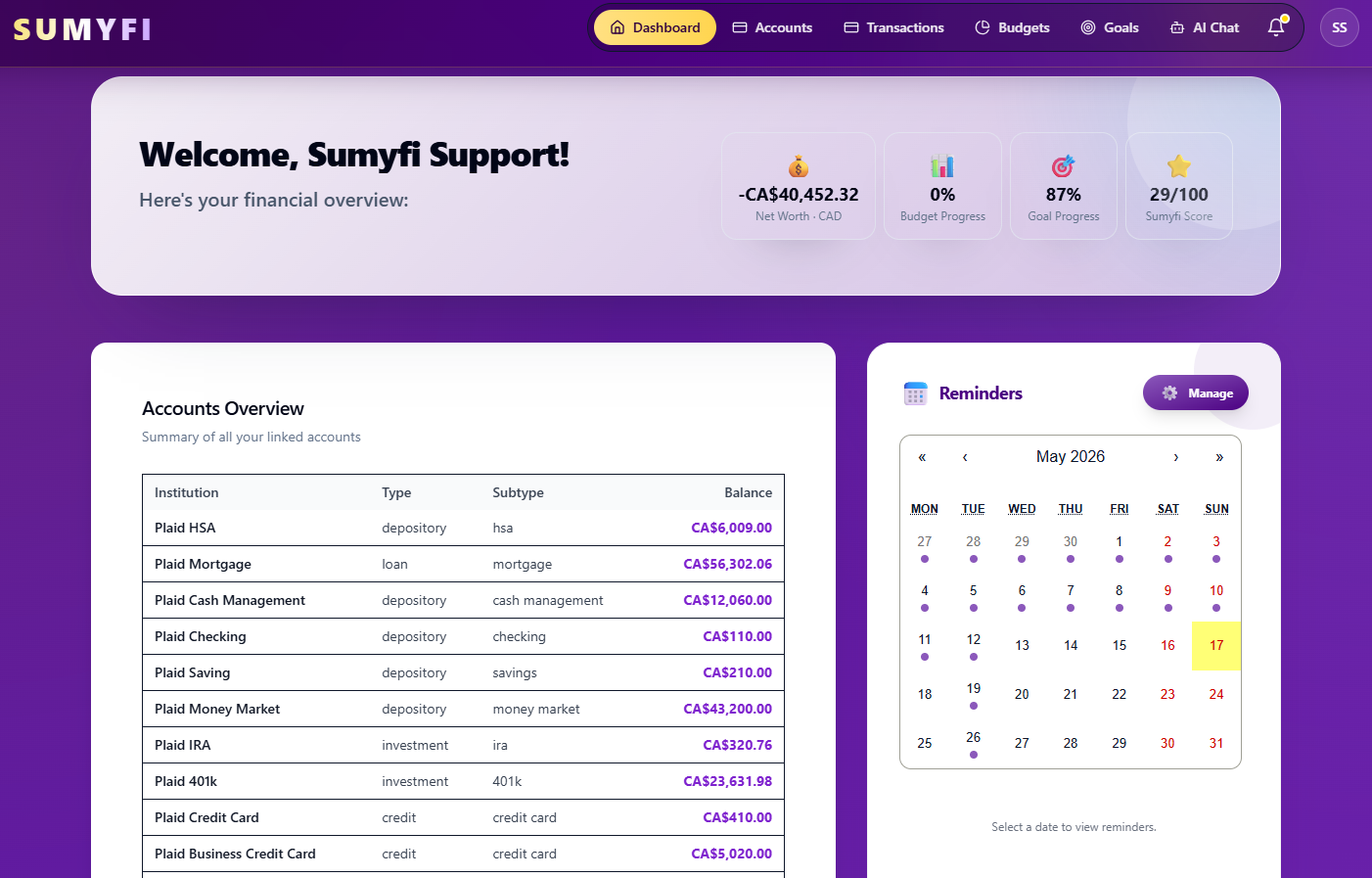
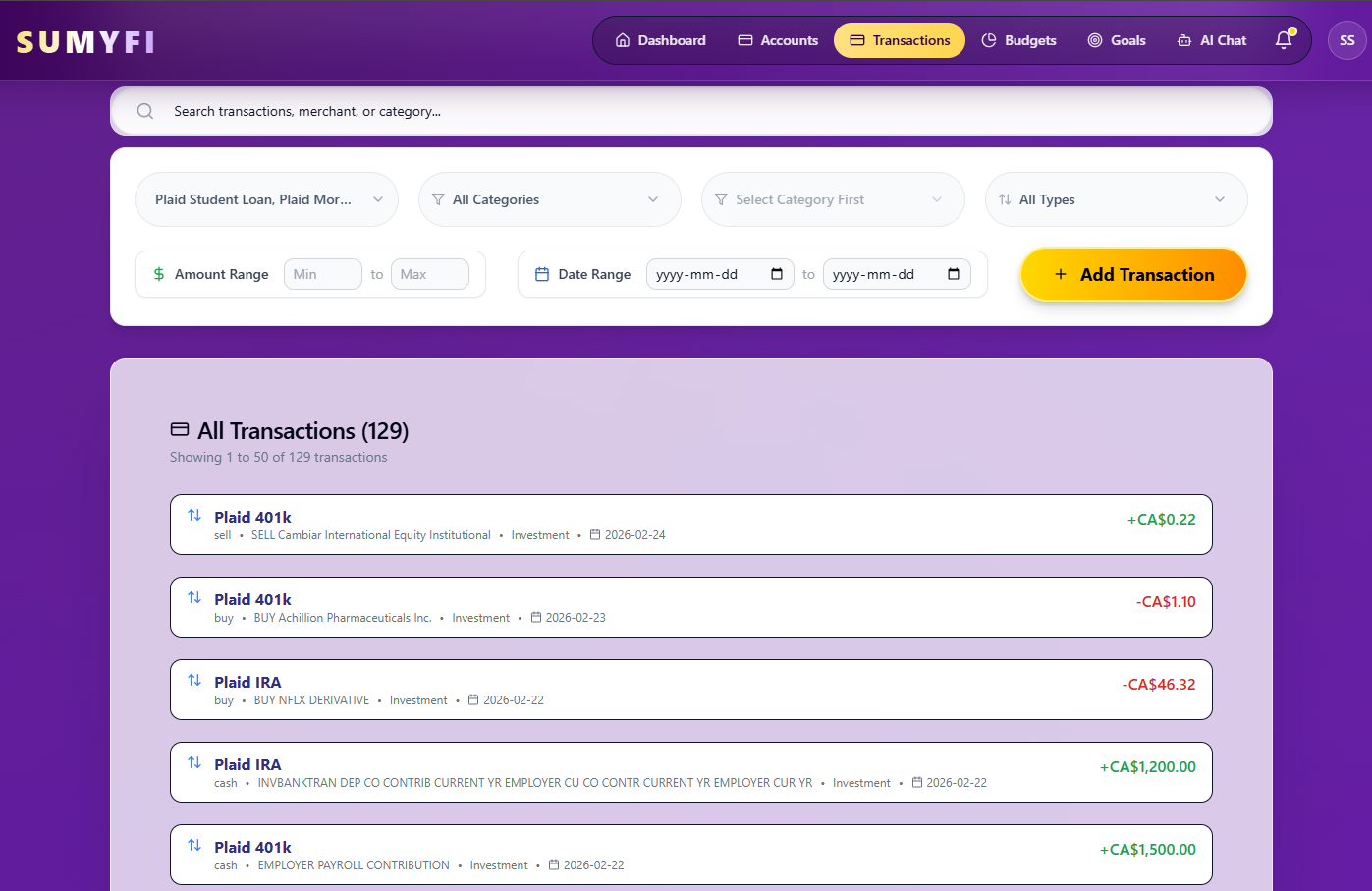
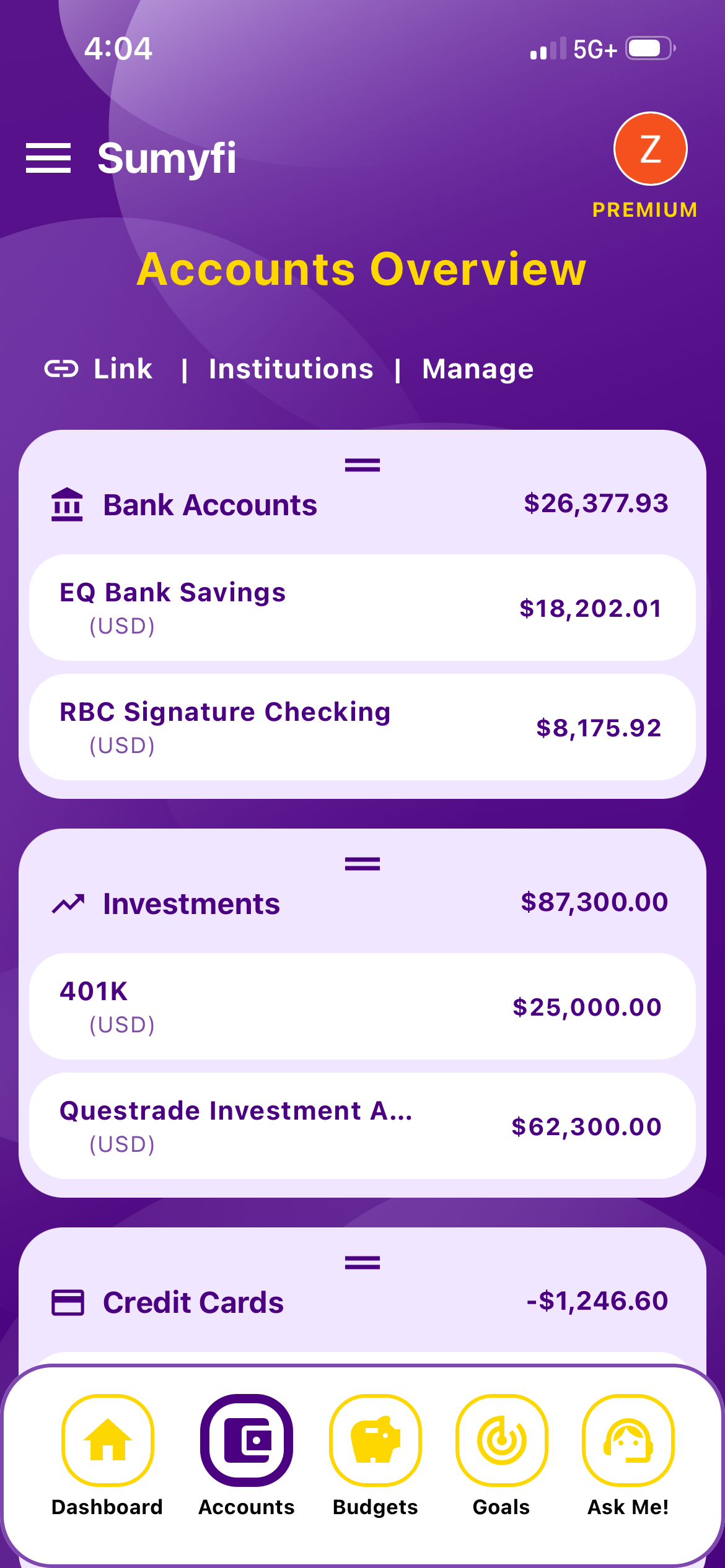
Once accounts are linked, they feed a single dashboard with budgets, savings goals, net worth and recurring charges. It handles USD and CAD, which helps if you also keep a Canadian account. For the accounts that won't connect, like an employer pension or a car loan from a dealer's finance arm, you can add a manual account and update the balance when the statement arrives.
Pros
- Linked accounts feed budgets, goals, net worth and recurring charges in one place
- Free plan with manual accounts and CSV or Excel import
- Handles USD and CAD side by side
Cons
- Automatic bank sync is a Premium feature, with a 7-day free trial
- Coverage for credit unions and retirement portals varies by institution, like every Plaid-based app
- Newer product than the long-running apps, with a shorter track record