Mint closed in early 2024 and sent American users to Credit Karma, which is much better at credit than budgeting. Here's how the main US replacements compare, which one fits the way you actually used Mint, and how to move over without losing a month.
Mint was free, it connected to almost everything, and for well over a decade it was the default answer when someone in the US asked how to track their money. When Intuit shut it down in early 2024 and moved users to Credit Karma, a lot of people found out that what they'd been using wasn't easy to replace. Picking the best Mint alternative in the USA now mostly comes down to two things: what you actually did in Mint, and how much you're willing to pay for automatic bank sync.
This guide skips the 'top 15 apps' format. Instead it sorts former Mint users into a few types, describes the realistic US options fairly (including the ones we compete with), lists what to test before your trial runs out, and ends with a setup order that keeps your first month clean. Sumyfi is one of the options and gets its own section near the end.
Why Credit Karma didn't replace Mint for most people
Intuit owns both products, so folding Mint into Credit Karma made business sense. Credit Karma already had millions of users, and both apps were paid for the same way: by recommending credit cards, loans and other financial products.
The problem is that Credit Karma was built around your credit score, not your monthly budget. It added ways to see your net worth and spending after the move, but its budgeting is much lighter than Mint's was. If you mainly opened Mint to check your score and glance at balances, Credit Karma may be fine. If you set a $600 grocery budget and liked seeing it turn red on the 22nd, you'll probably want something else.
It helps to remember what Mint wasn't great at, too. Connections broke regularly, especially for smaller credit unions. Categories needed fixing. Venmo and Zelle payments landed as vague transfers. The goal isn't a Mint lookalike. It's something that does the parts you used and handles those weak spots better.
What kind of Mint user were you?
Most people used maybe a third of Mint. Which third matters more than any feature list, because it decides whether you need to pay at all.
The balance checker
Opened it twice a week to see checking, savings and the Visa balance. You need reliable connections and a clean home screen, not much else.
The category budgeter
Set limits for groceries, gas, dining and shopping, and watched them through the month. You need good automatic categories and budget alerts.
The net worth tracker
Cared about the long-term number, including a 401(k), an IRA, a mortgage and maybe a car loan. You need solid investment and loan connections.
The bill watcher
Mostly wanted to know what was due and when. You need recurring-charge detection and upcoming bill dates.
The credit score checker
Used Mint's free score feature. Credit Karma already covers this for free.
The realistic Mint replacements in the US
None of these is a clone, and each one has a real case. Prices change often, so check each app's site rather than trusting a blog post's numbers, including ours.
Monarch Money is the closest to a paid, modern Mint. It's flexible about budgeting, handles investments and net worth well, and lets two people share the same household view. It's subscription-only after the trial.
YNAB asks more of you than Mint did. It uses a zero-based method where every dollar gets a job before you spend it, and people who stick with it often say it changed how they think about money. It's paid, with a free trial, and expects a few minutes of attention most days or a longer session each week.
Rocket Money is strongest on subscriptions. It finds recurring charges, can help cancel them, and offers a bill negotiation service that takes a share of what it saves you. There's a free tier, and the budgeting tools sit mostly in the paid tier.
Empower's free dashboard (formerly Personal Capital) is good for net worth and investments, including fee analysis on retirement accounts. The company sells financial advisory services, so expect to be offered them.
Simplifi by Quicken is a paid app built around a spending plan, which shows what's left after bills and savings. EveryDollar, from Ramsey Solutions, is a zero-based budget where the free version is manual entry and bank connections cost extra.
Then there's the spreadsheet. Free, private and endlessly flexible, but you're the one downloading CSVs from Chase and Amex every month.
What to test during a free trial
Trials are short, and most people spend them admiring the dashboard instead of stress-testing it. Spend the first evening on the boring checks below. If an app fails one that matters to you, move on before you're billed.
Connect your least common account first. Chase, Bank of America, Wells Fargo and Capital One tend to connect easily everywhere. A local credit union, an HSA, or a 401(k) through a smaller employer plan is where apps differ. If something won't connect, see whether you can add it as a manual account or import a CSV so it's not missing from your totals.
Then look at a month of transactions and count how many you'd have to recategorize. Five is fine. Forty means you'll quit by March.
Connections
every checking, savings, credit card, loan and retirement account you own
Categories
how well it labels Venmo, Zelle, Amazon and Costco
Recurring charges
whether it finds your streaming, insurance and gym without help
Budgets
whether limits are easy to set and adjust mid-month
Annual cost
the yearly price compared with what it realistically saves you
Sumyfi as a Mint alternative in the USA
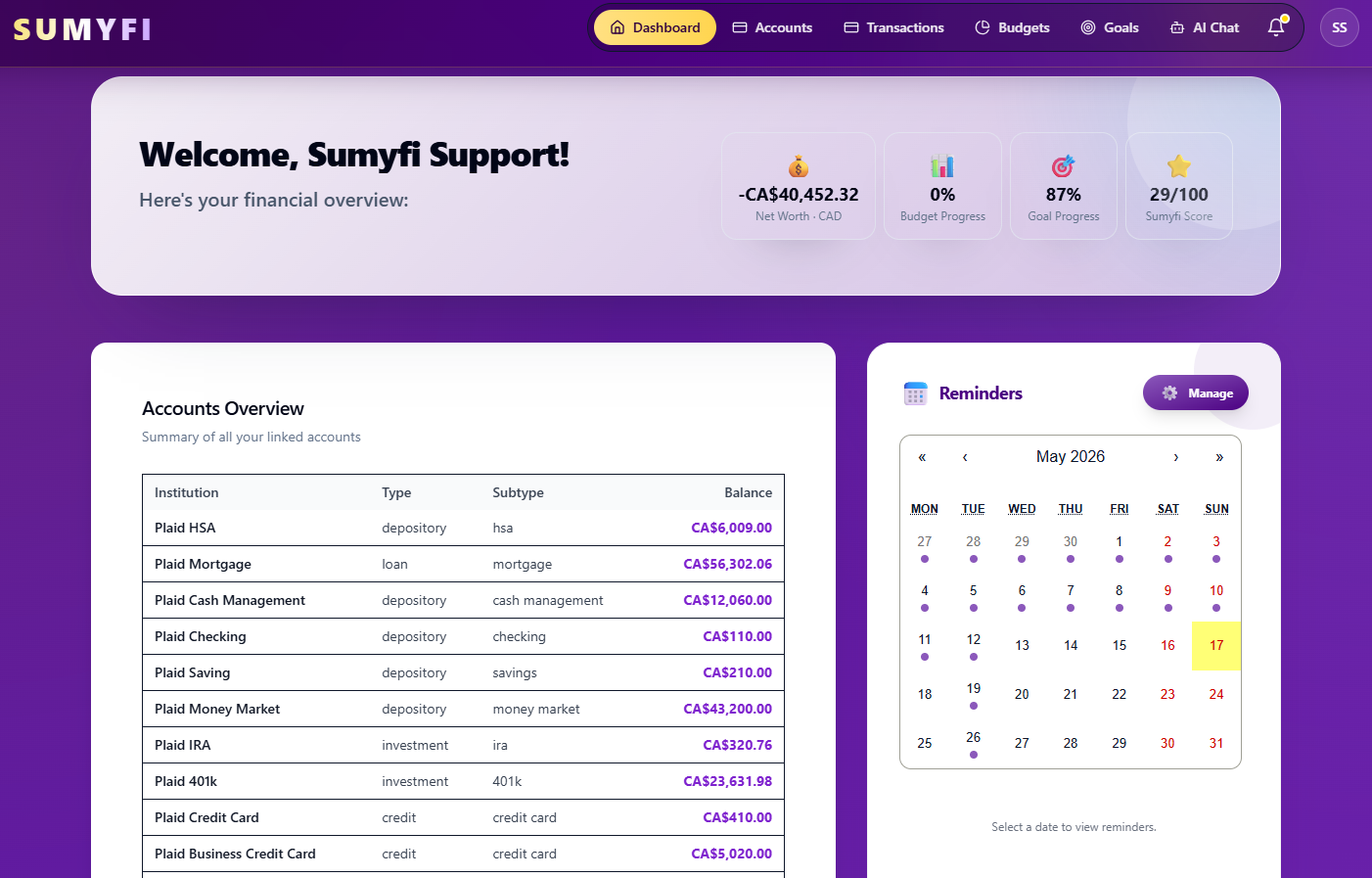
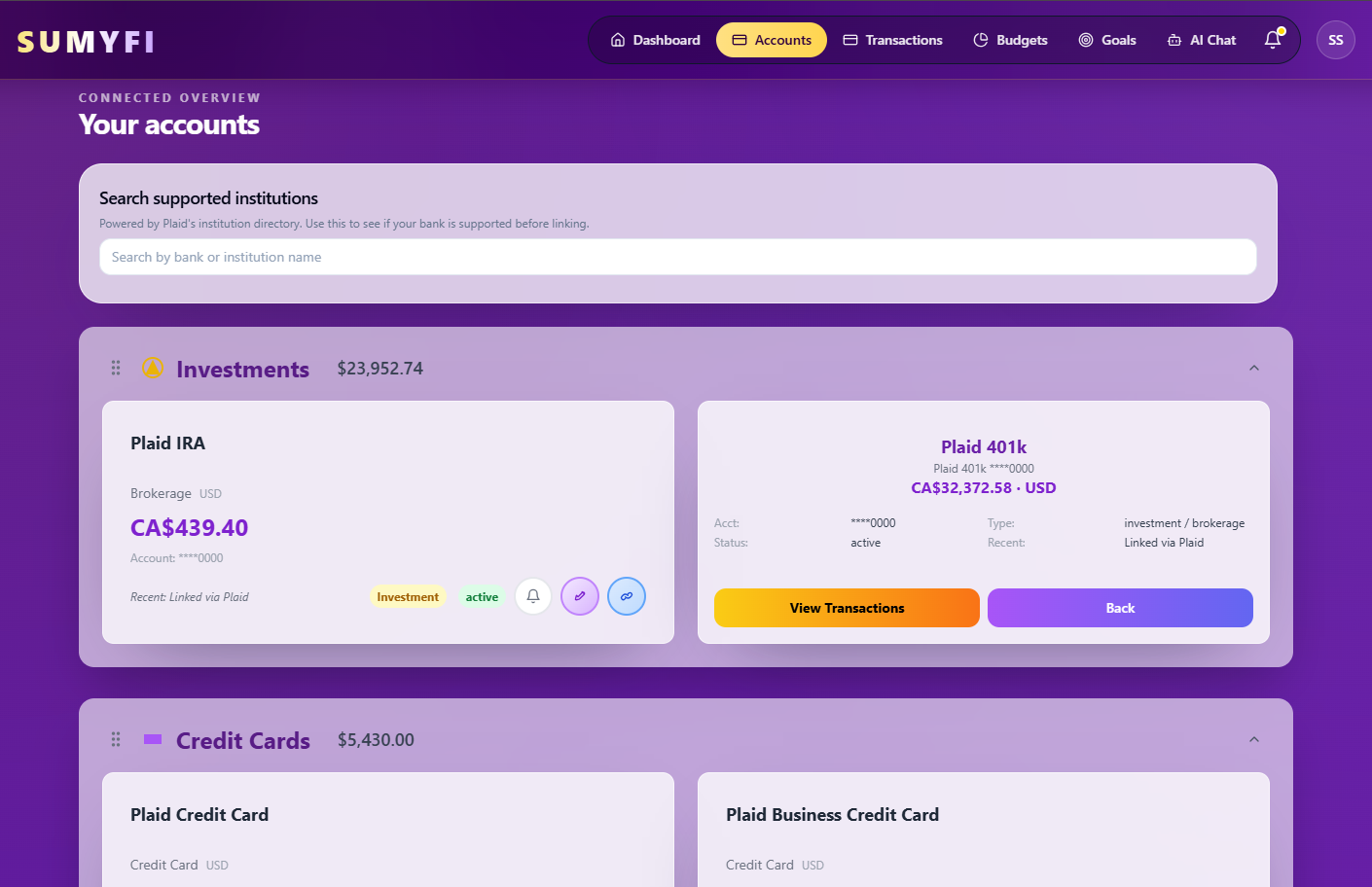
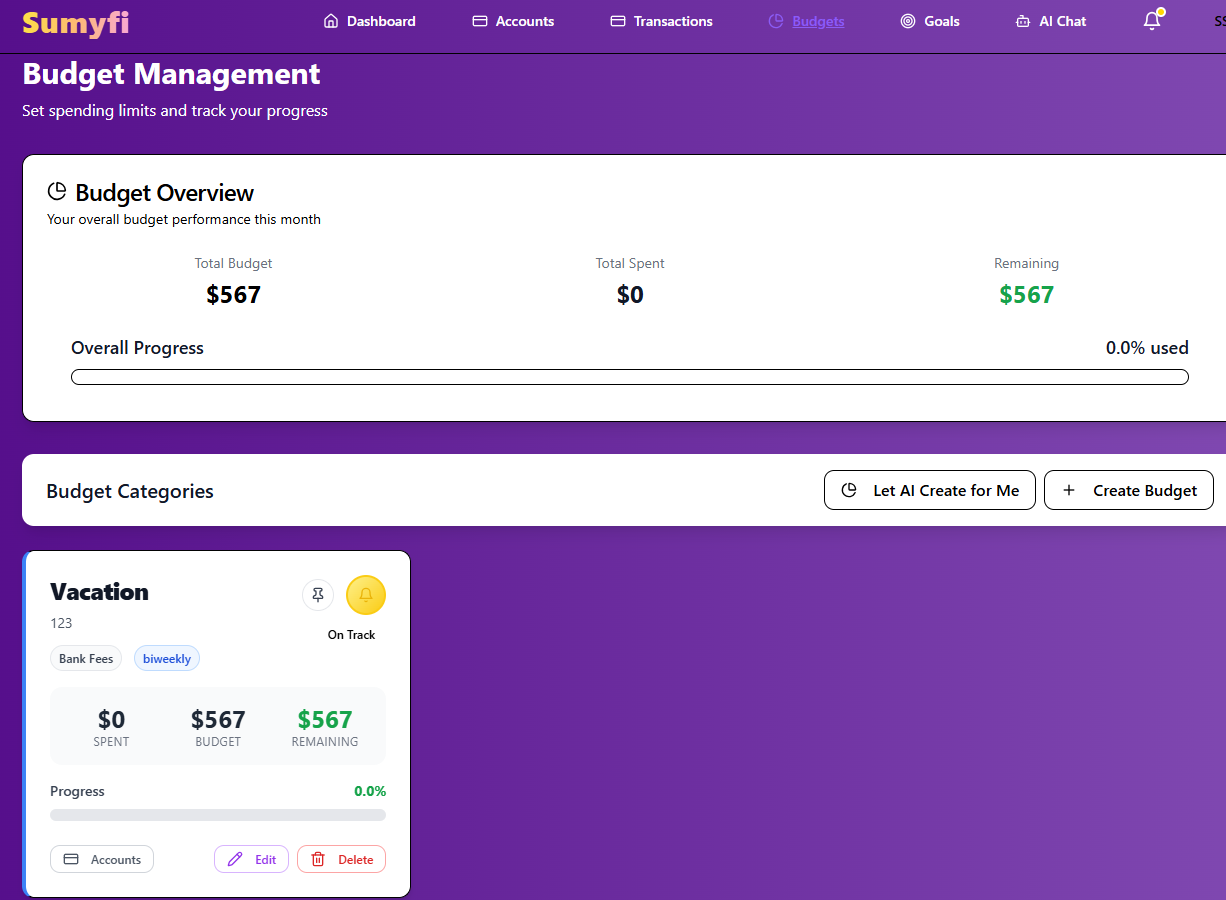
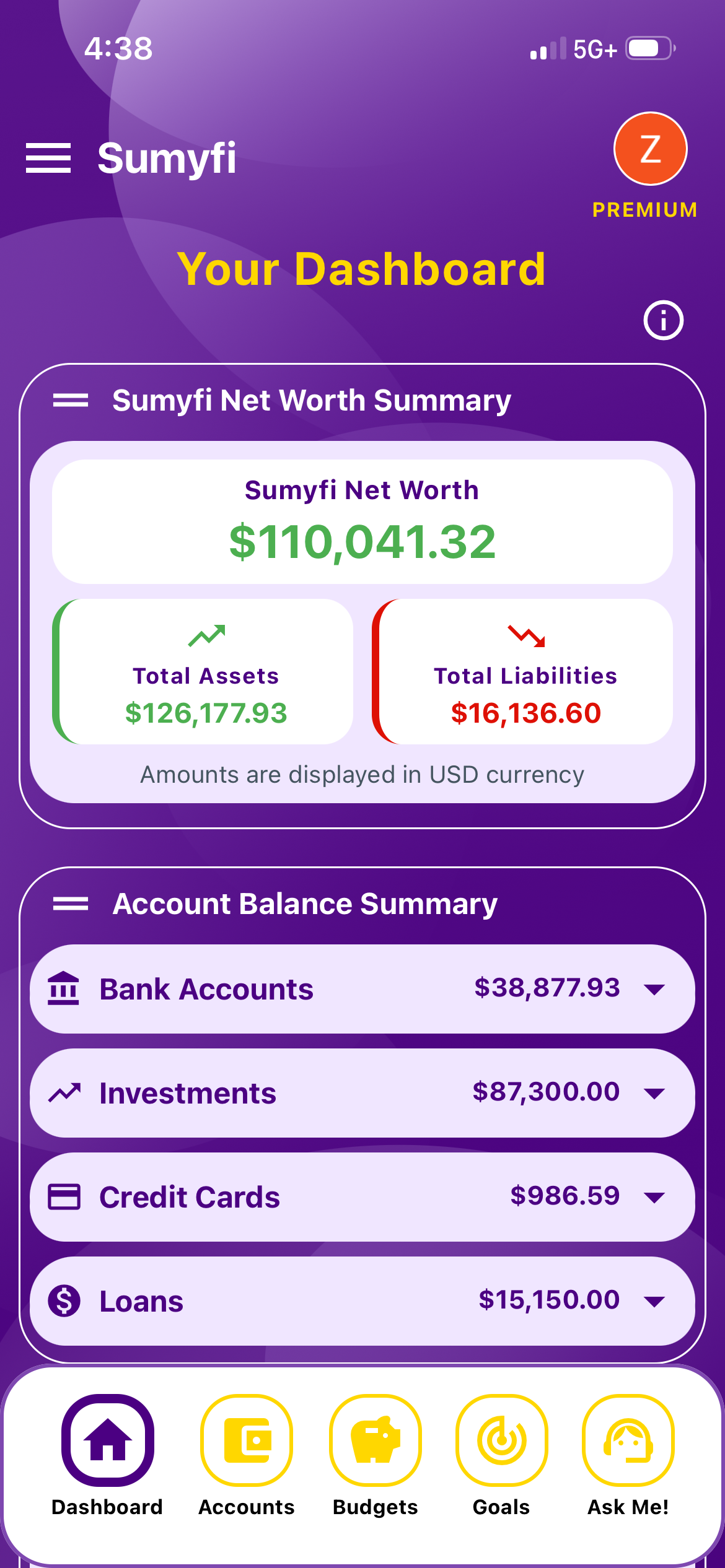
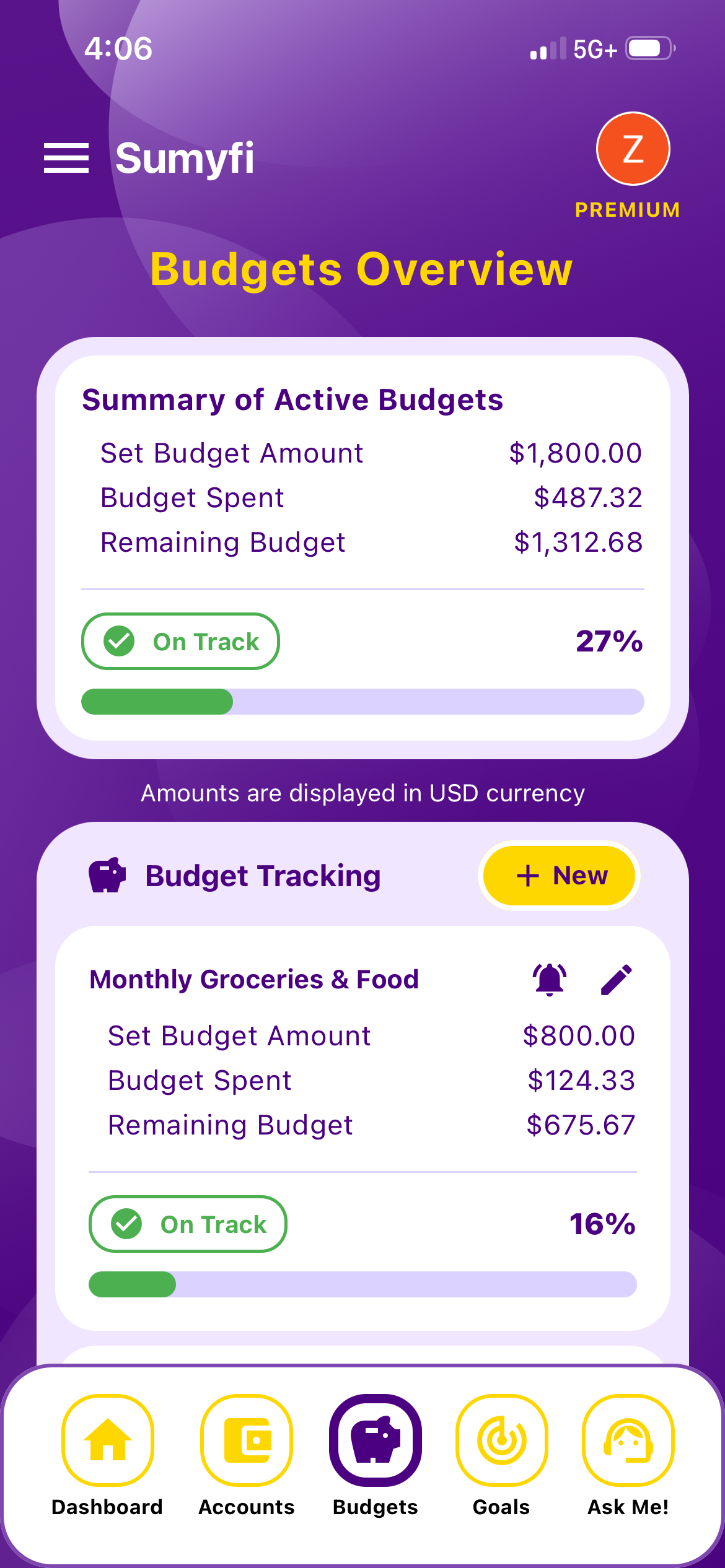
Sumyfi works in the browser and has iPhone and Android apps. It puts accounts, budgets, savings goals, net worth and recurring charges on one dashboard, which covers what most Mint users opened the app for.
The free plan needs no card and includes manual accounts, budgets, goals, transaction categorization, basic reports and CSV or Excel import. Premium adds automatic bank sync through Plaid (read-only, US and Canadian institutions, with coverage depending on your bank), real-time account updates, advanced analytics, custom spending alerts and an AI assistant you can ask about your spending or tell to make changes, like 'lower my dining budget to $250.' Premium has a 7-day free trial.
The subscriptions view picks up recurring charges from your transactions, shows what's due in the next 10 days, ranks them by monthly cost and gives you a yearly total. You can add the ones it misses, like a monthly Zelle to your landlord.
Pros
- Budgets, goals, net worth and recurring charges in one place
- A real free plan if you're fine adding accounts by hand
- Handles USD and CAD if you have accounts on both sides of the border
Cons
- Automatic sync requires Premium, so it isn't free in the way Mint was
- No credit scores, bill negotiation or subscription cancellation
- A newer product than Monarch or YNAB, with a smaller track record
Matching the best Mint alternative to how you used Mint
If you skipped straight to this section, here's the short version. Any of these is a reasonable choice. The wrong choice is the one that asks for more time than you'll give it.
Balance checker
Sumyfi's free plan, Empower, or simply Credit Karma
Category budgeter
Monarch, Simplifi or Sumyfi for a lighter approach, YNAB for a strict one
Net worth and investments
Empower or Monarch
Bills and subscriptions
Rocket Money if you want cancellation help, Sumyfi if you want it tied to a budget
Credit score only
stay with Credit Karma
Zero cost and full control
a spreadsheet
How to set up your Mint replacement in one weekend
- Look for an old Mint export. Mint let you download every transaction as a CSV, so search your downloads folder and email for transactions.csv. Years of history are worth keeping, even if only in a spreadsheet.
- Write down every account: checking, savings, each credit card, 401(k), IRA, HSA, mortgage, car and student loans. Most people forget one.
- Connect the least common account first, then the rest. Anything that won't connect becomes a manual account.
- Keep categories to around 15 to 20. Add one for regular Venmo or Zelle payments, like rent or childcare, so they don't pile up as uncategorized.
- Set budgets from two or three months of real spending, not from what you wish you spent.
- Pick one day a week for a five-minute check. That small habit was the real thing Mint gave people, and it's what to rebuild first.
If you'd like to try Sumyfi for this, start on the free plan, build your categories and budgets, and only turn on the Premium trial when you're ready to test bank sync against your real accounts.