The best app for Canadian banking accounts should make it easier to review chequing, savings, credit cards, and recurring bills together instead of piecing the month together across separate bank portals.
A pretty normal Canadian setup: chequing at TD or RBC because that's where you opened your first account, a high-interest savings account at EQ Bank or Tangerine because the rate was better, a credit card from a third bank for the points, a TFSA at a brokerage, and maybe a mortgage or line of credit somewhere else. Five logins, five apps, and none of them talk to each other.
Your bank's app is good at showing your accounts at that bank, and it's still where you'll send e-Transfers and pay bills. The best app for Canadian banking accounts does the thing the bank apps won't: puts all of it on one screen, in Canadian dollars, so you can answer simple questions. How much cash do I actually have? Is the line of credit going down? Did my net worth go up this year?
How apps connect to Canadian banks and credit unions
Almost every personal finance app uses an aggregator, a company that sits between the app and your bank, to fetch balances and transactions. You sign in to your bank through the aggregator's screen and the app gets read-only access. It can see what happened in the account. It can't move money.
Canada has been slower than some countries to roll out formal open banking, so connection quality still depends on each aggregator's relationship with each institution. That's why the same bank can work smoothly in one app and need re-linking every week in another. Coverage has improved a lot, but it's still the first thing to test, and it varies more by institution type than most people expect:
Big banks
RBC, TD, Scotiabank, BMO, CIBC and National Bank are the institutions aggregators tend to prioritize. Expect them to work, and test anyway.
Desjardins and credit unions
Support varies by institution, and sometimes by which online banking platform a credit union runs on. Search for yours specifically before you pay for anything.
Online banks
EQ Bank, Tangerine, Simplii and similar are popular for savings. Check each one separately rather than assuming.
Investment accounts
A TFSA, RRSP or FHSA at a brokerage or robo-advisor might show a full transaction history, just a balance, or nothing. Decide whether you need the detail or only the total.
Things that never connect
A defined benefit pension, a private mortgage, your house, your car. Add these as manual accounts and update them monthly or quarterly.
The Canadian details that trip up US-built apps
Currency is the big one. Plenty of Canadians hold a US-dollar account for cross-border shopping, US stocks or winters in Arizona. If an app adds US$10,000 to your Canadian balances as if it were C$10,000, your net worth is off by a few thousand dollars and you may not notice. The app should keep each account in its own currency and convert to CAD for totals.
Lines of credit and HELOCs are much more common here than in the US, and some apps file them oddly, as a loan in one place and a credit card in another. That matters less than it sounds as long as the balance is right and it counts as a liability in your net worth.
Registered accounts need a second look. A $500 transfer from chequing into your TFSA or FHSA isn't spending, but some apps will count it that way unless you mark it as a transfer. Do that once and check whether the app remembers.
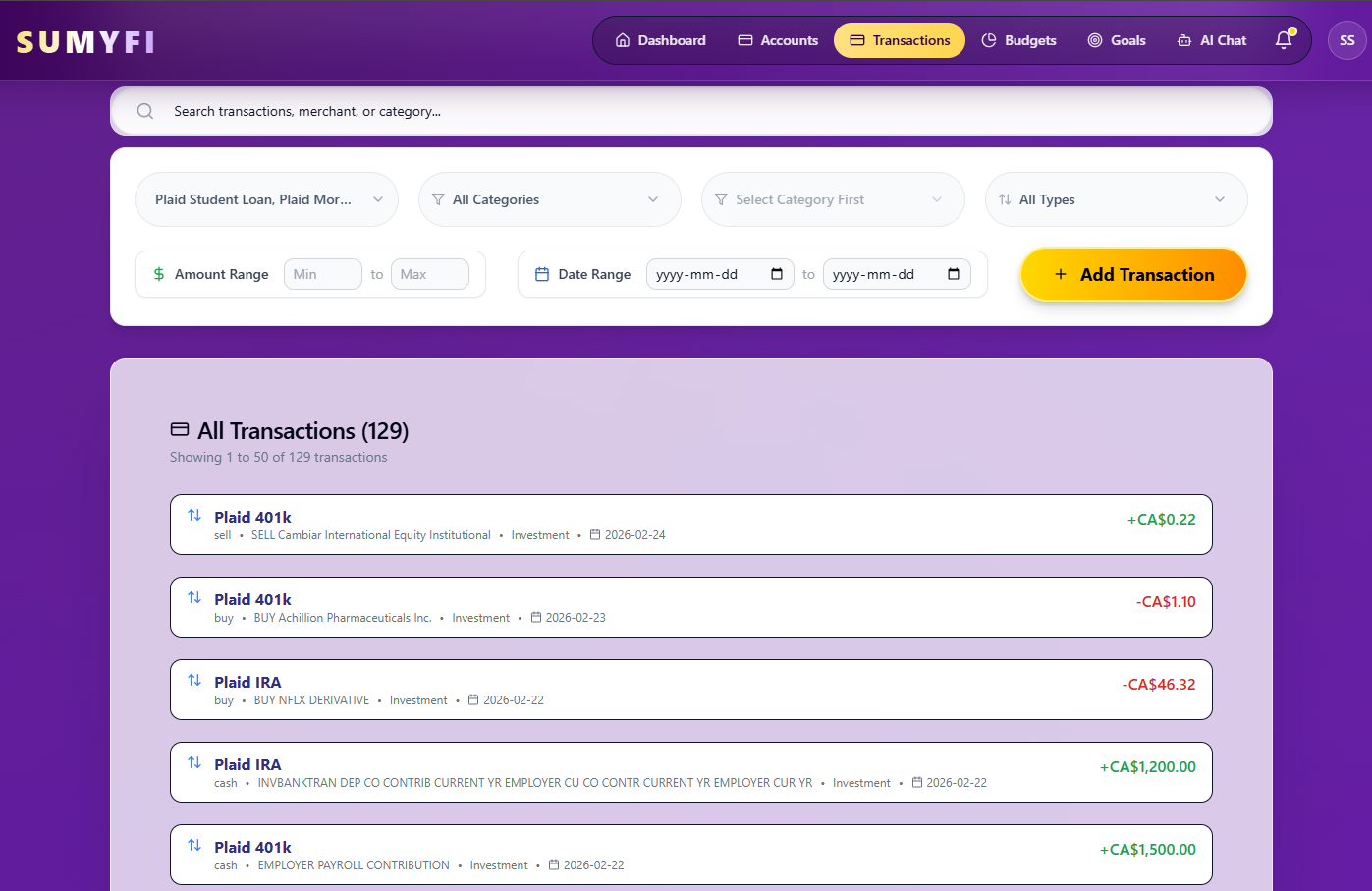
Interac e-Transfers are the other everyday quirk. Rent paid by e-Transfer, splitting a dinner, paying a babysitter: they often come through with a generic description and maybe a name. If you send the same e-Transfer every month, you want to be able to categorize it once and have that stick.
A 20-minute test before you commit to any app
Feature lists are nearly useless for this. Your own accounts are the only real test. Here's the order I'd do it in:
- Search the app's institution list for every bank, credit union and brokerage you use. If the app lets you do this before signing up, even better.
- Connect your main chequing account first and compare the last 30 days against your bank's own app. Look for missing or doubled transactions.
- Connect the awkward ones: the credit union, the USD account, the TFSA. Note which show transactions, which show only a balance, and which fail.
- Check the total balance or net worth figure. Do the CAD conversion yourself once to confirm USD accounts are being converted.
- Come back in three days. Are the connections still live, or is it asking you to sign in again?
Being asked to re-authenticate occasionally is normal, since banks require it periodically for security. Being asked every few days for the same bank means that connection is shaky, and shaky connections are how these apps end up abandoned.
Bank apps, spreadsheets and aggregator apps
Keep your bank apps. Nothing in this category replaces them for sending e-Transfers, paying bills or moving money between accounts. They just can't see each other, so they can't tell you the full picture.
A spreadsheet is a perfectly good answer if you only want net worth. Update every balance once a month, ten minutes, done. It's a poor answer for spending and bills, because typing transactions by hand doesn't survive a busy month.
Several well-known US apps, including Monarch and YNAB, accept Canadian users. Some of them are excellent products. How well they handle your particular Canadian institutions is something to check during a trial rather than take from a feature page, this one included.
If what you want is one view of every Canadian account that also covers spending, bills and goals, an aggregator-based finance app is the right category. The question is just which one connects reliably to your banks.
Where Sumyfi fits for Canadian accounts
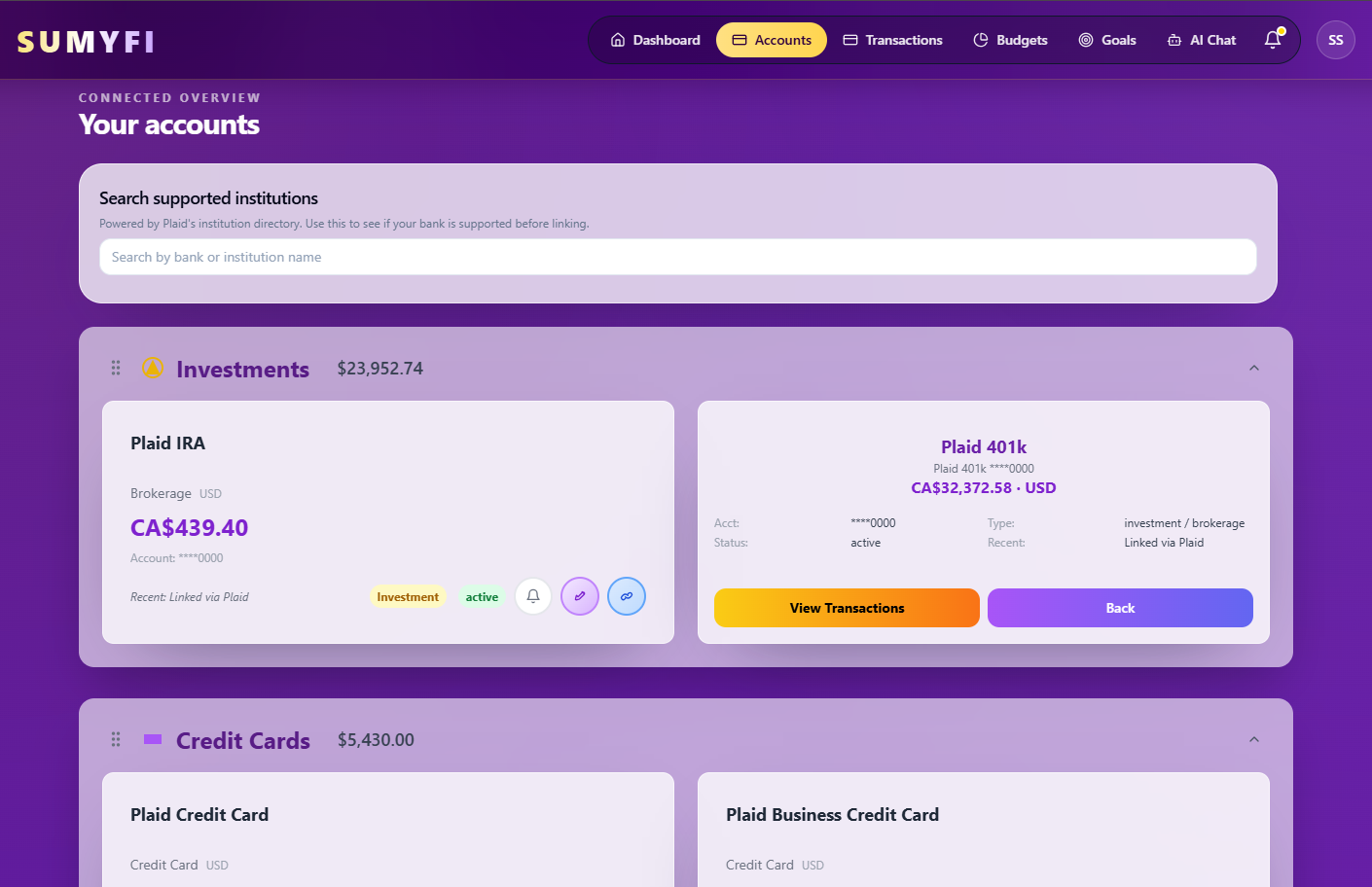
Sumyfi connects through Plaid to more than 12,000 US and Canadian banks and credit unions, with read-only access. Availability still varies by institution and account type, which is why the site has an institution search you can use before creating an account. For anything that doesn't connect, you can add a manual account.
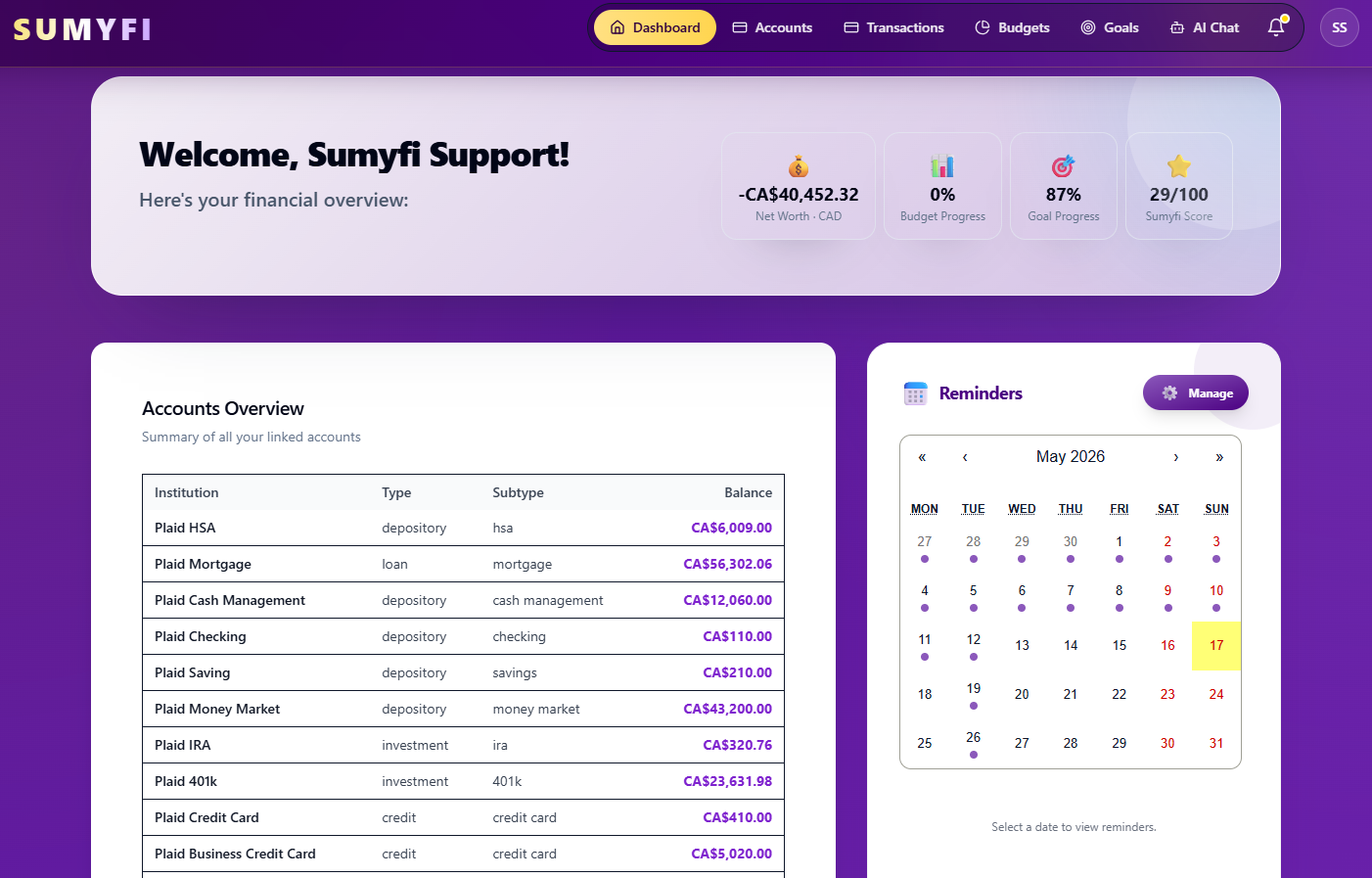
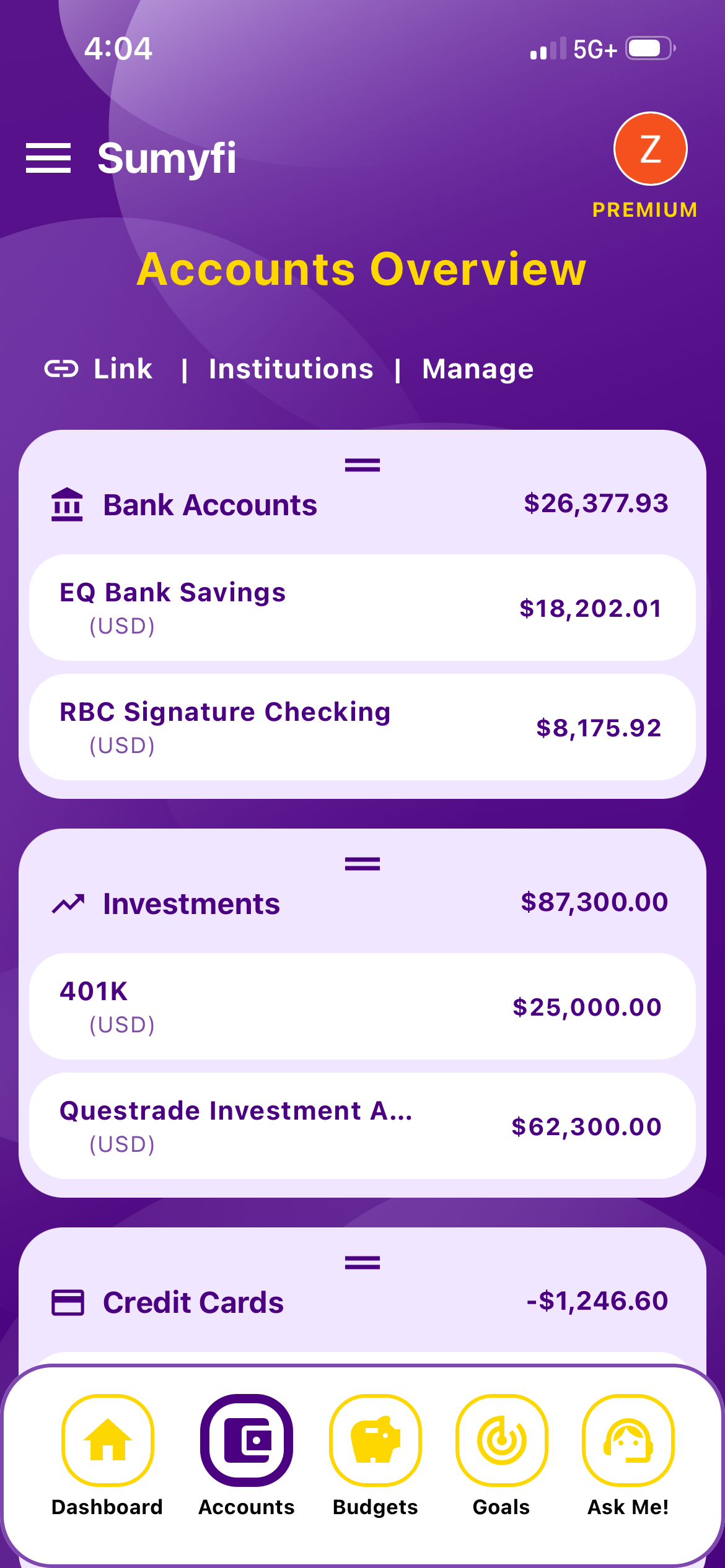
Accounts are grouped into bank accounts, investments, credit cards and loans, and net worth is calculated as assets minus liabilities, so your line of credit and mortgage count against the total the way they should. Each account keeps its own currency and totals convert to your base currency, which handles the USD account problem. You can see how each balance compares with last month.
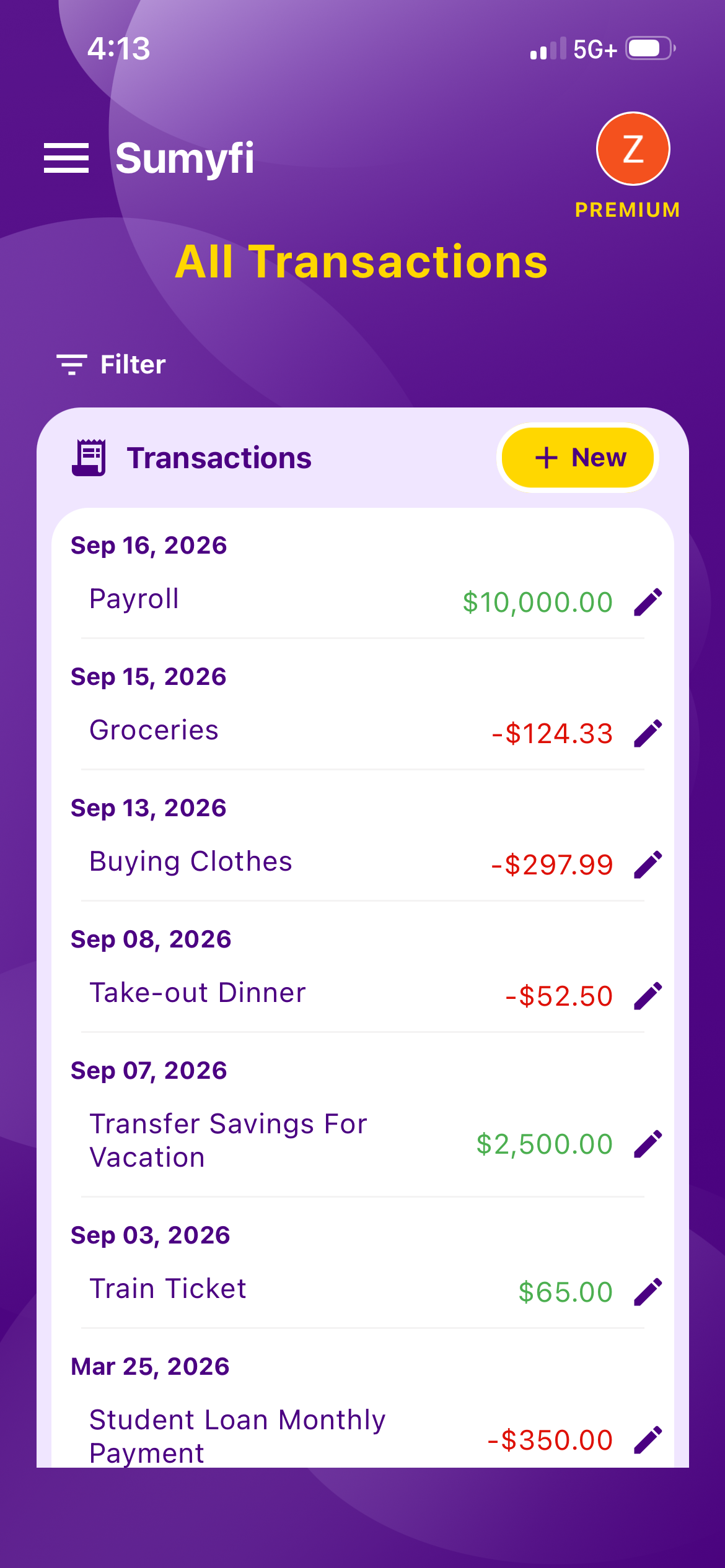
Around the accounts, there are budgets, recurring charge detection, and goals that can track a specific account, which works nicely for an FHSA down payment target. Premium adds automatic bank sync and an AI chat where you can ask questions about your own spending in plain language. There are iPhone and Android apps as well as the web version.
What it won't do: move money, send e-Transfers or pay bills. You'll still use your bank's app for that, which is how it should be with a read-only tool. If you want to see whether Sumyfi is the best app for your Canadian banking accounts specifically, check your institutions in the search first, then use the 7-day Premium trial to run the 20-minute test above on your real accounts.