There isn't one best subscription app for every American household. Card issuer tools, subscription-first apps, budgeting apps, manual trackers and virtual cards each solve a different problem. Here's how to tell which one you need before you pay for anything.
Search for the best subscription app in the USA and you'll find lists ranking ten apps as if they all did the same thing. They don't. Some find subscriptions in your bank data and offer to cancel them for you. Some are budgeting apps with a recurring charges tab. Some make you type everything in yourself. And one category doesn't track subscriptions at all. It stops unwanted ones from charging you in the first place.
So the useful question isn't which app is best. It's which type of tool fits how you pay for things and what you want to happen after you see the list. This guide sorts the options into five types, says who each one suits, and ends with a one-week test to run before you commit. Sumyfi is one of the options, in the budgeting app group, and we'll say where it falls short.
Type 1: The app you already have from your card issuer
Before downloading anything, open your credit card's app. Several large US issuers now show recurring merchants or subscriptions somewhere in the app, and your bank's online statements can be searched by merchant either way. It costs nothing, it's already connected, and the data comes straight from the source.
The limit is that it only sees that one card. If your streaming is on a Chase card, your software on an Amex and your gym on a debit card from a local credit union, you have three partial lists and no total. That's fine for a household that runs almost everything through one card. For everyone else it's a starting point, not an answer.
- Best for: one-card households that want a free first look
- Watch out for: debit cards and secondary cards it can't see
Type 2: Subscription-first apps like Rocket Money
Rocket Money, which used to be called Truebill, is the best-known example. It links your accounts, pulls out recurring charges and shows them with their next dates. Its premium features include help cancelling subscriptions on your behalf and a bill negotiation service, where it keeps a share of whatever it saves you. It has budgeting tools too, but subscriptions and bills are what it's known for.
The case for this type is simple. If you have a long list of subscriptions and hate making cancellation calls, having someone else do it is worth real money. The case against is what happens after the cleanup. Plenty of people stop opening the app once the obvious cuts are made, and the negotiation fee can take a noticeable bite out of the first year's savings. Read exactly how that fee is calculated before you approve a negotiation.
- Best for: a big one-time cleanup with help cancelling
- Watch out for: negotiation fees and losing interest after month one
Type 3: Budgeting apps with a recurring charges view
Monarch Money, Copilot, Sumyfi and others treat subscriptions as one part of a bigger picture: budgets, balances, savings goals and net worth. Detection works much like it does in the subscription-first apps. The difference is what happens next. When you cancel a $17.99 service, that money shows up as room in a budget category or progress toward a goal, which is how a cancellation turns into savings instead of a slightly higher checking balance that gets spent anyway.
The tradeoff is setup time. Expect an hour or two in the first week connecting accounts and fixing categories. Monarch has no free plan after its trial. Copilot started on iPhone and Mac, so check that it covers the devices you use. YNAB is excellent for budgeting discipline but isn't built around subscription detection; you'd track recurring charges as scheduled transactions you enter yourself.
- Best for: people who want cancellations to feed a budget or goal
- Watch out for: setup time and a subscription fee of their own
Types 4 and 5: Manual trackers and virtual cards
Manual subscription trackers are simple apps where you enter each subscription, its price and its renewal date, and get a reminder before it renews. There's no bank connection, which some people prefer for privacy. The weakness is obvious once you say it out loud: the subscription you forgot is, by definition, the one you won't type in.
Virtual card services come at the problem from the other side. Services such as Privacy.com, and virtual card numbers offered by some card issuers, let you create a card number for a single merchant, set a spending limit and pause or close it whenever you want. When a free trial is about to convert, you close the card and the charge declines. They won't give you a list of everything you pay for, but they're the most dependable way to keep new subscriptions in check. Pairing one with any of the other types works well.
- Manual trackers fit: privacy-minded people with short lists
- Virtual cards fit: anyone who signs up for a lot of free trials
Which type is the best subscription app for you
Whichever type you lean toward, check bank coverage before paying. Most of these apps connect through aggregators like Plaid, MX or Finicity, and coverage varies for smaller credit unions, some brokerages and store cards. Connect your least common account during the free trial. If it fails, you'll know before you're billed.
With that out of the way, here's a quick way to decide based on how you actually pay for things:
Everything on one card
Try your card issuer's app first and see if it's enough.
Ten-plus subscriptions
A subscription-first app for the cleanup, then decide whether to keep paying for it.
Want the savings to go somewhere
A budgeting app with a recurring charges view.
Won't link a bank account
A manual tracker plus a monthly look at your statements.
Lots of free trials
Virtual cards, paired with any tracker.
Sumyfi among the US subscription apps
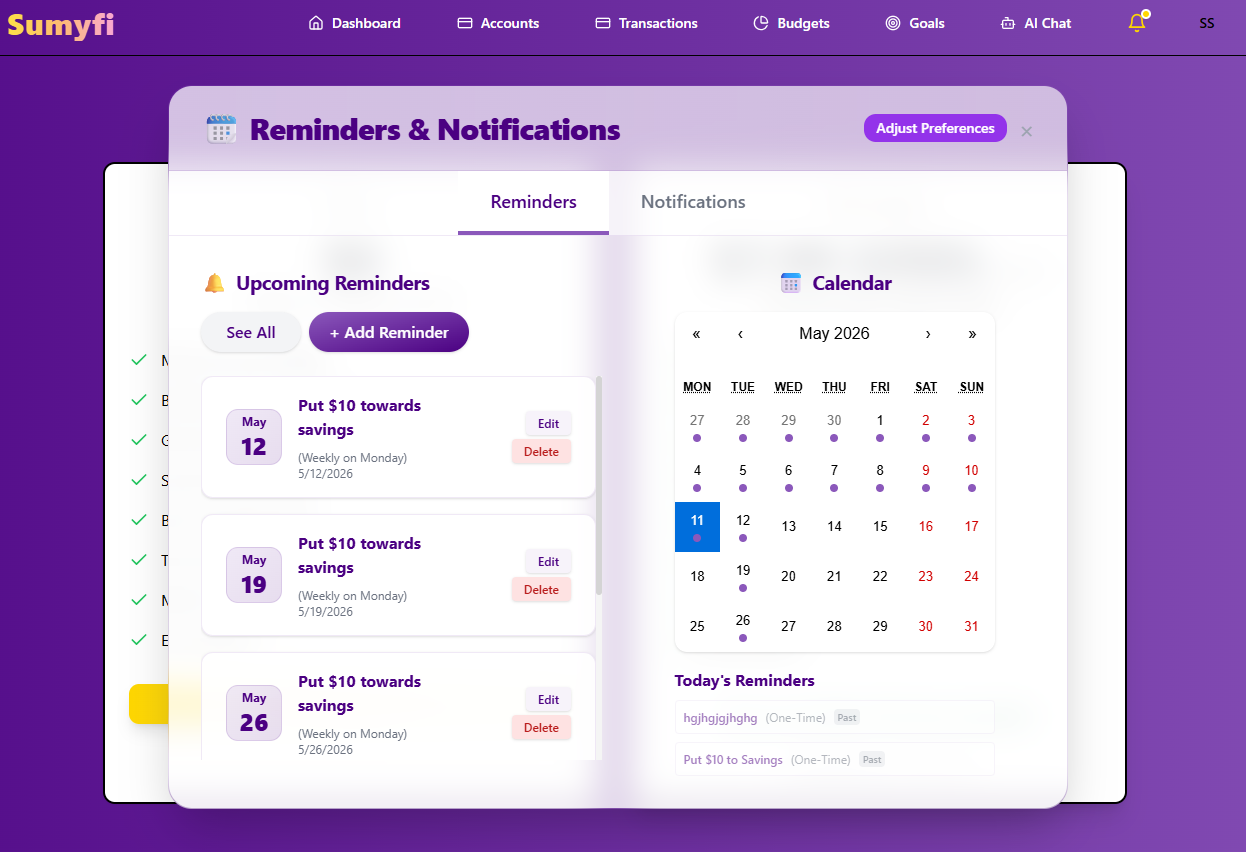
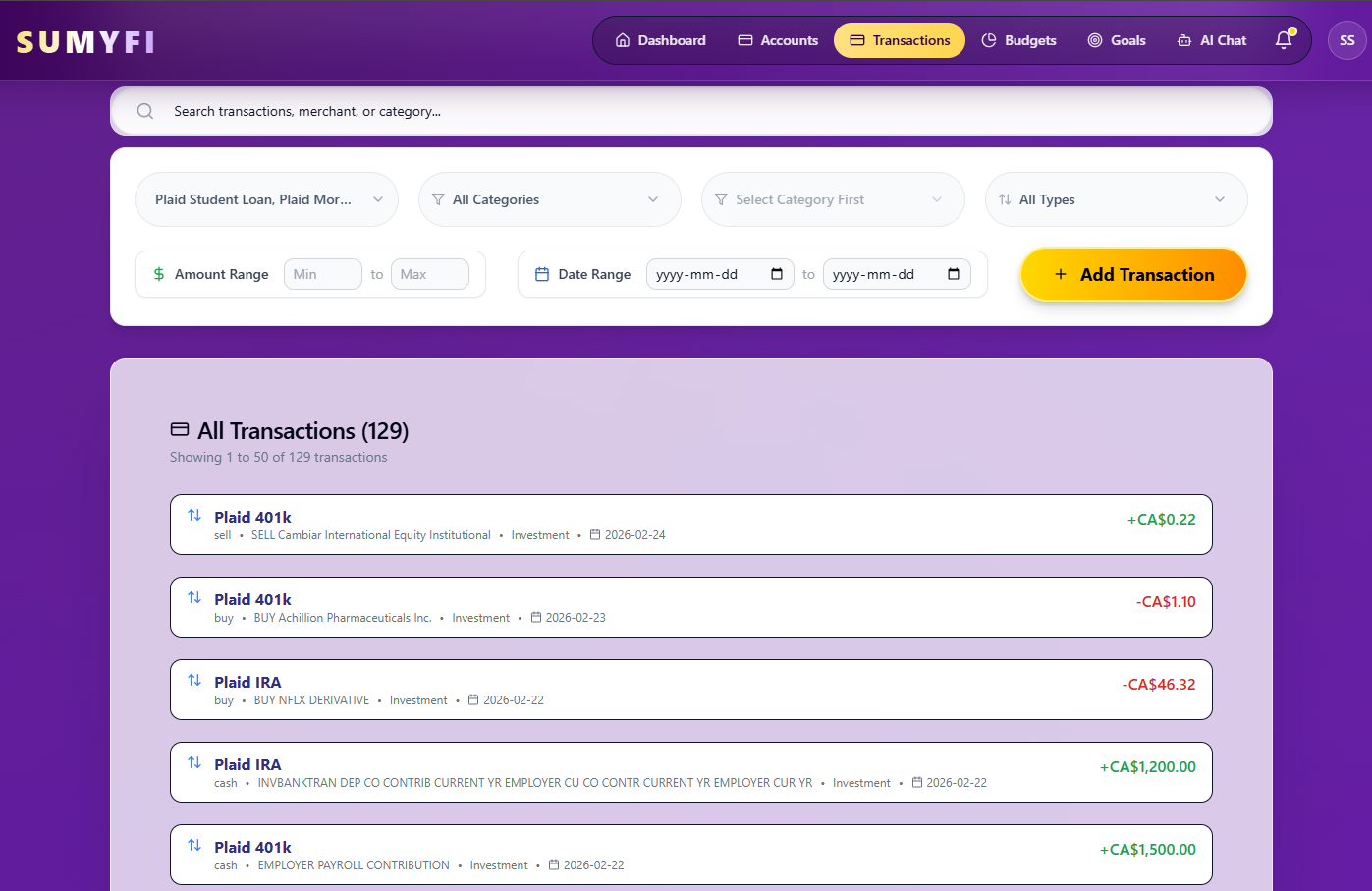
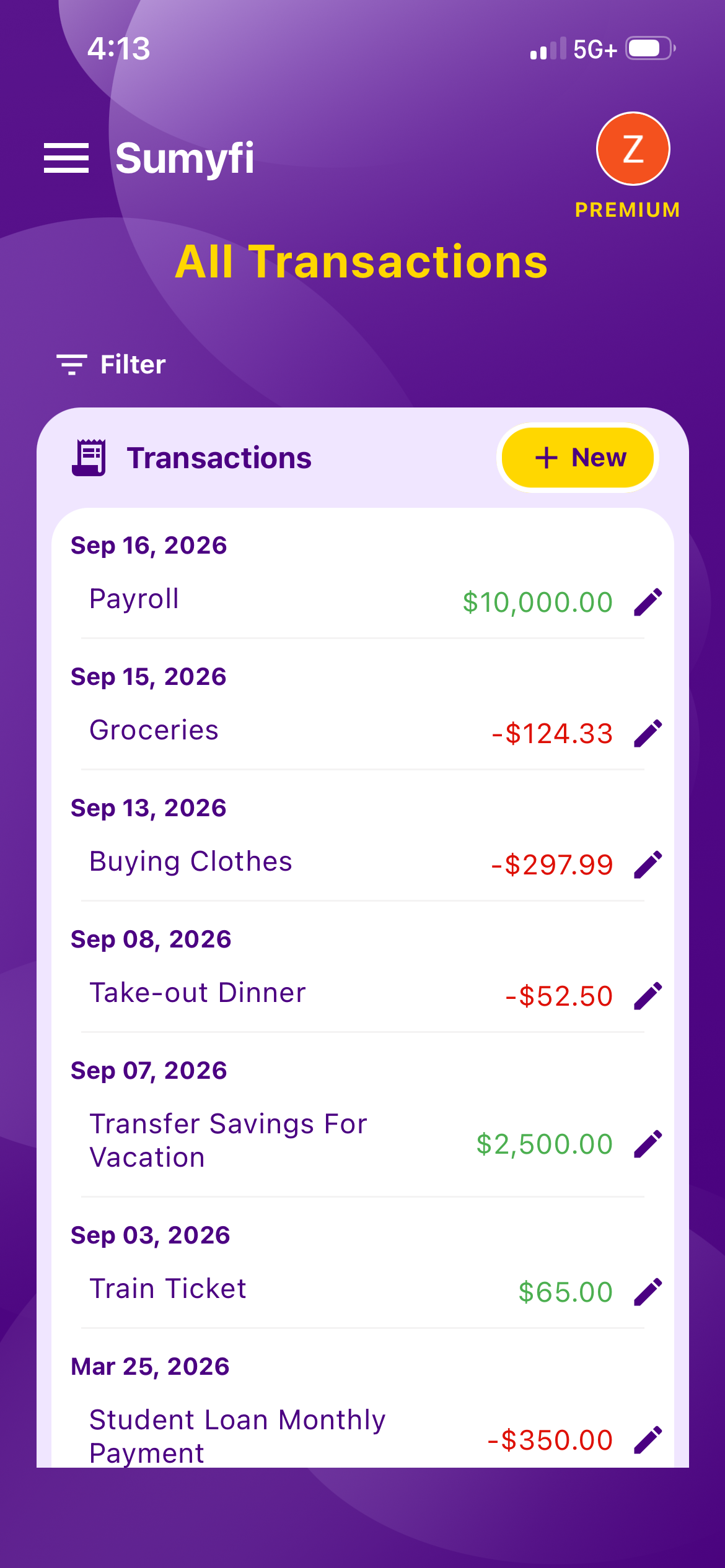
Sumyfi belongs in the third group. Its subscriptions view picks up recurring charges from your synced and manual transactions, ranks them by monthly cost, shows a yearly total and lists what's due in the next 10 days. You can add anything it misses, which matters for things like a gym paid from a debit card you didn't link. All of that sits on the same dashboard as your budgets, accounts, goals and net worth.
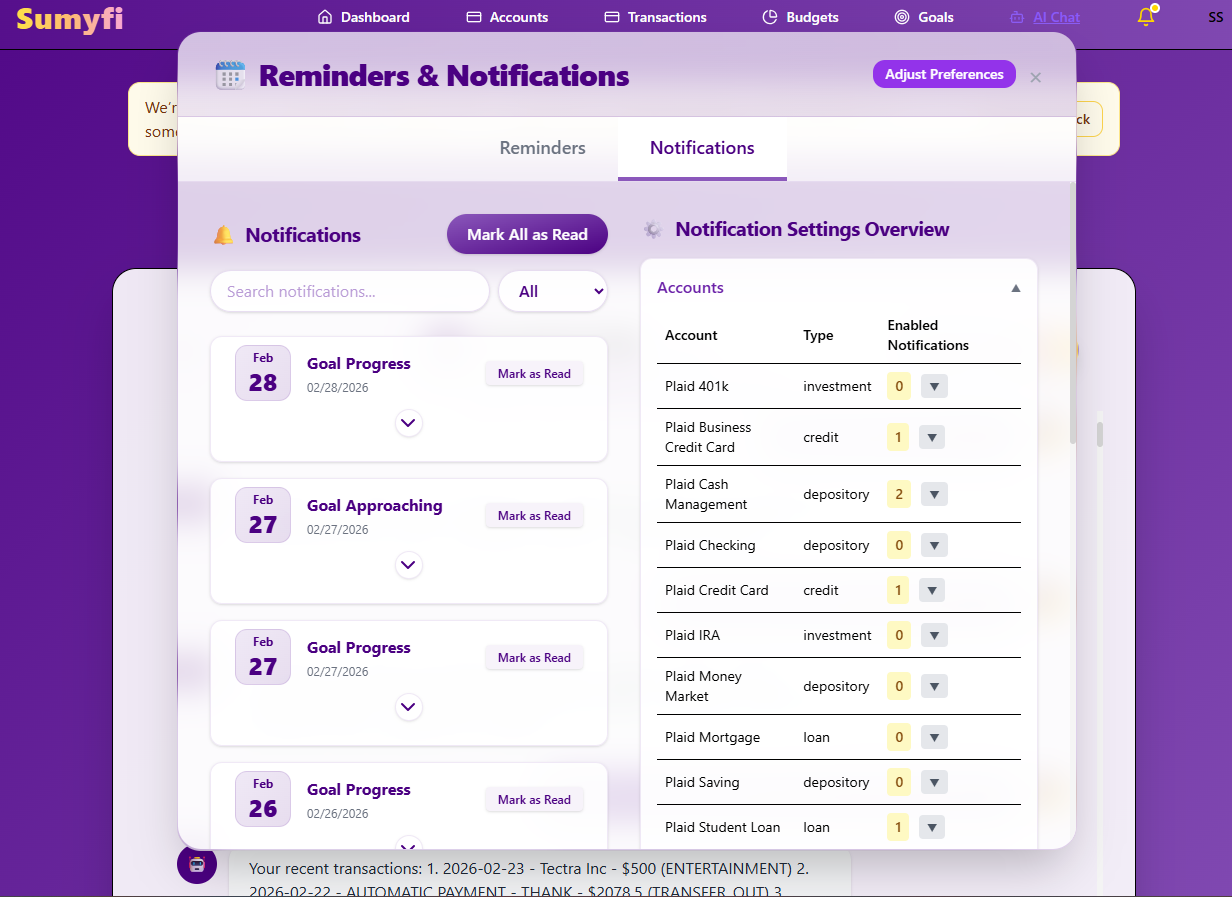
Bank sync runs through Plaid in read-only mode, with US and Canadian institutions supported and coverage depending on your bank. It handles USD and CAD, which helps if you also have a Canadian account. Premium adds automatic sync, the AI assistant, custom spending alerts and advanced analytics, with a 7-day free trial. The free plan includes budgets, goals, categorization and CSV or Excel imports with manually added accounts.
What it doesn't do is cancel subscriptions for you or negotiate bills. If that's the main reason you're shopping, a subscription-first app is the better pick.
Pros
- Subscriptions, budgets, goals and net worth on one dashboard
- A free plan to try the workflow before paying
- Handles both USD and CAD
Cons
- No cancellation or bill negotiation service
- Automatic bank sync requires Premium
A one-week test before you commit to any app
Whatever you pick, run it through one real week before the trial ends:
- Day one: connect your main credit card and checking account, plus your least common account.
- Write down five subscriptions you know you have, including one annual plan and one billed through Apple or Google. Check that the app found all five.
- Day three: compare the app's upcoming charges for the next few weeks against your last statement.
- Cancel one thing you don't use and see how the app reflects it.
- Day seven: ask yourself honestly whether you'll open this next month. If not, a one-time spreadsheet audit and a virtual card might be all you need.