When your debts are spread across four lenders with four due dates, it's hard to tell if you're getting anywhere. Here's what a debt payoff dashboard should show for each debt, the one number most people never check, and a monthly routine that keeps the plan honest.
Most people with more than two or three debts don't have a single place where they can see all of them. The Visa balance is in one banking app, the line of credit in another, the car loan on a lender's website you log in to twice a year, and the student loan on a government portal with a password you have to reset every time. You can be paying faithfully and still have no idea whether the total is going down. A debt payoff dashboard app fixes that by putting every debt, and the numbers that matter for each, on one screen.
This guide covers what to track for each debt and why, the monthly interest figure that changes how most people prioritize, a short note on payoff order, what a good dashboard should show at a glance, and a 20-minute monthly routine. If you're specifically following the debt snowball, we have a separate guide on tracking that method with a full worked example. This one is about building the dashboard itself.
The four numbers to track for every debt
For each debt, you need four core numbers. Most people know one or two of them off the top of their head and would have to go looking for the rest, which is exactly why a dashboard helps.
Beyond those four, a few extra details save you from expensive surprises. Note the due date, so payments can be lined up with payday. Note whether the rate is fixed or variable, since a line of credit tied to prime can get more expensive without you doing anything. And if any balance is on a promotional rate, write down the exact date it ends, because that's when the cost of that debt can jump overnight.
Current balance
What you owe today, updated at least monthly, not what you owed when you started
Interest rate
The APR on cards, the rate on loans and lines of credit, and whether it's fixed or variable
Minimum payment
The amount you must pay each month to stay in good standing
Payoff date
When the debt hits zero at your current payment, the number that shows whether extra payments are working
Due date
So you can line payments up with your paycheques
Promo end date
For balance transfers and 0% financing, when the regular rate kicks in
The number most people never look at: interest per month
Balances tell you how much you owe. They don't tell you what each debt is costing you. For that, work out the monthly interest on each one. The rough formula is balance times interest rate, divided by 12.
Take a fairly ordinary set of debts. A Visa with $6,400 at 19.99% costs about $107 a month in interest. A $12,000 line of credit at 8.45% costs about $85. A $14,200 car loan at 6.99% costs about $83. An $18,500 student loan at 5.5% costs about $85. That's around $360 a month going to interest across $51,100 of debt.
Here's what jumps out. The Visa is the smallest balance, only about 12% of the total, but it generates roughly 30% of the monthly interest. And if the minimum payment is around $192, about $107 of it goes to interest, so less than half of each payment actually reduces the balance. That's the kind of thing you'd never notice looking at balances alone.
Canadian readers should check one more thing. The federal portion of Canada Student Loans hasn't charged interest since April 2023, so if part of your student debt is federal, that part may be costing you nothing. Provincial portions vary. Knowing which debts are actually charging interest changes which ones deserve your extra money.
Snowball or avalanche, briefly
Once you can see every debt, the question is where extra money should go. The two common approaches are the snowball, which targets the smallest balance first for quicker wins, and the avalanche, which targets the highest interest rate first to pay the least interest. Either way, you pay minimums on everything else and roll each freed-up payment into the next debt.
In the example above, the two methods agree completely. The Visa is both the smallest balance and the highest rate, the line of credit is next on both lists, then the car loan, then the student loan. That happens more often than people expect, and when it does, there's nothing to decide.
When the methods disagree, the gap depends on how far apart your interest rates are. It can be small or it can be thousands of dollars. Rather than guess, run your numbers through our free debt payoff calculator, which compares snowball, avalanche and minimum payments side by side with a payoff date and total interest for each. Then put the order you pick on your dashboard so you don't have to decide again every month.
What a good debt payoff dashboard should show
Individual balances move slowly, especially on big loans, and staring at an $18,500 student loan that dropped by $125 this month isn't motivating. A good dashboard leads with the numbers that show progress across everything at once.
It should also make warning signs obvious. A dashboard that only shows good news isn't much use when something starts going wrong.
Total debt and its trend
The single most motivating number, especially in the long middle months
Total interest this month
Watching it shrink shows the plan is working even when balances move slowly
Upcoming due dates
Every payment due in the next couple of weeks, so nothing gets missed
Net worth
Debt counted against your assets, climbing toward zero and past it
New charges on target cards
Spending on a card you're paying down quietly undoes the progress
Rate and promo changes
A variable rate going up or a 0% promo ending soon
Setting up a debt payoff dashboard in Sumyfi
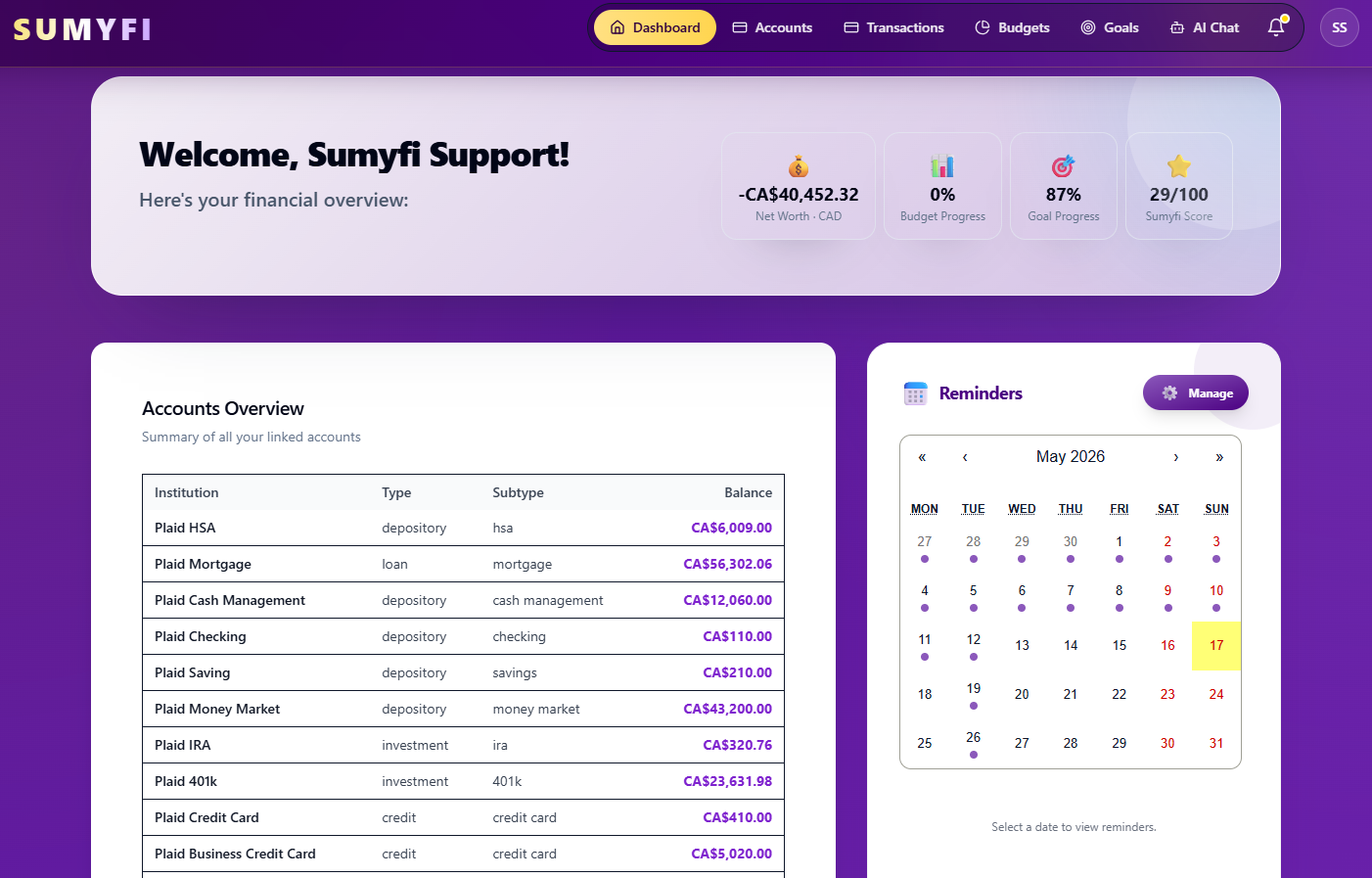
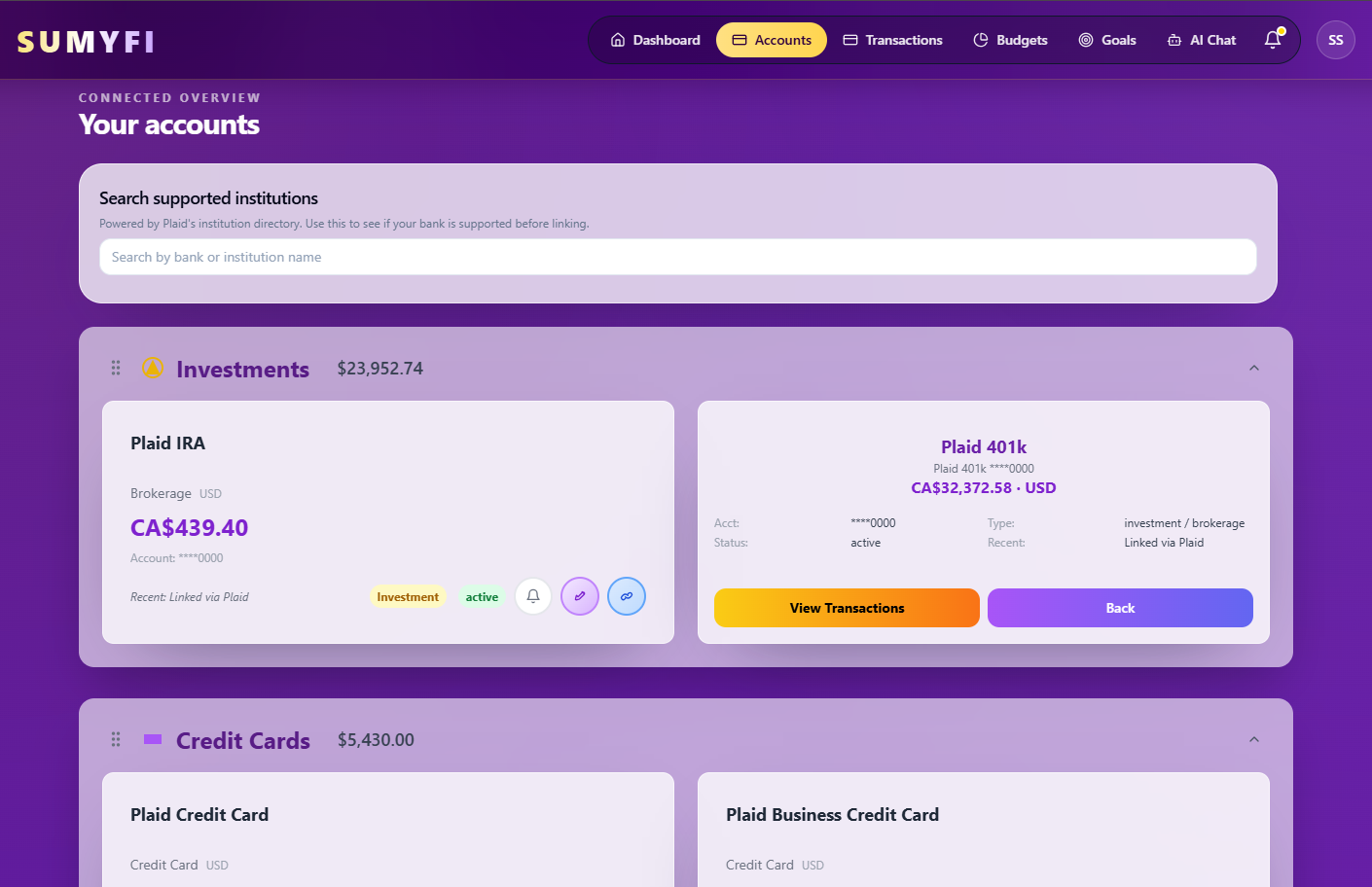
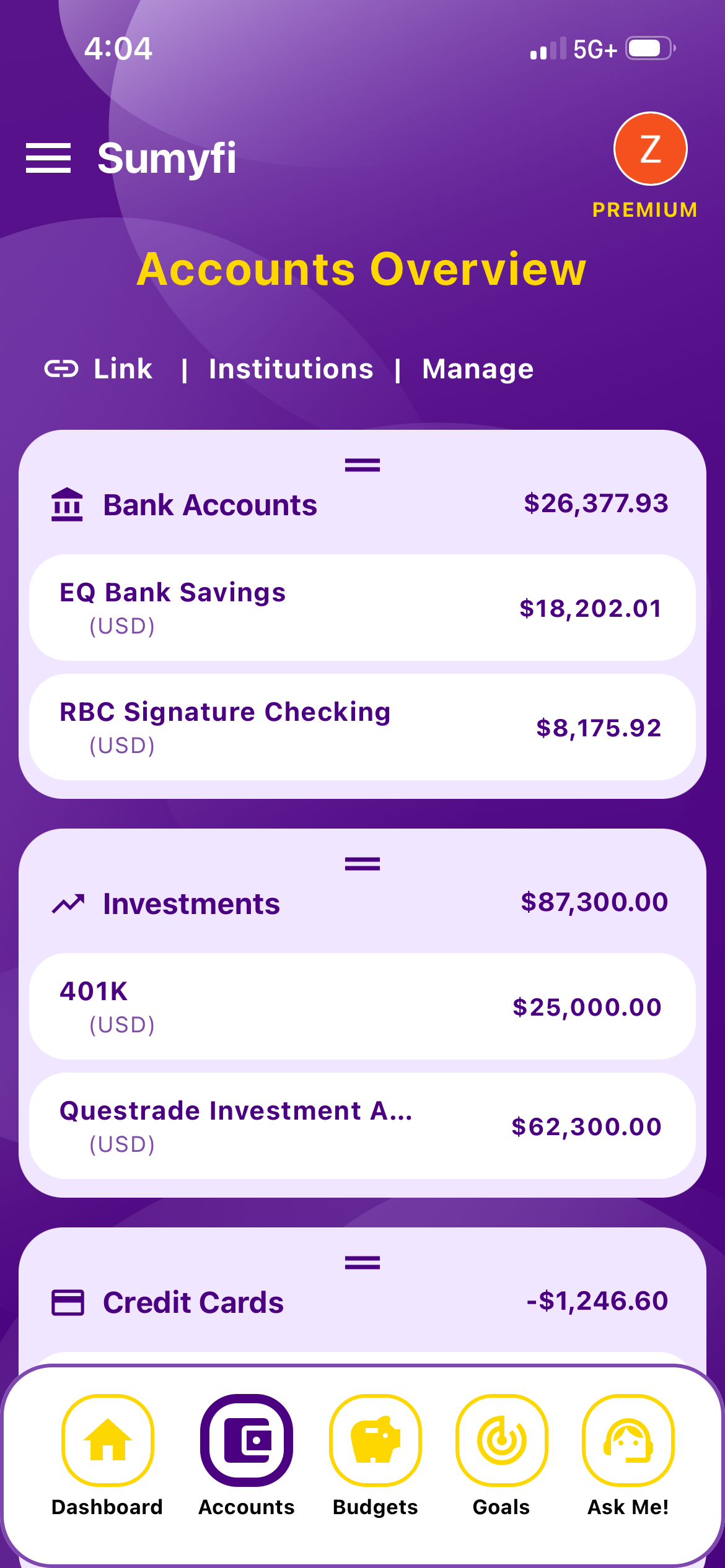
Sumyfi isn't a dedicated debt app. It doesn't calculate a payoff date for each debt or put them in snowball or avalanche order for you, which is what the free calculator is for. What it does is keep every debt next to your other accounts, so the dashboard shows the whole picture.
On Premium, which has a 7-day free trial, credit cards and loans connect through Plaid in read-only mode, alongside your chequing and savings, with Canadian and US institutions supported and coverage depending on the lender. Debts show as liabilities, and net worth is your assets minus those liabilities. Anything that won't connect, like a family loan or a lender that isn't supported, can be added as a manual account. Manual accounts are available on the free plan, so you can build the whole dashboard without paying and update balances yourself once a month.
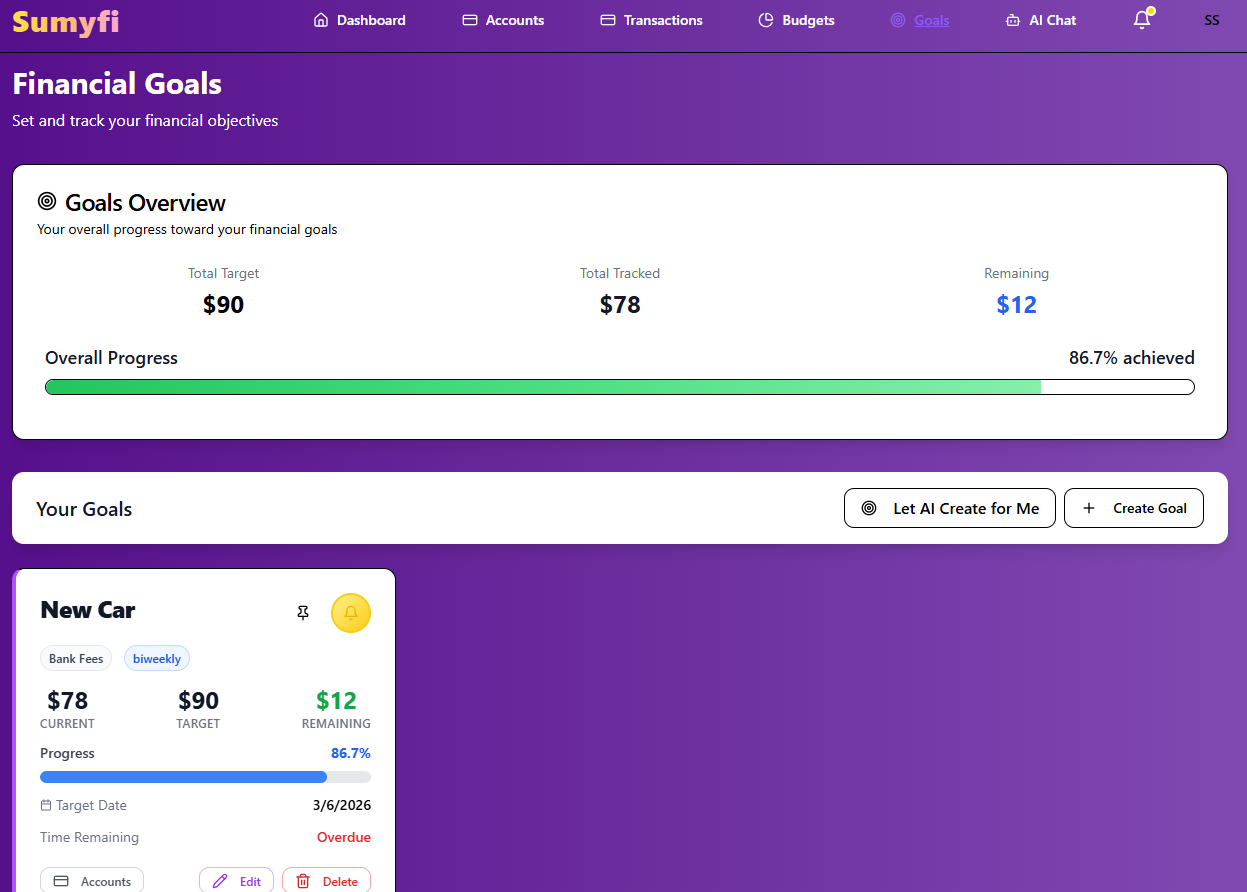
Goals are useful for the debt you're targeting. Set one with the payoff amount and the date the calculator gave you, and you can see if you're on pace. With the AI assistant on Premium, you can just type 'create a goal called Pay Off Visa for $6,400 by June 30' instead of filling in a form. The subscriptions view helps find the extra money, since it ranks recurring charges by monthly cost and shows a yearly total.
What it doesn't do: it won't make payments or move money, it doesn't pull your credit score, and it doesn't offer consolidation loans or refinancing. Interest rates and promo end dates are things you'll want to note yourself.
A 20-minute monthly debt check-in
A dashboard only helps if you look at it. Once a month, a few days after your statements close, run through this:
- Update any balances that don't sync automatically, using the latest statements.
- Check the interest charged on each statement against what you expected. If it's higher, look for a rate change or a promo that ended.
- Confirm the target debt dropped by about what you paid toward it minus interest. If it didn't, look for new charges.
- Look at total debt and total monthly interest compared with last month. Both should be lower.
- Check the next month's due dates and make sure each payment lines up with a payday.
- If anything changed, like a raise, a windfall, a new debt or a rate change, re-run the calculator and update your goal date.
When a debt hits zero, take a minute to notice it. Then move its payment to the next debt on your list the same week, before that money finds somewhere else to go. Over a couple of years, those monthly 20 minutes are what turn a list of balances into an actual plan.