Tracking an RRSP is mostly about one number the bank doesn't show you: how much room you have left. Here's how to read your Notice of Assessment, avoid the 1% a month over-contribution tax, keep spousal plans straight and stay on top of HBP and LLP repayments.
An RRSP tracking app has to do more than show a balance. Your brokerage already does that. The numbers that cause real trouble are the ones nobody shows you in one place: how much contribution room you have left this year, how much you've contributed but not yet deducted, whether your group RRSP payroll deductions have eaten into that room, and how much you owe back to your RRSP from a Home Buyers' Plan withdrawal.
This guide walks through each of those: where your contribution room comes from, how to work out what's left, the over-contribution rules, spousal RRSPs, and HBP and LLP repayments. Then we'll look at how to track all of it in an app or a spreadsheet, and where Sumyfi helps and where it doesn't. None of this is tax advice. If your situation is complicated, a tax professional is worth the fee.
Where your RRSP contribution room comes from
Each year you earn new RRSP room equal to 18% of the previous year's earned income, up to an annual dollar limit set by the CRA. If you're in a workplace pension plan, that new room is reduced by your pension adjustment, which is the amount shown in box 52 of your T4. Room you don't use carries forward indefinitely.
The official figure lives on your Notice of Assessment, in the RRSP deduction limit statement, and in CRA My Account. You'll see two numbers there that matter: your RRSP deduction limit for the year, and any unused RRSP contributions, which is money you put in but haven't deducted yet.
The catch is timing. Your Notice of Assessment reflects contributions reported on your last tax return. Anything you've contributed since then, roughly anything after the first 60 days of this year, isn't in that number yet. That gap is exactly where people over-contribute.
How to work out the RRSP room you have left right now
Here's the calculation an RRSP tracker needs to do, whether it's an app or a spreadsheet:
- Start with the RRSP deduction limit from your latest Notice of Assessment.
- Subtract any unused contributions shown on the same statement.
- Subtract every contribution you've made since the period covered by that return, including payroll deductions to a group RRSP and any employer contributions to it.
- What's left is roughly how much you can still contribute without going over. Treat the $2,000 over-contribution buffer below as a safety margin for mistakes, not as extra room.
An example. Your Notice of Assessment shows a deduction limit of $21,400 and no unused contributions. Since March, $350 a month has gone into your group RRSP through payroll, which is $2,800 over eight months, and you added a $3,000 lump sum in June. Your remaining room is $21,400 minus $5,800, or $15,600.
The group RRSP is the one people forget. Payroll contributions happen automatically, so they don't feel like contributions, but they use the same room as a lump sum you make at your bank.
The $2,000 buffer and the 1% a month penalty
The CRA lets you go over your RRSP deduction limit by up to $2,000 over your lifetime without a penalty. That buffer is for honest mistakes. Above it, you owe a tax of 1% per month on the excess for every month it stays in the account.
Say you had $4,000 of room left and contributed $7,000. You're $3,000 over, which is $1,000 above the buffer, so you'd owe $10 for each month until you withdraw the excess or new room arrives. New room is added at the start of each calendar year, based on the previous year's income. You report and pay the tax with form T1-OVP, and you can ask the CRA to waive it if the excess came from a reasonable error and you fix it promptly.
Ten dollars a month doesn't sound like much, but it adds up, it's easy to miss, and filing late can bring extra penalties. The fix is boring: keep a running list of every contribution with its date.
Group RRSP payroll
counts against your room even though you never see the money
Employer contributions
contributions your employer makes to your group RRSP count too
Early-year contributions
money put in during the first 60 days of the year is easy to count against the wrong year
Spousal contributions
use your room, not your spouse's
Tracking a spousal RRSP without mixing up whose room is whose
With a spousal RRSP, you contribute and claim the deduction using your own room, but the account belongs to your spouse or common-law partner. The point is usually to even out retirement income between the two of you.
The rule to track is attribution. If your spouse withdraws from a spousal RRSP within three calendar years of your last contribution to any spousal plan for them, the withdrawal is generally taxed in your hands instead of theirs. So a tracker for a couple should record the date of each spousal contribution, not just the amount.
In a household net worth view, the spousal RRSP is your spouse's asset. In your contribution room calculation, the contributions are yours. Label it clearly on both sides, something like Spousal RRSP (Jordan's account, Sam's room), and most of the confusion goes away.
Keeping track of Home Buyers' Plan and Lifelong Learning Plan repayments
The Home Buyers' Plan lets each first-time buyer withdraw up to $60,000 from their RRSP for a home without tax, as long as it's paid back. Repayments are spread over 15 years. Each year you have a minimum repayment, and your Notice of Assessment shows your remaining HBP balance and what's due. If you repay less than the minimum, the shortfall is added to your taxable income for that year.
Repayments are made by contributing to your RRSP and designating the amount as an HBP repayment on Schedule 7 when you file. They don't use your contribution room and aren't deductible. That's a common tracking mix-up: if you put in $2,500 meaning it as a repayment and forget to designate it, it's treated as a regular contribution and the required repayment is counted as missed.
The Lifelong Learning Plan works the same way for education: up to $10,000 a year and $20,000 in total, repaid over 10 years. Each plan has its own balance, so track them separately.
HBP balance owed
from your latest Notice of Assessment
This year's minimum
also on the Notice of Assessment
Repayment contributions
dated and marked as repayments
LLP balance owed
tracked separately from the HBP
Using an RRSP tracking app, and where Sumyfi fits
Most budgeting and net worth apps, Sumyfi included, don't read your CRA data, so contribution room is a number you bring in yourself from your Notice of Assessment. A simple spreadsheet with your deduction limit at the top and a dated list of every contribution below it handles the room calculation well. Where an app helps is in keeping the RRSP balance current and making the yearly contribution a planned goal instead of a February scramble.
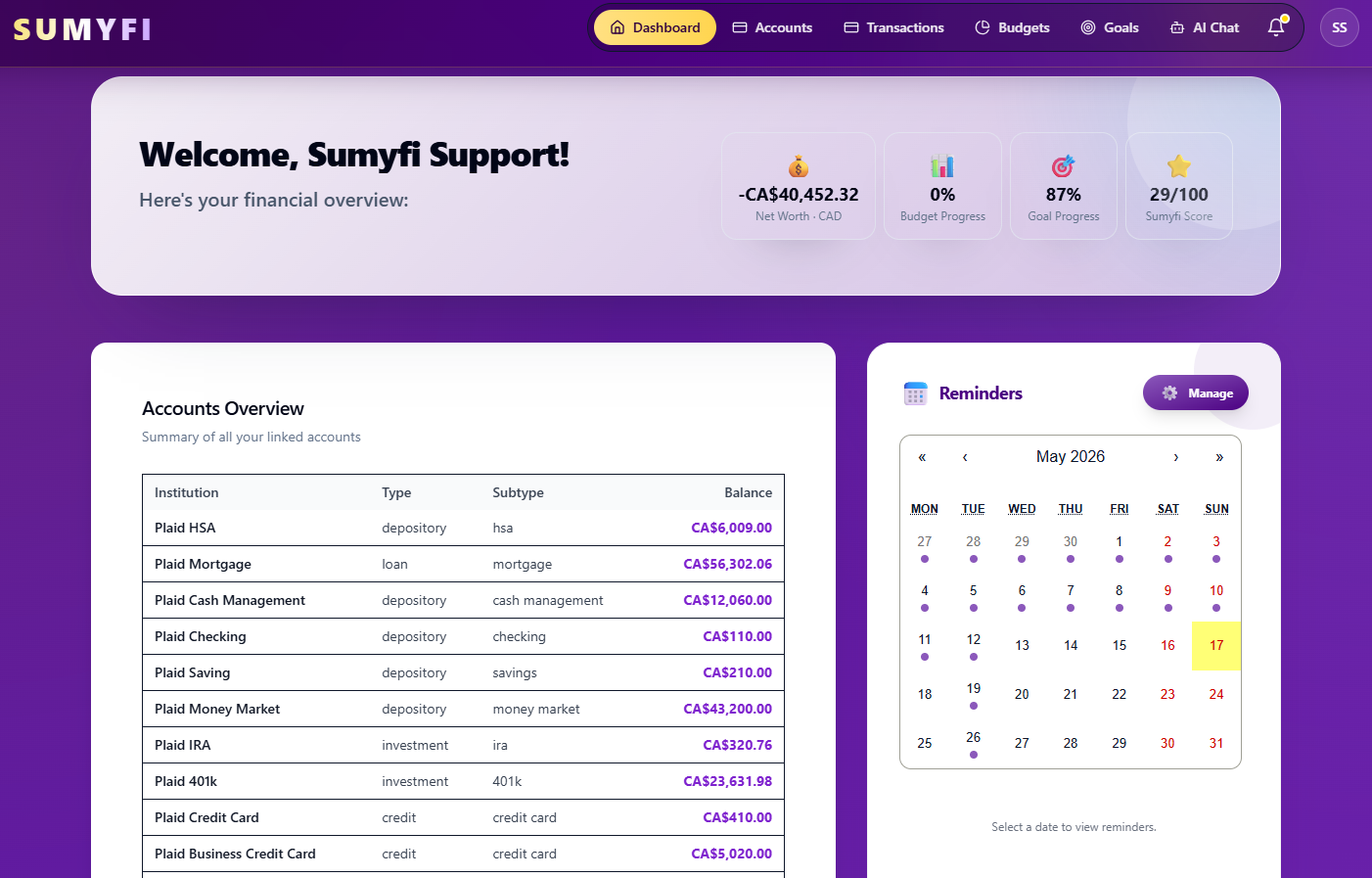
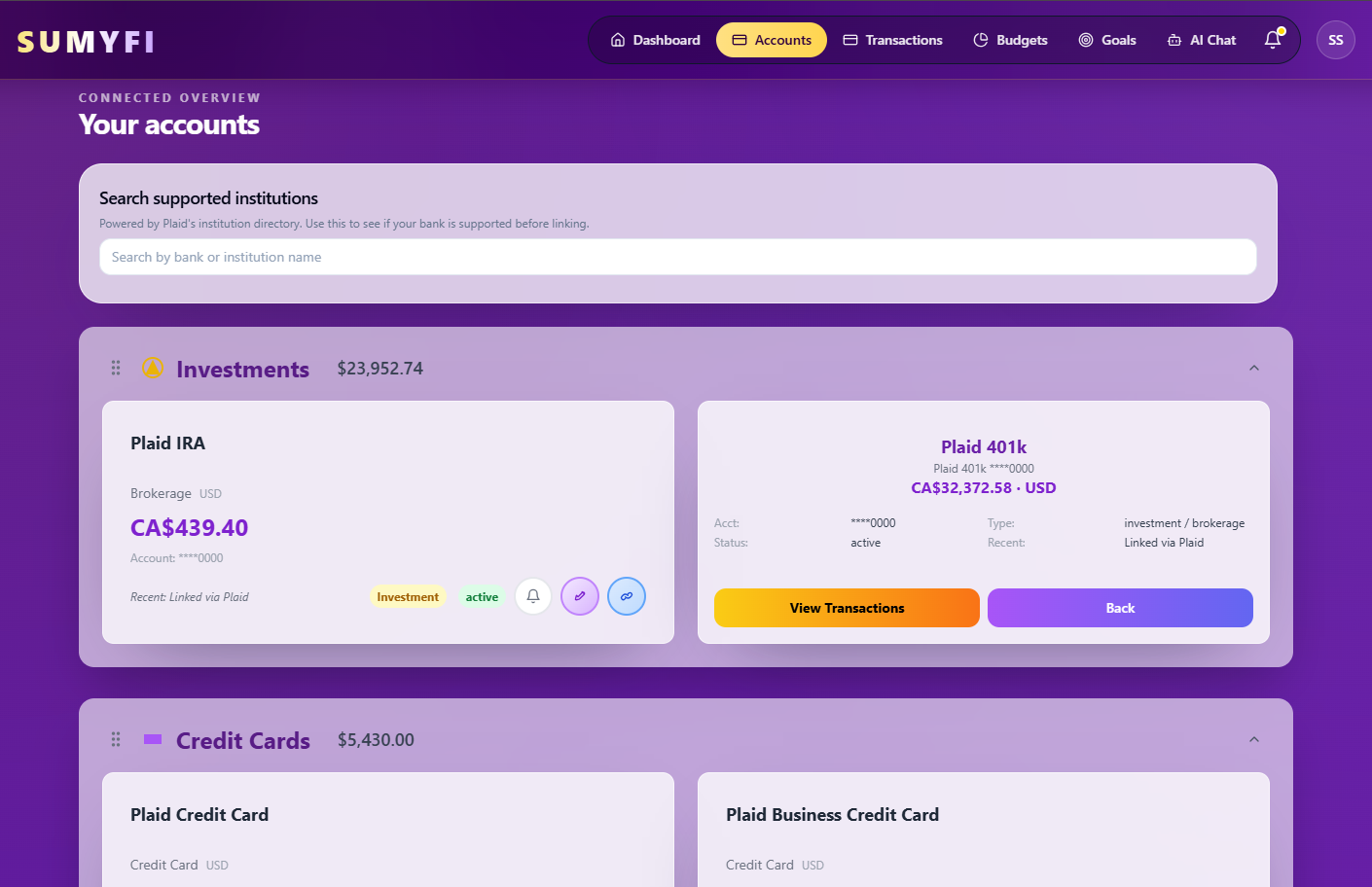
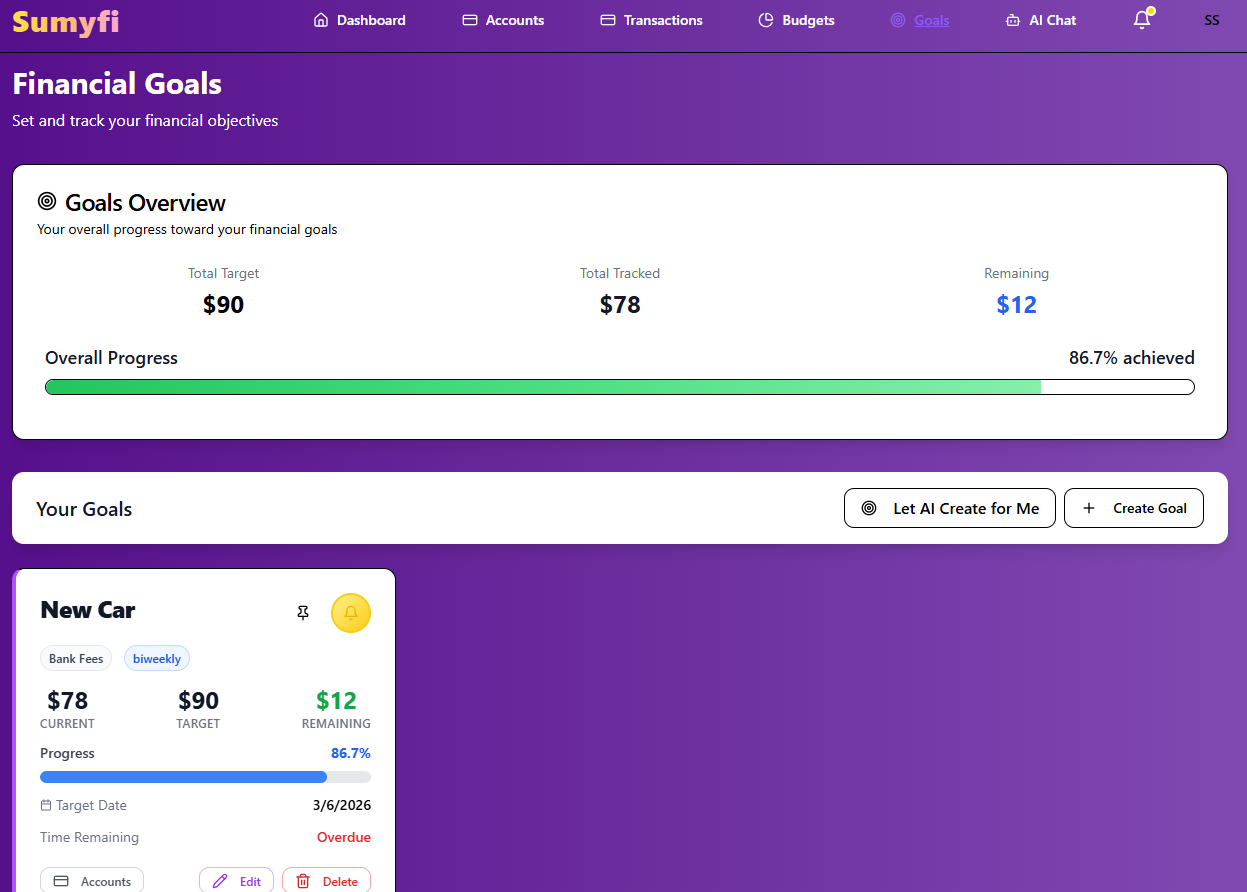
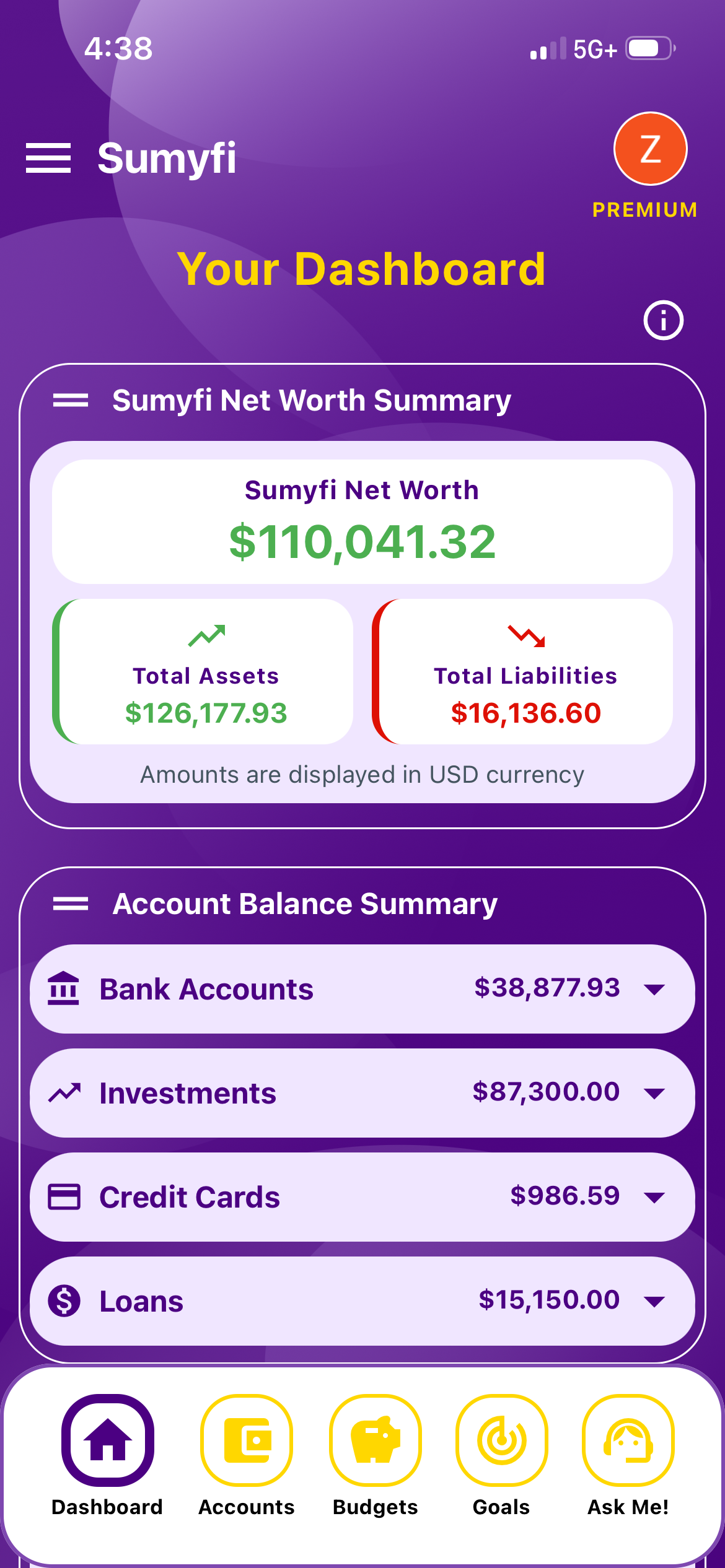
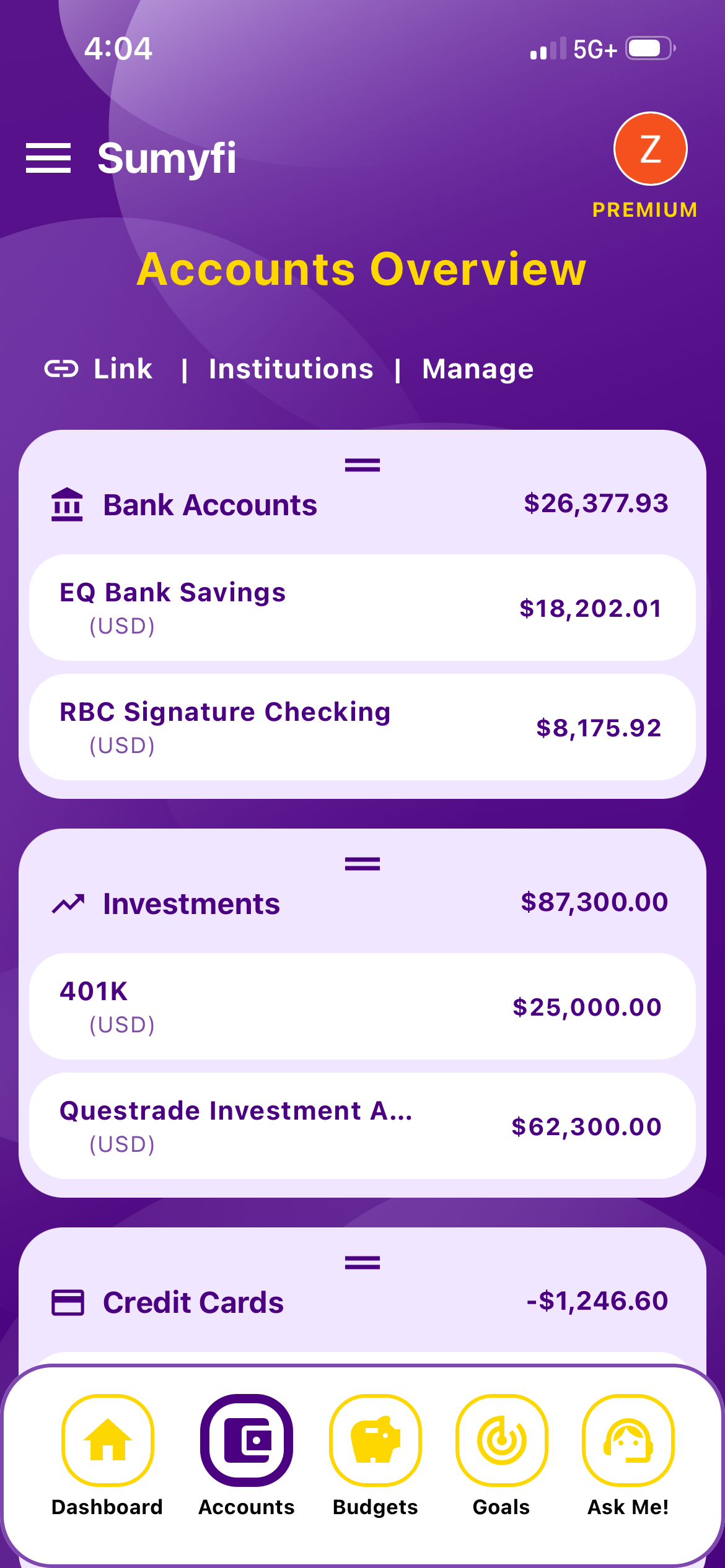
In Sumyfi you can connect your RRSP through Plaid (read-only, coverage depends on the institution) or add it as a manual investment account, and it counts toward your net worth next to your TFSA and other accounts. Then set a goal for your contribution. With the AI assistant on Premium you can type something like 'create a goal called RRSP 2026 for $6,000 by March 1, 2027,' which lines up with the 60-day deadline for the 2026 tax year, and it creates the goal and tracks progress. Goals themselves are on the free plan if you'd rather set them up by hand. Premium has a 7-day free trial.
Sumyfi doesn't calculate contribution room, read your Notice of Assessment, track HBP repayments automatically, file taxes or give tax or investment advice. If you're deciding where your next dollar should go, the TFSA vs RRSP vs FHSA calculator on our site is a good place to start.
Pros
- RRSP balance in your net worth, synced or manual
- Contribution goals with a deadline and progress tracking
- Works alongside TFSA and FHSA accounts in CAD
Cons
- No contribution room or HBP repayment tracking built in
- Room figures still come from your Notice of Assessment