A US budget has to deal with things generic advice skips: withholding and 401(k) deductions, biweekly pay, health insurance deductibles and annual bills that hit all at once. Here's how to build a budget around that, and what an app needs to do to support it.
Most budgeting advice is written as if your salary arrives in a neat monthly lump. If you're looking for the best app for Americans to budget, the starting point is admitting that's not how a US paycheck works. Your $65,000 salary shows up as a smaller biweekly deposit after federal and state withholding, Social Security and Medicare, a 401(k) contribution and your share of the health insurance premium. Then there are the costs that rarely show up in a sample budget: a $3,000 deductible, a car registration renewal, a student loan payment that changed when your servicer did.
An app can't make those costs smaller, but it can stop them from being surprises. This guide walks through the parts of an American budget that trip people up, with real numbers, and then lists what to look for in an app so it handles them instead of fighting you on them.
Start with what lands in checking, not your salary
Here's a rough example. A single person earning $65,000 and paid every two weeks gets $2,500 gross per paycheck. Before a dollar reaches their account, a lot comes off:
That leaves roughly $1,800 per paycheck. In a state with no wage income tax, like Texas, Florida or Washington, it'd be a bit higher. With a larger 401(k) contribution or family health coverage, it'd be lower. The exact figure is on your pay stub, and that's the number your budget should start from.
This matters because people who budget from gross salary feel like they're failing every month. A budget based on $5,400 a month doesn't work when about $3,900 actually arrives.
Social Security and Medicare
7.65% combined, about $187 here
Federal income tax withholding
about $190, depending on your W-4
State and local income tax
roughly $100 in many states, zero in some
Health insurance premium
$60 or more for single coverage, much more for a family
Biweekly pay means two extra paychecks a year
Being paid every two weeks gives you 26 paychecks a year, not 24. Most months get two. Two months a year get three.
The simplest approach is to build your monthly budget on two paychecks, so about $3,600 in the example above, and treat the third paycheck in those two months as unassigned money. Decide ahead of time what it's for: topping up the emergency fund, paying down a credit card, or prefunding the holiday budget. If you don't decide in advance, it tends to vanish into a normal month's spending without anyone noticing.
An app that budgets strictly by calendar month can make this confusing, because the three-paycheck months look like you suddenly earned 50% more. Look for one that lets you see income as it actually arrives and set aside money toward a goal when an extra check lands.
Budget for the deductible before you need it
The premium comes out of your paycheck, so it's easy to forget health care costs anything else. The deductible and out-of-pocket maximum are the parts that wreck a budget. If your plan has a $3,000 deductible, one ER visit or an MRI can use most of it in a single bill.
Treat it like any other irregular expense. Setting aside $100 to $250 a month for medical costs, depending on your plan and how often you see doctors, turns a surprise bill into a planned one. If you're on a high-deductible plan, a Health Savings Account is the natural place for that money, since contributions go in before income tax and can be spent on qualified medical costs. An FSA works too, but unspent money may be forfeited at the end of the plan year, depending on your employer's rules, so fund it based on costs you're confident about.
In your budgeting app, the HSA contribution usually comes out of your paycheck before you see it. If you can link or manually add the HSA account, you can watch that balance grow toward the deductible, which is a much better feeling than wondering whether you could cover it.
Student loans, car loans and cards as fixed lines
Debt payments belong in the budget as fixed lines, the same as rent. A $320 student loan payment, a $480 car payment and the minimum on each credit card get funded first, before flexible categories like dining out.
Two US-specific things are worth watching. Federal student loans move between servicers more often than people expect, and the payment amount or due date can change with them. If a new servicer sends you a letter, update your budget the same day. And credit cards with a balance should be budgeted at more than the minimum if you can manage it. The debt payoff calculator on our site will show how much interest you save by adding even $50 a month.
The US costs that don't come every month
These are the expenses that make an otherwise solid budget feel broken. None of them are emergencies. They're just not monthly. List the ones that apply to you, add up the yearly total, divide by 12, and set that much aside each month.
Someone with car registration at $180, car insurance billed every six months at $820, Amazon Prime at $139, a $1,500 holiday budget and $400 in annual subscriptions is looking at about $3,860 a year. That's roughly $320 a month that needs a home in the budget even though nothing is due this month.
Vehicle costs
Registration renewal, emissions or safety inspections, and insurance billed every six months
Housing
Property tax if it isn't paid through your mortgage escrow, renters or home insurance, HOA dues
Annual memberships
Amazon Prime, Costco, software, domain names, AAA
Tax payments
Quarterly estimated taxes if you're self-employed or have side income
Holidays and gifts
Thanksgiving travel, December, birthdays, weddings
Eating out
Sales tax and an 18 to 20% tip mean a $60 menu total is closer to $76
What the best app for Americans to budget should handle
Given all of the above, here's the short list. It's less about polish and more about whether the app copes with how US money actually moves.
Income as deposited
Budgets built on what lands in checking, with room for three-paycheck months
Savings goals
For the deductible, car registration, the holidays and anything else non-monthly
Recurring bills
Subscriptions and fixed bills detected and shown before they're due
Retirement and HSA balances
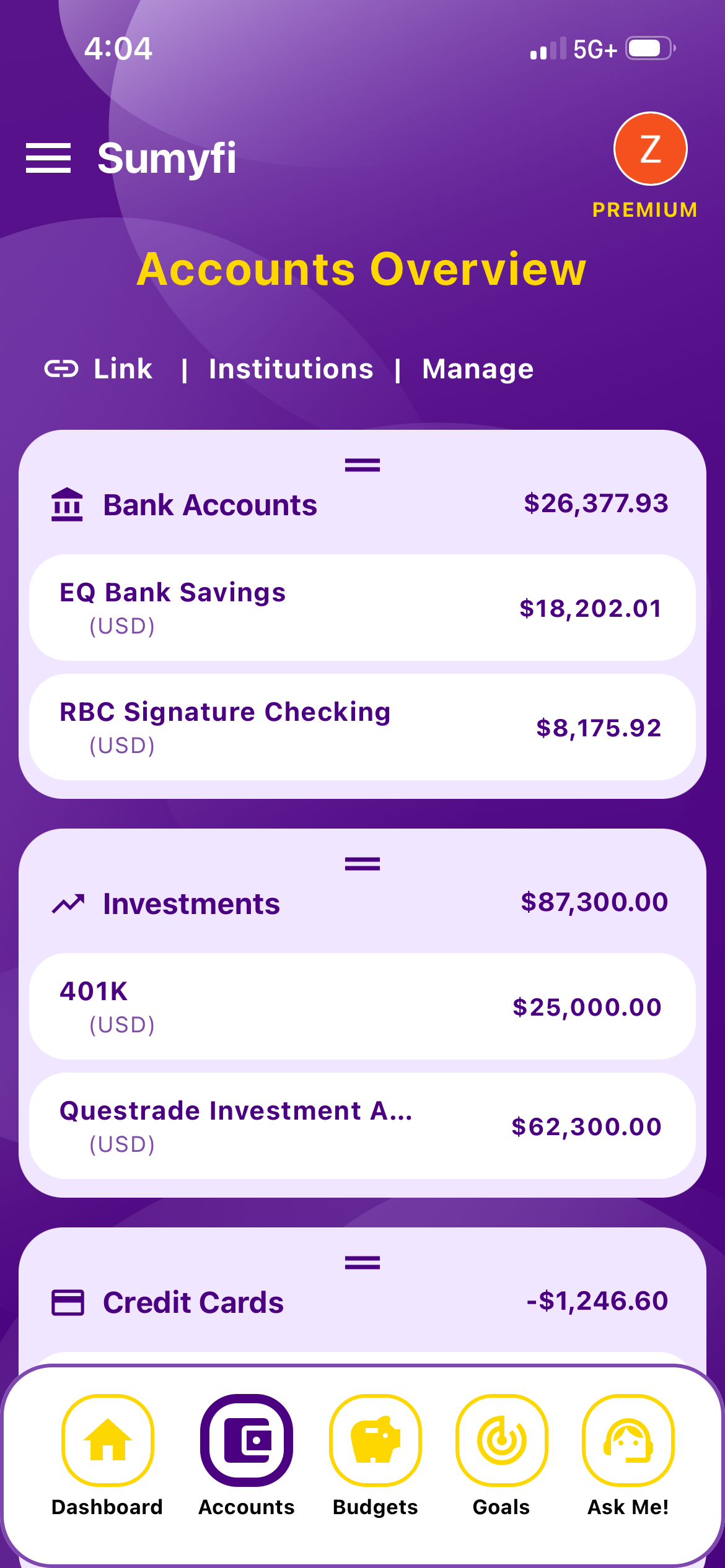
Linked or manual, so net worth isn't missing your biggest asset
Loans with changing servicers
Easy to relink or add manually when a student loan or mortgage moves
A weekly view
Something you can check in five minutes on Sunday without exporting anything
Where Sumyfi fits, and when something else is better
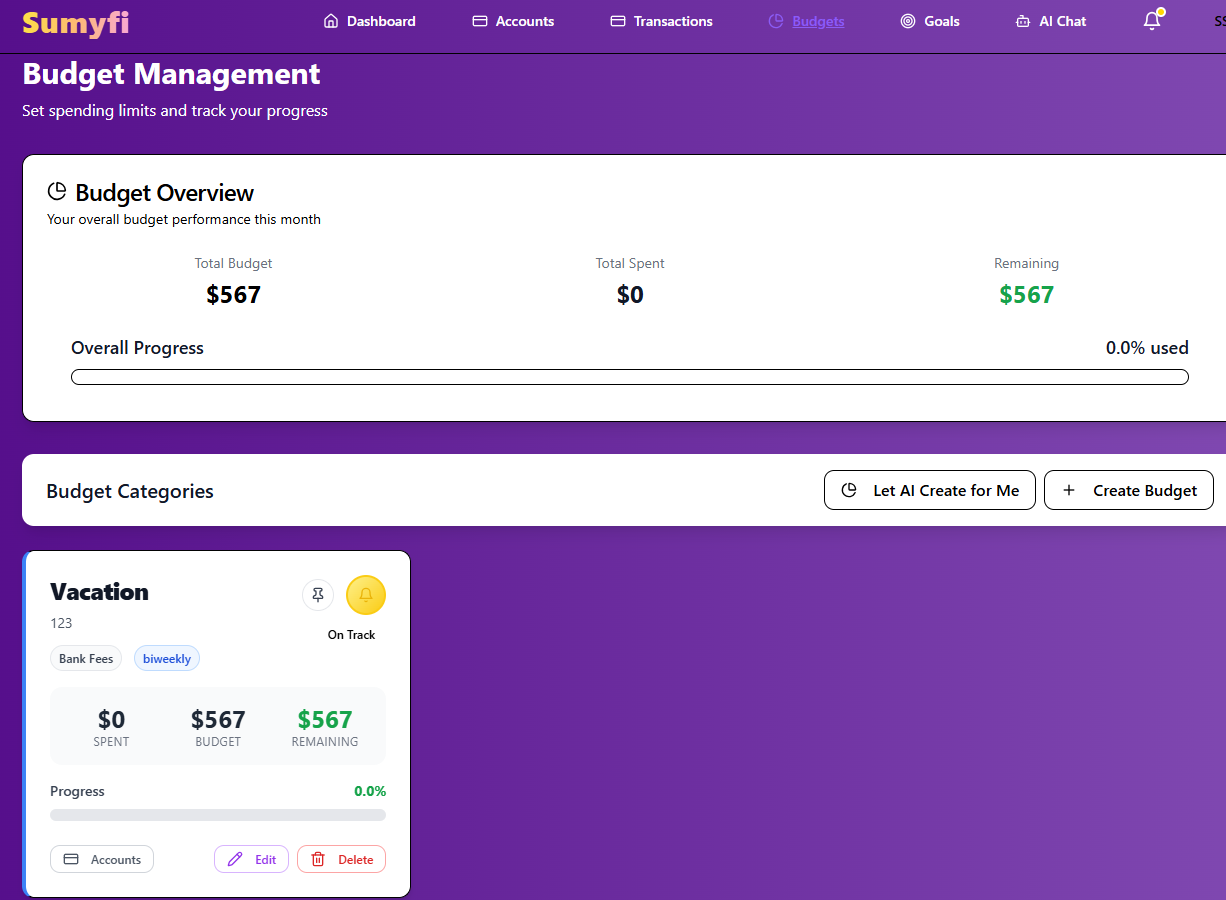
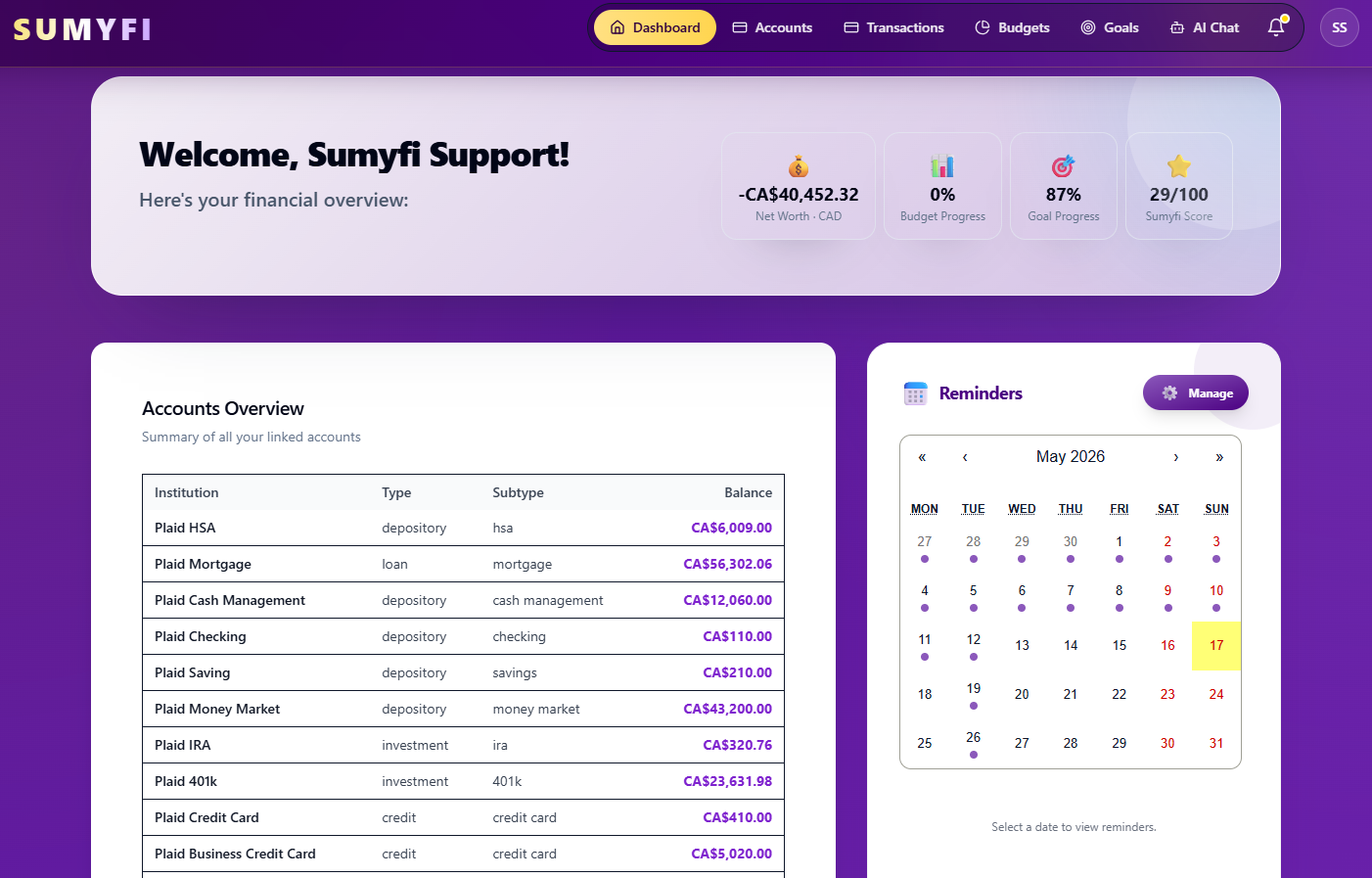
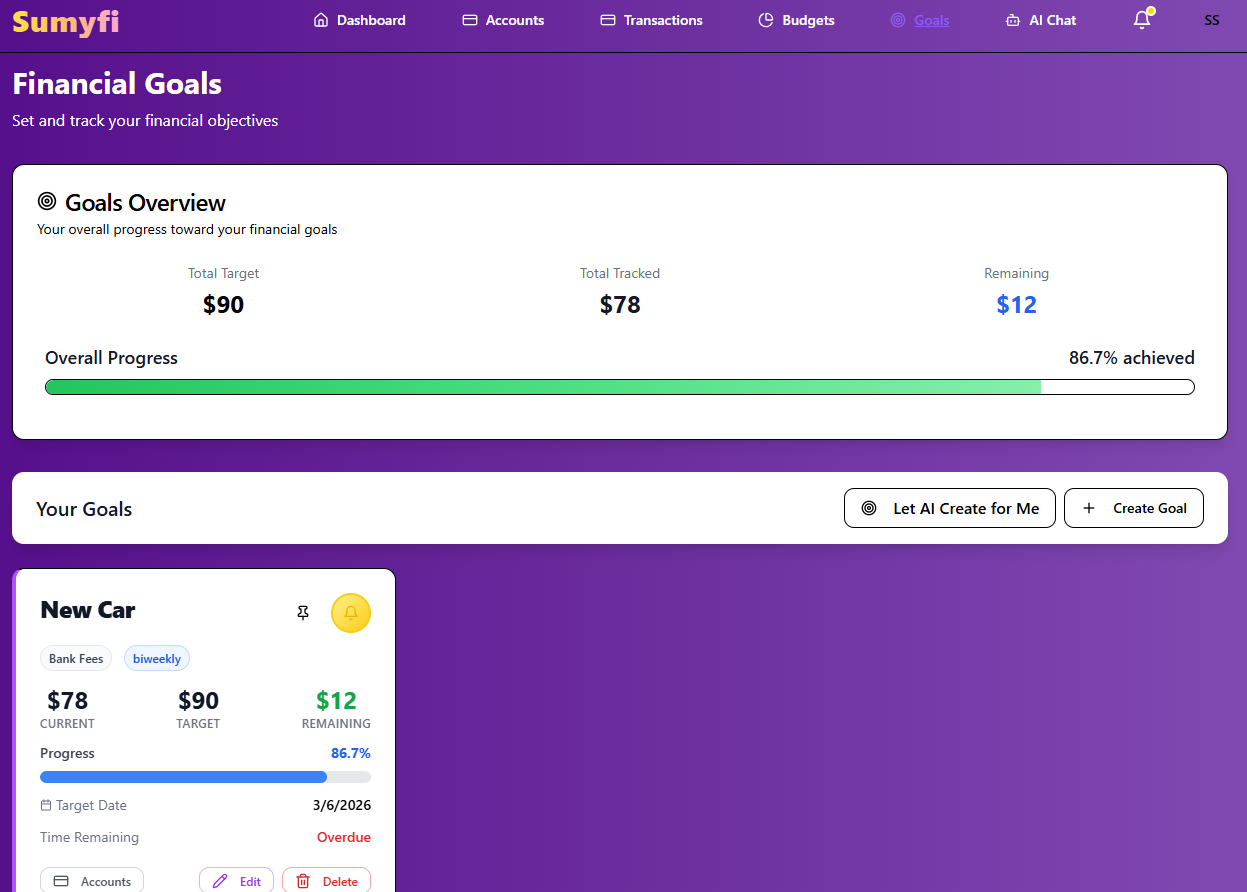
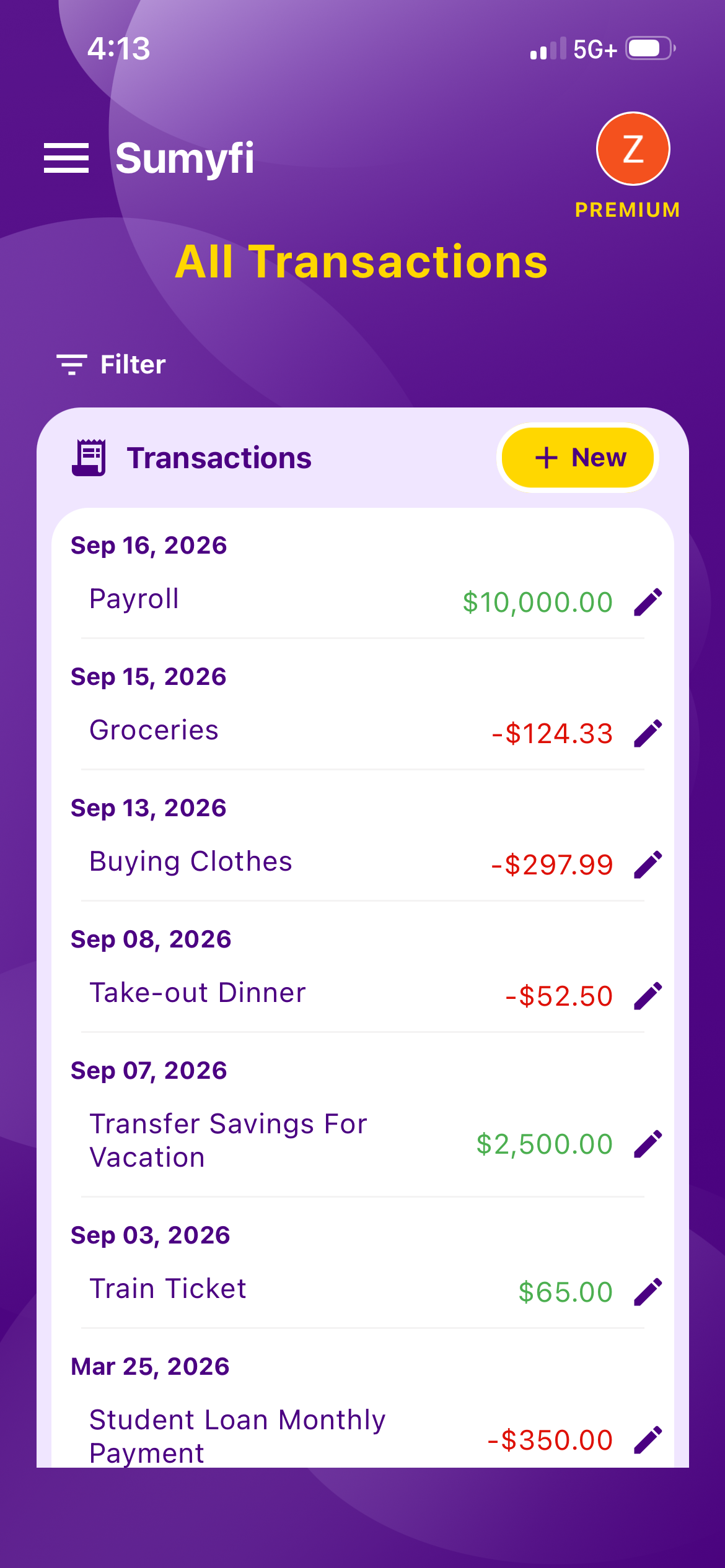
Sumyfi puts budgets, savings goals, accounts, net worth and recurring charges on one dashboard, and it works with US banks through Plaid on a read-only basis. You could set up a 'Deductible' goal for $3,000, a 'Car Registration' goal for $180 due next March, and a dining budget, then ask the Premium AI assistant to 'lower my dining budget to $250' when a three-paycheck month isn't coming soon enough. The subscriptions view shows what's due in the next 10 days and the yearly total of what you're paying.
The free plan includes budgets, goals, transaction categorization and manual accounts, plus CSV or Excel import if you'd rather download statements than link anything. Automatic bank sync and the AI assistant are part of Premium, which has a 7-day free trial.
What Sumyfi doesn't do is give investment advice, pull your credit score or file your taxes. If you want a strict zero-based method with lots of teaching built in, YNAB is built around exactly that. And if you're happy in a spreadsheet, the approach on This guide works just as well there. The app matters less than starting from your real take-home pay.