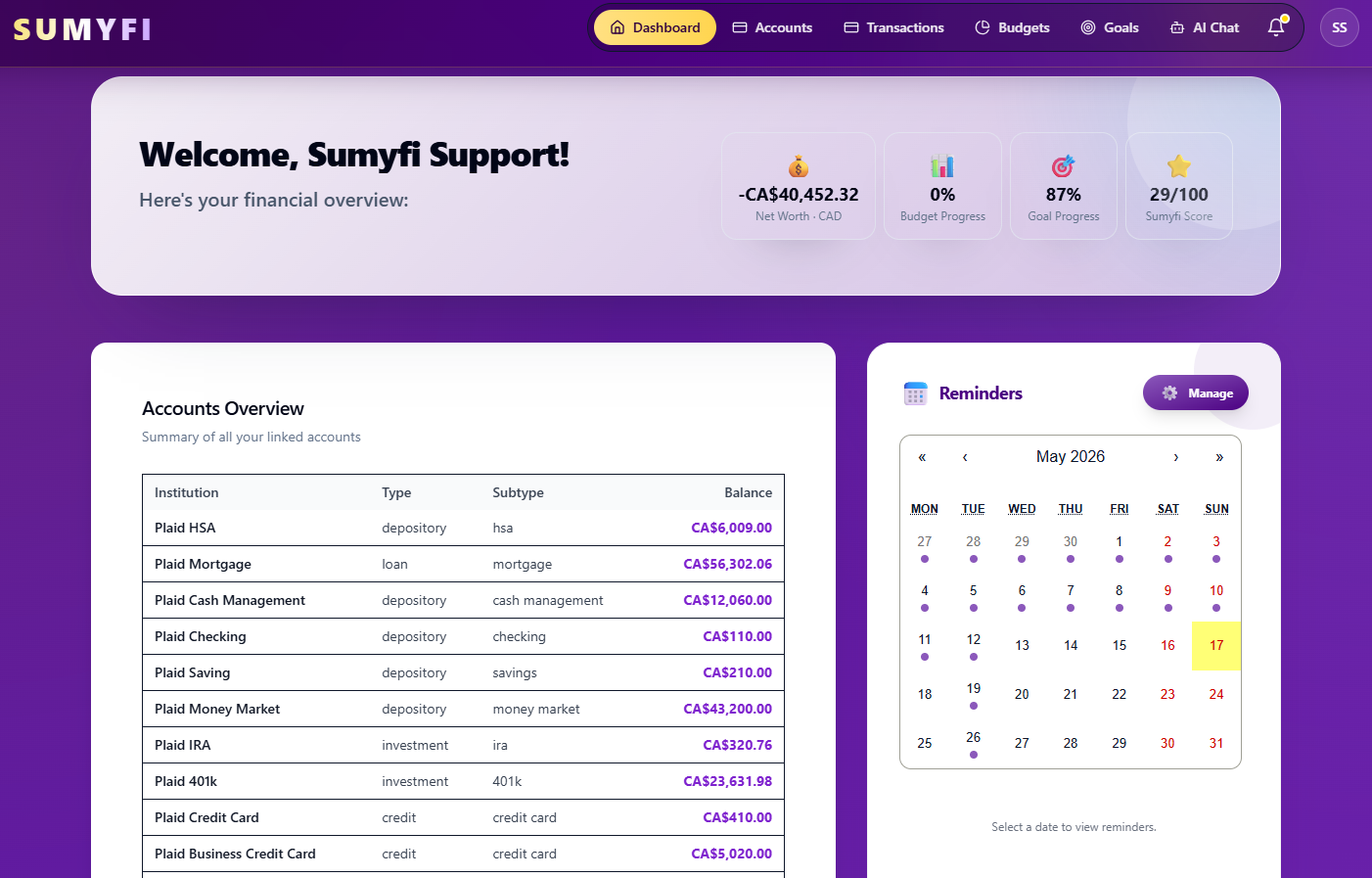
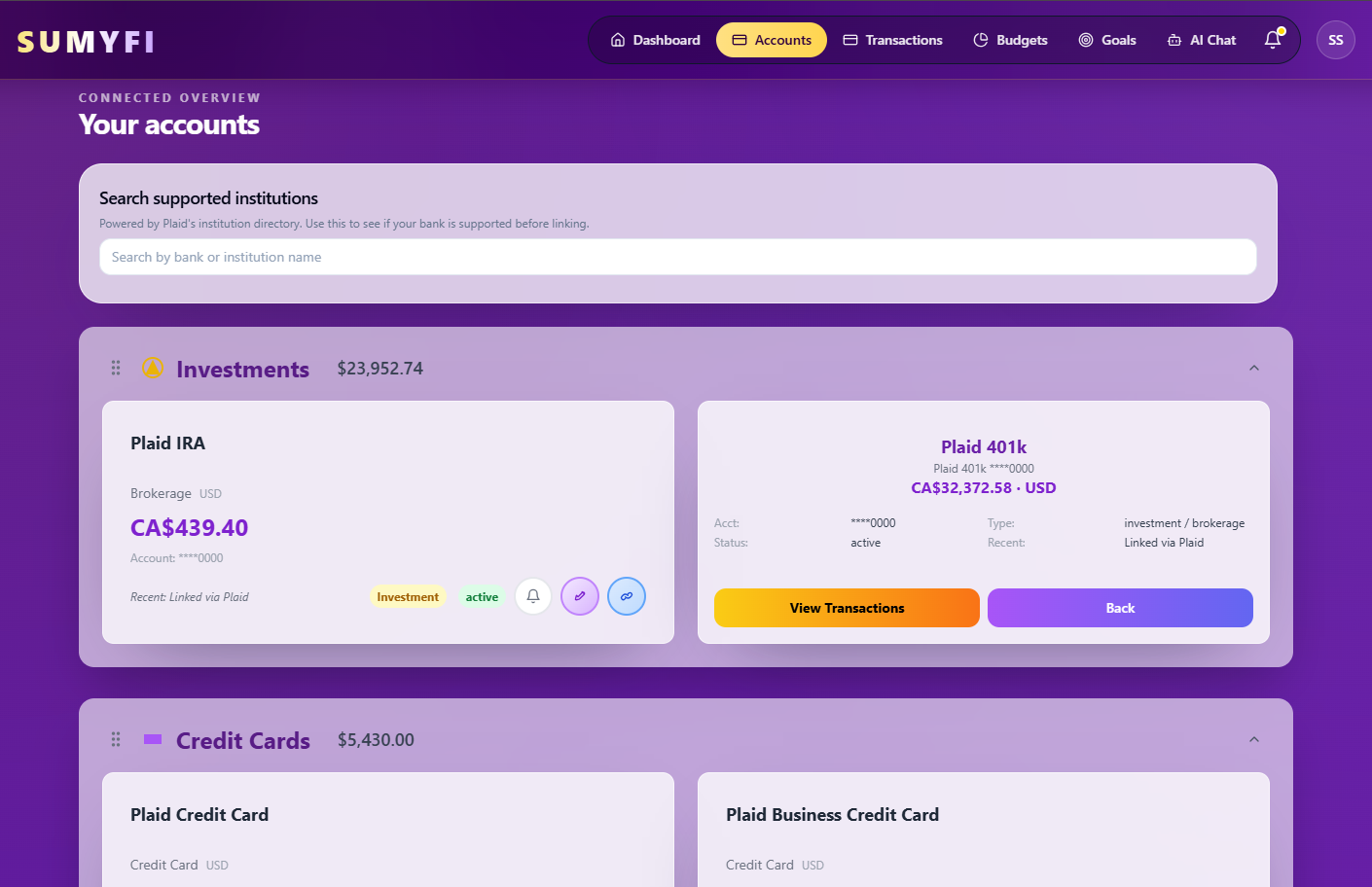
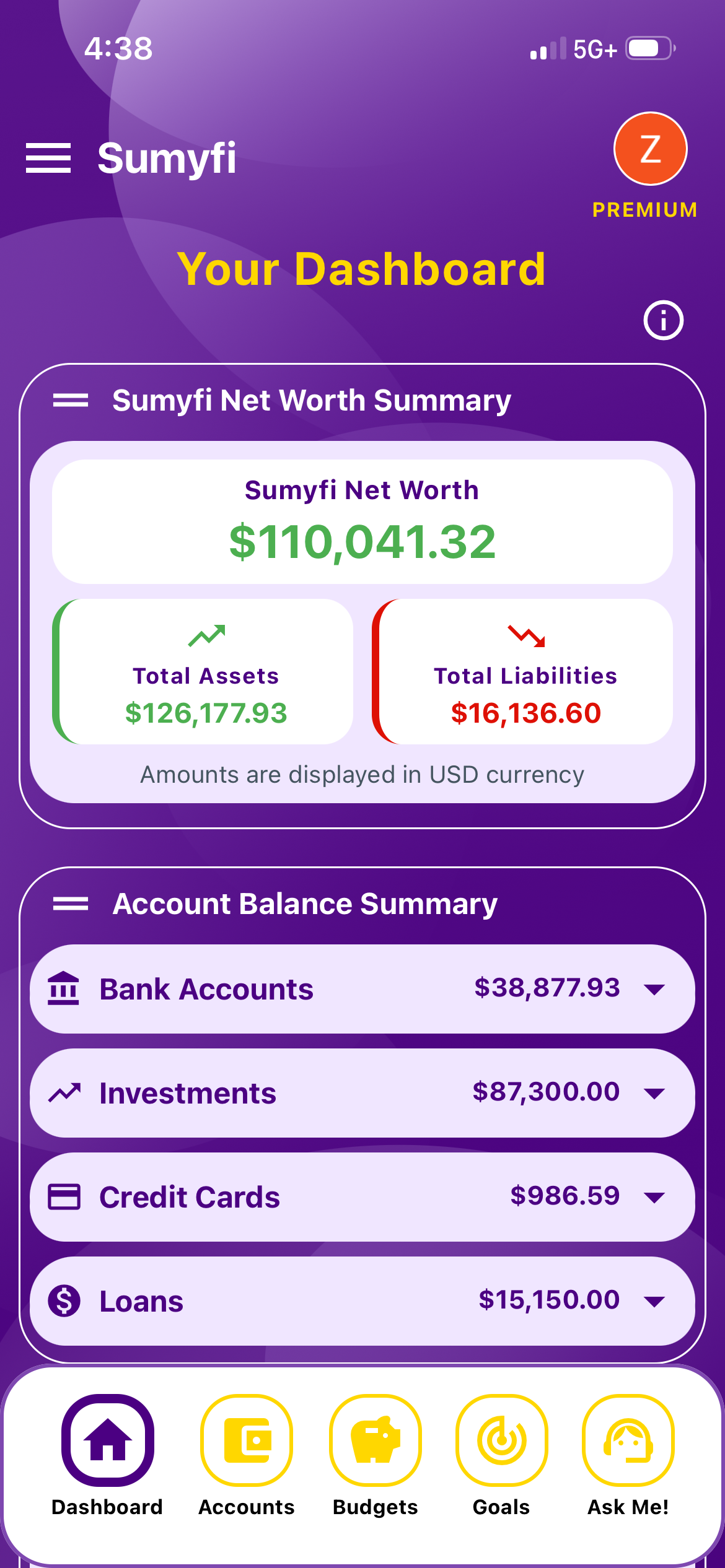
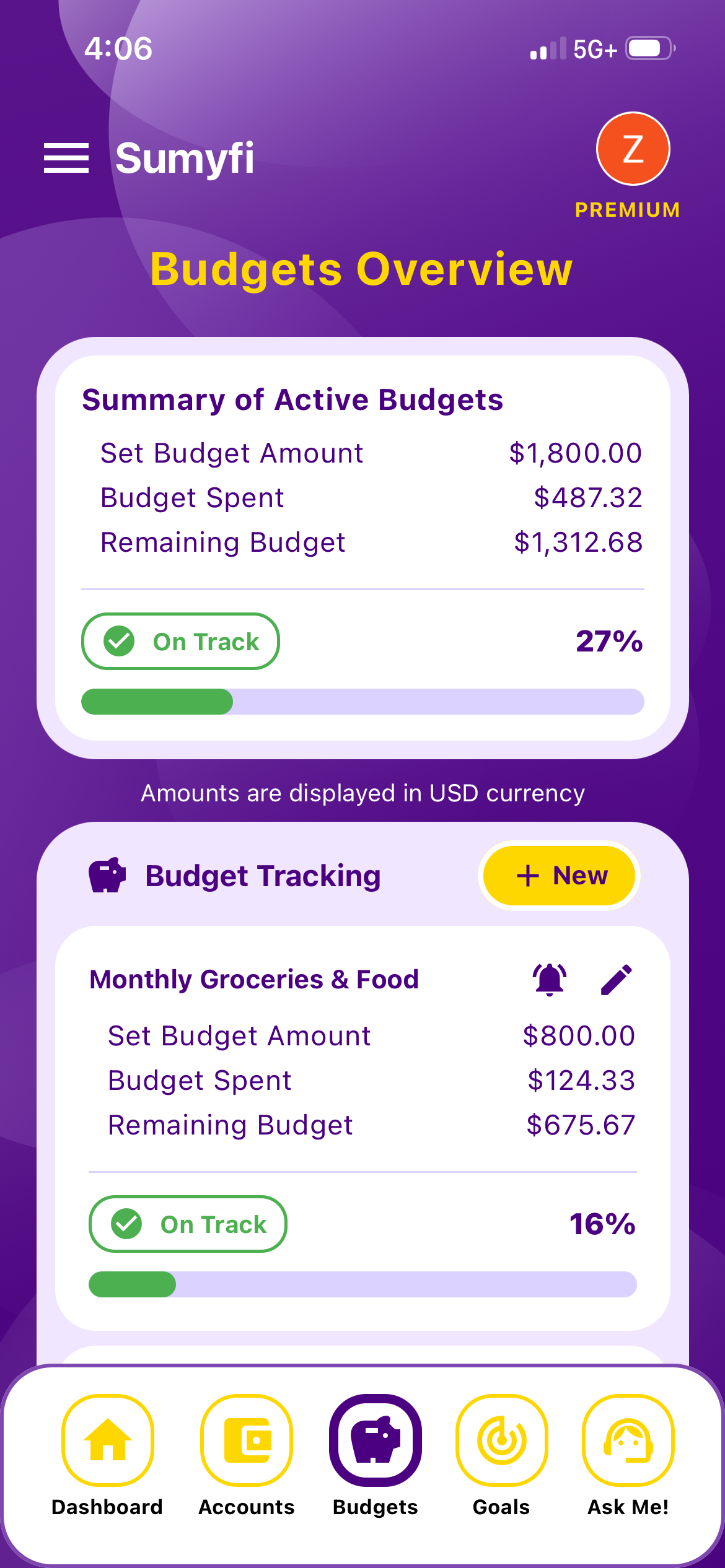
Canadians comparing Monarch Money alternatives usually want three things: dependable connections to Canadian banks, budgets in CAD, and a price that makes sense before committing. Sumyfi connects Canadian and U.S. institutions through Plaid (coverage varies by bank), supports CAD, and offers a free plan alongside Premium with a 7-day free trial.
Monarch Money became the default recommendation for a lot of people after Mint shut down, and it's easy to see why. It looks good, it's flexible, and it handles couples and investments better than most. For Canadians, though, the questions are more practical: will my credit union connect, will my balances show properly in CAD, and is a paid-only app worth it if half my accounts need manual updates?
If you're weighing a Monarch Money alternative in Canada, this guide covers what Monarch genuinely does well, what to test before paying for any app, how Sumyfi compares, and the steps to move your data if you decide to switch. If Monarch already works for you, the short version is that you may not need to move at all.
Where Monarch is genuinely strong
Monarch's best feature is probably that two people can share one household view, each with their own login, without forwarding screenshots or sharing a password. If you and a partner manage money together, that alone is a good reason to try it.
It's also strong on investments and net worth, with good charts over time, and its budgeting is flexible enough for people who don't want a strict system. Transaction rules, custom categories and reports are well thought out. It's a mature product from a team that has clearly focused on the details.
So the reason to look elsewhere usually isn't that Monarch is bad. It's that something specific doesn't fit: your Canadian accounts don't connect reliably, the cost doesn't make sense for how you use it, or you want a free starting point before paying for anything.
Shared household access for couples
Detailed investment and net worth views
Flexible budgets and transaction rules
Polished web and mobile apps
What Canadians should test before paying for any money app
Bank coverage is the first and most important test, and it applies to every app on this list, Sumyfi included. Most aggregators handle the big banks reasonably well. Credit unions, Tangerine, Simplii, EQ Bank, Wealthsimple, Questrade and store cards are where results vary. Connect your least common account during the trial, not your main chequing account, because that's where you'll find out whether the app works for your setup.
Currency is the second. If you have a US-dollar savings account, a USD credit card or a brokerage account holding US stocks, look at how the app displays those balances and whether your net worth total is actually in CAD. Mixing currencies without converting them makes the number meaningless.
Third, check how you're billed. Several US-based finance apps charge in US dollars, and most Canadian credit cards add a foreign transaction fee of around 2.5% on top of the exchange rate. That's not a deal-breaker, but it means the sticker price isn't what you'll pay. Look at the checkout page before you enter a card.
A smaller thing that adds up over a year: how the app treats Interac e-Transfers. Rent, childcare, splitting a cottage weekend with friends, paying back a sibling. In most Canadian households these are regular, and they tend to arrive as generic transfer lines with a name and nothing else. During your trial, look at a month of e-Transfers and see whether you can set a rule or category for the regular ones. If every one needs fixing by hand, that's a weekly chore you'll eventually stop doing.
Last, think about your registered accounts. A dashboard can show TFSA, RRSP and FHSA balances next to everything else, which is useful for tracking a down payment or retirement goal. None of these apps should be your source for contribution room, though. CRA My Account is the place to check that.
How Sumyfi compares as a Monarch Money alternative in Canada
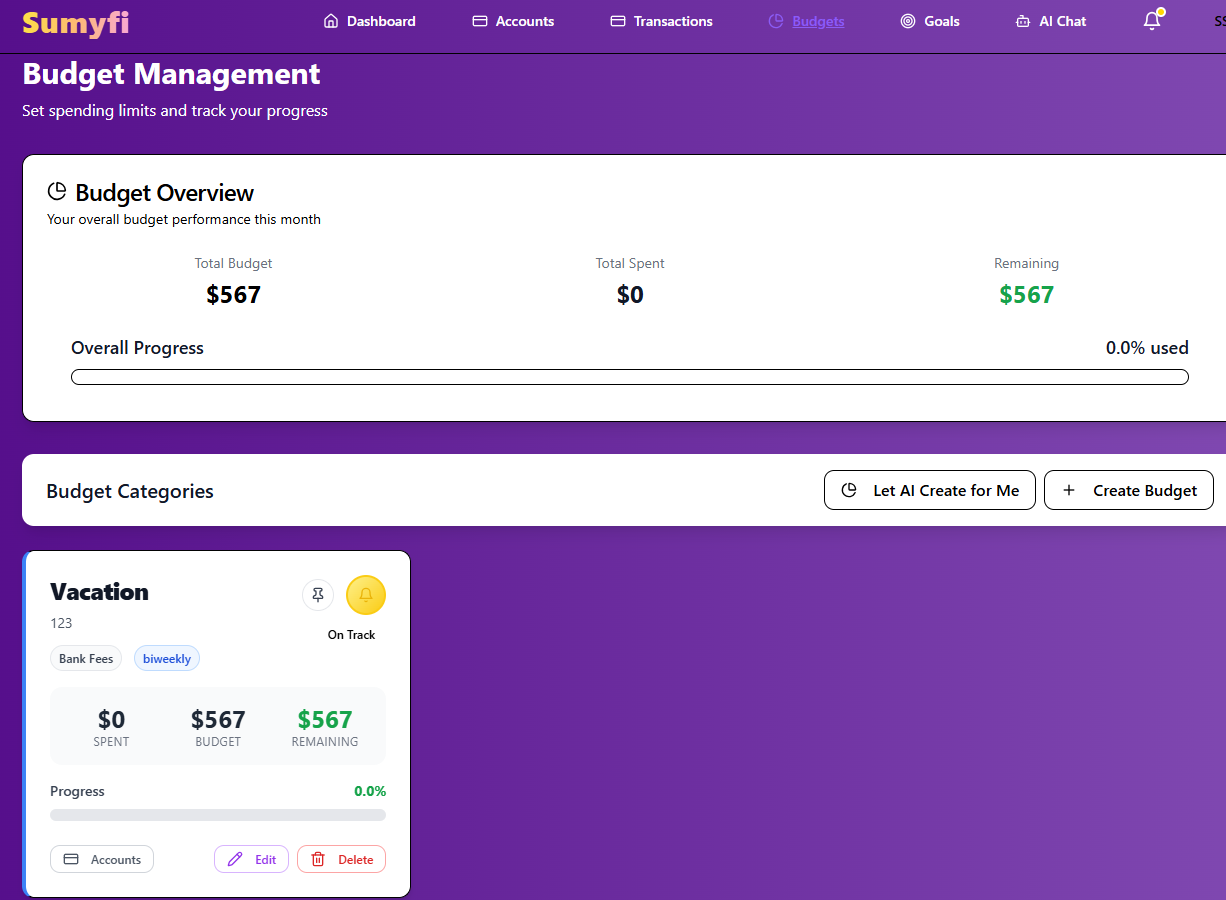
The biggest practical difference is the free plan. Monarch is a paid subscription after its trial. Sumyfi has a free plan with no credit card required that includes budgets, savings goals, transaction categorization and manually added accounts. That's useful if you want to build your categories and budgets first and only pay once you know you'll keep using it.
Premium adds automatic sync through Plaid, real-time account updates, an AI assistant you can ask about your spending and recurring charges, advanced analytics and custom spending alerts. It has a 7-day free trial. Connections are read-only, Canadian and US institutions are supported, and coverage depends on your bank.
Sumyfi also pulls recurring charges out of your transactions into their own view, with what's due in the next 10 days and a yearly total, and lets you add the ones that don't get detected, like rent paid by Interac e-Transfer. Each account keeps its own currency, with totals rolled up in CAD or USD.
Where Monarch is ahead: it's the more established product, and its shared household access and investment detail are more developed. If those matter most to you, Monarch is likely the better fit, provided your accounts connect.
Pros
- Free plan to start, Premium only if you want automatic sync
- Budgets, recurring charges, goals and net worth in one dashboard
- CAD support with Canadian and US banks through Plaid
Cons
- Newer and less established than Monarch
- Less depth for investment analysis, and no shared household logins like Monarch's
Which one fits your situation
There isn't a single right Monarch Money alternative in Canada, or a single reason to leave Monarch. It depends on how you bank and what you actually do in the app each week.
It's also fine to stay put. If your accounts connect, you use the shared view, and the price doesn't bother you, switching apps to save a few dollars a month rarely pays off once you count the hours of setup.
Couples managing money together
Monarch's shared access is hard to beat, if your banks connect
Investment-heavy households
Monarch's portfolio views go further
Want a free starting point
Sumyfi's free plan covers budgets, goals and manual accounts
Weekly check-ins in CAD
Sumyfi is built around bills, budgets and goals on one screen
Accounts that won't connect anywhere
either app with manual balances, updated monthly
How to move from Monarch without losing data
The safest switch is a slow one. Plan for about a month of overlap so you can compare the two before your Monarch renewal comes up.
- Check your Monarch renewal date and set a reminder a week before it.
- Export your transaction history from Monarch as a CSV. Check its current settings or transactions menu for the export option, and save the file somewhere safe.
- Write down your budget amounts and any savings goals with their targets and dates. These are quicker to recreate by hand than to import.
- Sign up for Sumyfi and connect your accounts, starting with the ones you're least sure about. For anything that won't connect, add it as a manual account.
- Import your Monarch CSV. Sumyfi reads the column headers and shows a preview before saving, so the file doesn't need to match a template exactly.
- Rebuild your budgets and goals, then use both apps side by side for one full month. At month-end, compare balances and category totals.
- If everything lines up and you prefer the new setup, cancel Monarch before it renews. If not, you've lost nothing but a month of comparison.
If you want to try it, start on Sumyfi's free plan and decide about Premium once you've seen how your accounts and categories come through.