Credit Karma is good at credit scores and light on monthly budgeting. Here's what it covers and what it doesn't, why most people should add a budget app rather than replace Credit Karma, and how to set up your first budget in an evening.
Credit Karma is one of those apps nearly everyone has installed. It's free, it shows your credit score, and it warns you when something changes on your report. But if you've tried to use it to plan a month, set a grocery limit or save for a trip, you've probably noticed it isn't really built for that. That's usually when people start searching for a Credit Karma alternative budget app.
Here's the thing most comparisons skip: you probably don't need to delete Credit Karma. It does one job well and costs nothing. What you need is a second tool that handles the part Credit Karma doesn't, which is deciding where your money goes before it's gone. This guide explains the gap, what to look for in a budget app, the realistic options, and how to get a working budget running in one evening.
What Credit Karma is actually good at
In the US, Credit Karma gives you free credit scores and reports from TransUnion and Equifax, using the VantageScore 3.0 model rather than the FICO scores many lenders use. It monitors your reports and alerts you to changes like a new account, a hard inquiry or a late payment. Those alerts alone are worth having.
After Mint shut down in early 2024, Intuit moved Mint users to Credit Karma, and the US app added views for net worth and spending. They're useful for a glance, but the budgeting is much lighter than Mint's was.
Credit Karma Canada is a separate product with its own feature set, focused on free credit scores, reports and monitoring. Don't assume a feature you read about in a US review exists in the Canadian app.
The business model is worth understanding. Credit Karma is free because it earns money when you sign up for a credit card, loan or other product it recommends. That's a fair trade for a credit score, but it shapes the experience: the app is designed to show you offers, not to help you spend less.
Where Credit Karma falls short as a budget app
A credit score tells you how lenders see your past. A budget tells you what to do with next month's paycheque. Credit Karma is built for the first job, so the second one mostly falls through.
In practice, the things people miss are the planning tools. Credit Karma can show you what you spent. It isn't built to let you say 'I'll spend $550 on groceries in October' and then warn you on the 18th when you're at $480.
Category limits
a set amount for groceries, dining, gas and shopping, with progress through the month
Upcoming bills
what's due in the next week or two, not just what already cleared
Savings goals
a target amount and date, like $2,000 for a trip by August
Recurring charges
one list of subscriptions with a yearly total
A weekly routine
a reason to open the app that isn't a new card offer
Why most people should add a budget app, not swap
Your credit score changes slowly and mostly reflects habits a budget controls: paying on time and keeping balances low. Credit Karma shows you the result. A budget app helps you change the inputs.
Take credit utilization. If you carry a $1,500 balance on a card with a $5,000 limit, you're using 30% of your available credit, and lowering that usually helps your score. A budget that frees up $250 a month, paid toward that card, moves utilization down month after month. Credit Karma will show the score change. The budget app is where the $250 came from.
So the setup that works for most people is simple. Keep Credit Karma for the free score and alerts, check it once a month, and use a budget app for everything else. In Canada, Borrowell is another free option for the credit side if you prefer it.
What to look for in a Credit Karma alternative budget app
Budget apps vary more than people expect, both in how they work and in how they make money. A few questions sort them quickly.
First, how is it paid for? Free apps are usually supported by product offers, like Credit Karma, or have limited free tiers. Paid apps charge a subscription. Neither is wrong, but you should know which one you're signing up for.
Second, how much work does it expect? Some apps want you to assign every dollar by hand. Others categorize automatically and ask you to glance once a week. Be honest about how much time you'll actually give it.
Category budgets you can adjust mid-month
Automatic categories that need only occasional fixing
A list of recurring bills and subscriptions with due dates
Savings goals with a target and a date
Connections to your bank and every credit card, or an easy CSV import
A free plan or trial long enough to cover a full month
Budget apps worth considering instead
YNAB is the strict option. Every dollar gets a job before you spend it, which works well for people paying down debt. It's paid, with a free trial, and asks for regular hands-on time.
Monarch Money is the flexible, full-picture option, with budgets, investments, net worth and shared access for couples. It's paid.
Goodbudget uses digital envelopes and manual entry, with a limited free tier. EveryDollar from Ramsey Solutions is zero-based and US-focused, with manual entry free and bank connections on the paid plan. Rocket Money, also US-focused, is strongest at finding and cancelling subscriptions.
Your bank's own app may already have spending insights. They're free, but they only see accounts at that bank. And a spreadsheet with monthly CSV downloads is free and fully under your control, at the cost of your time.
Using Sumyfi alongside Credit Karma
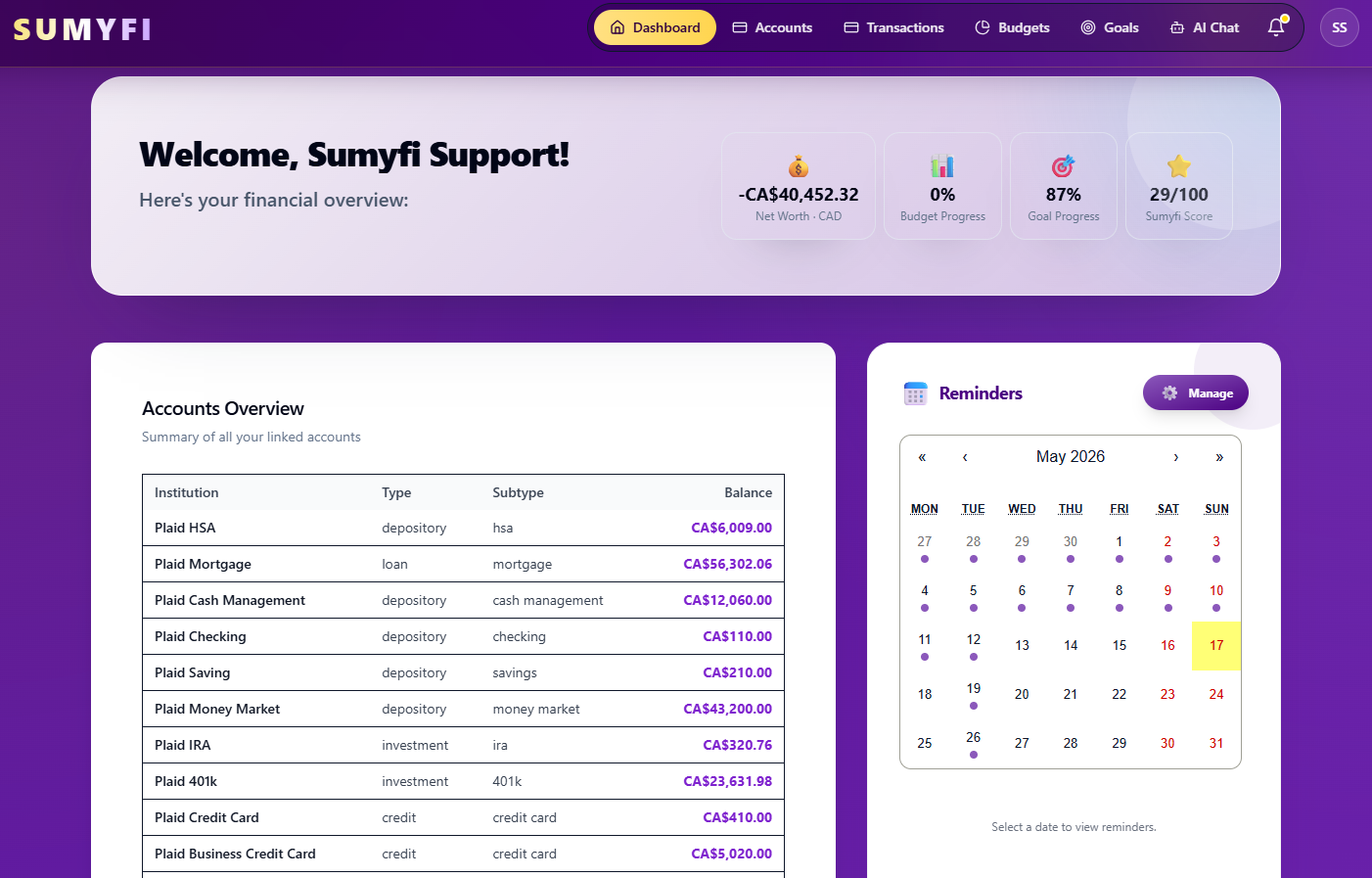
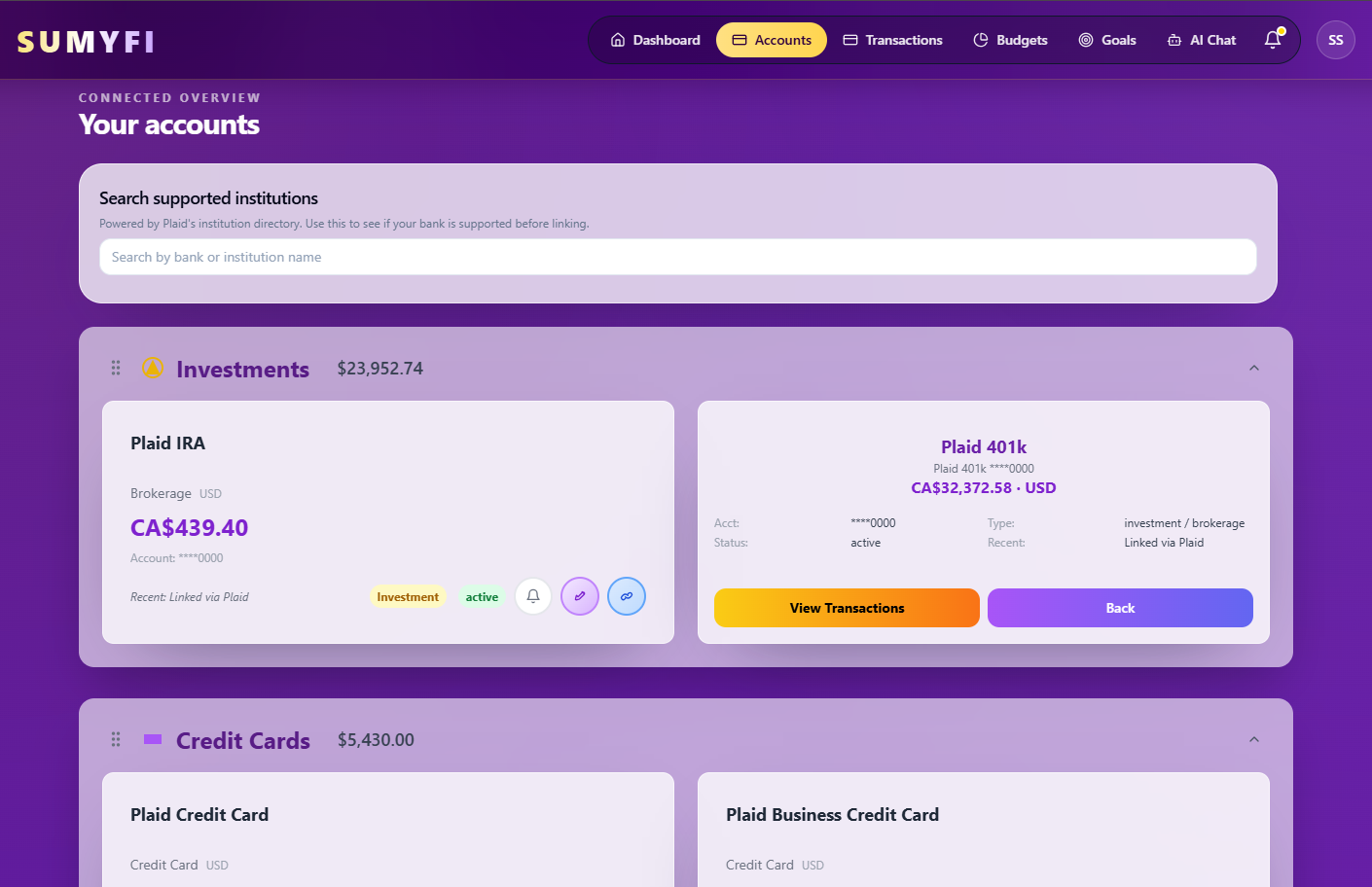
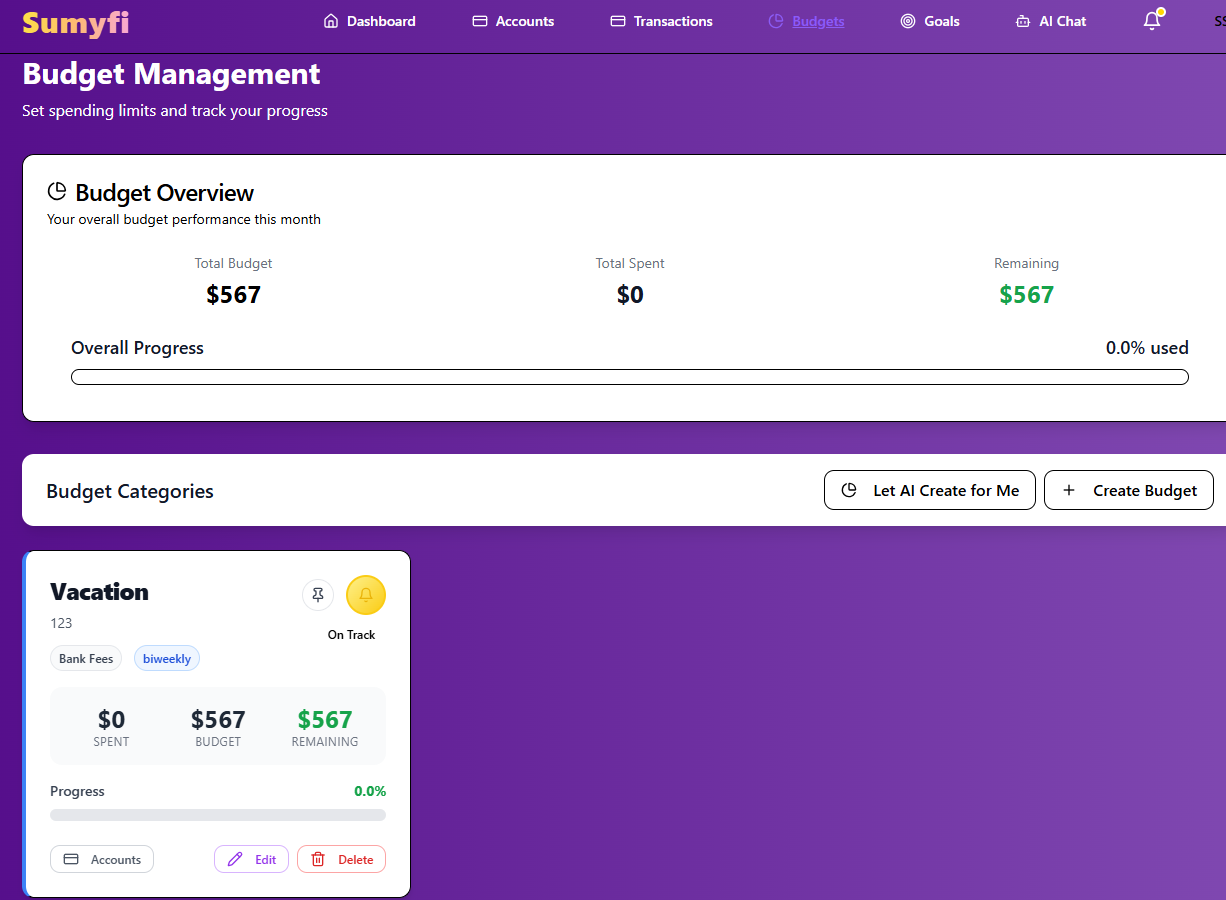
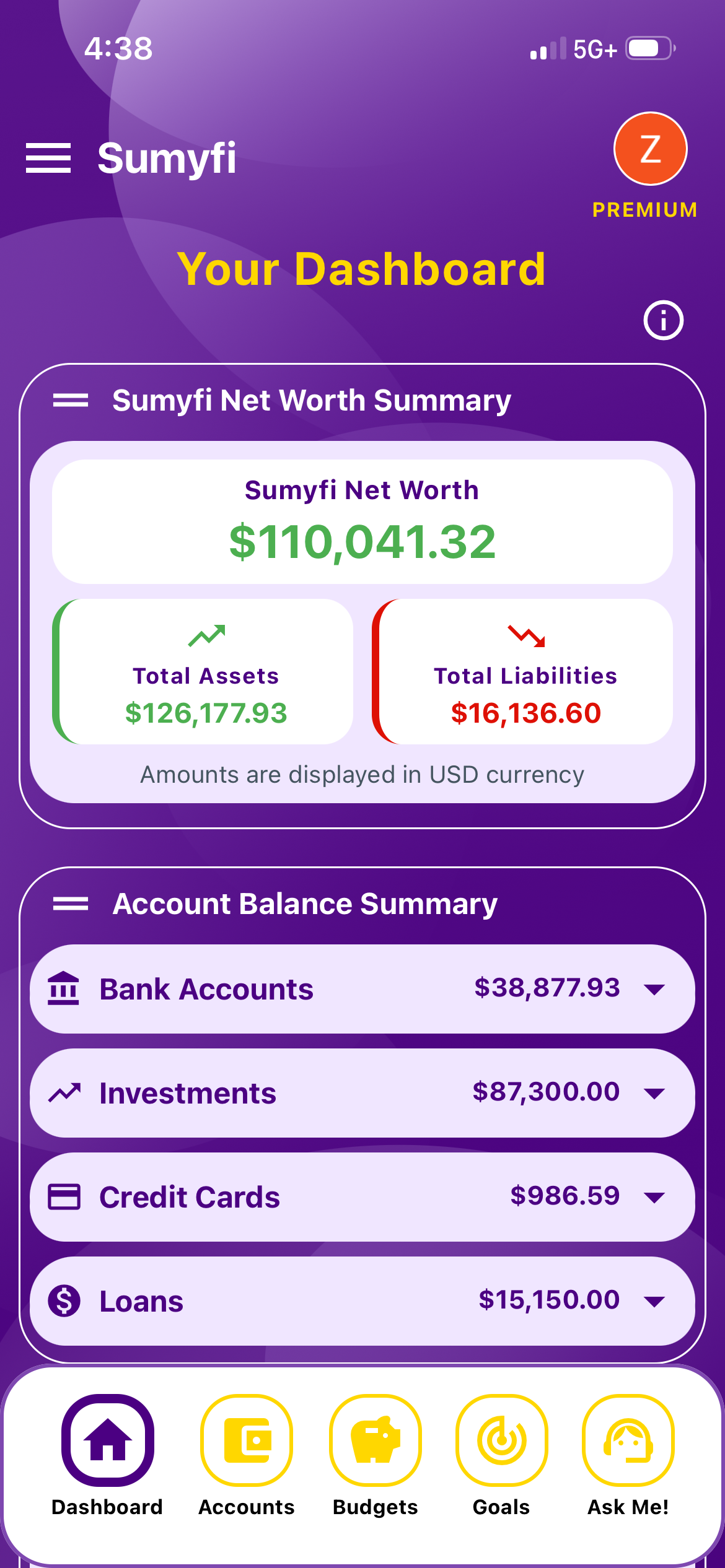
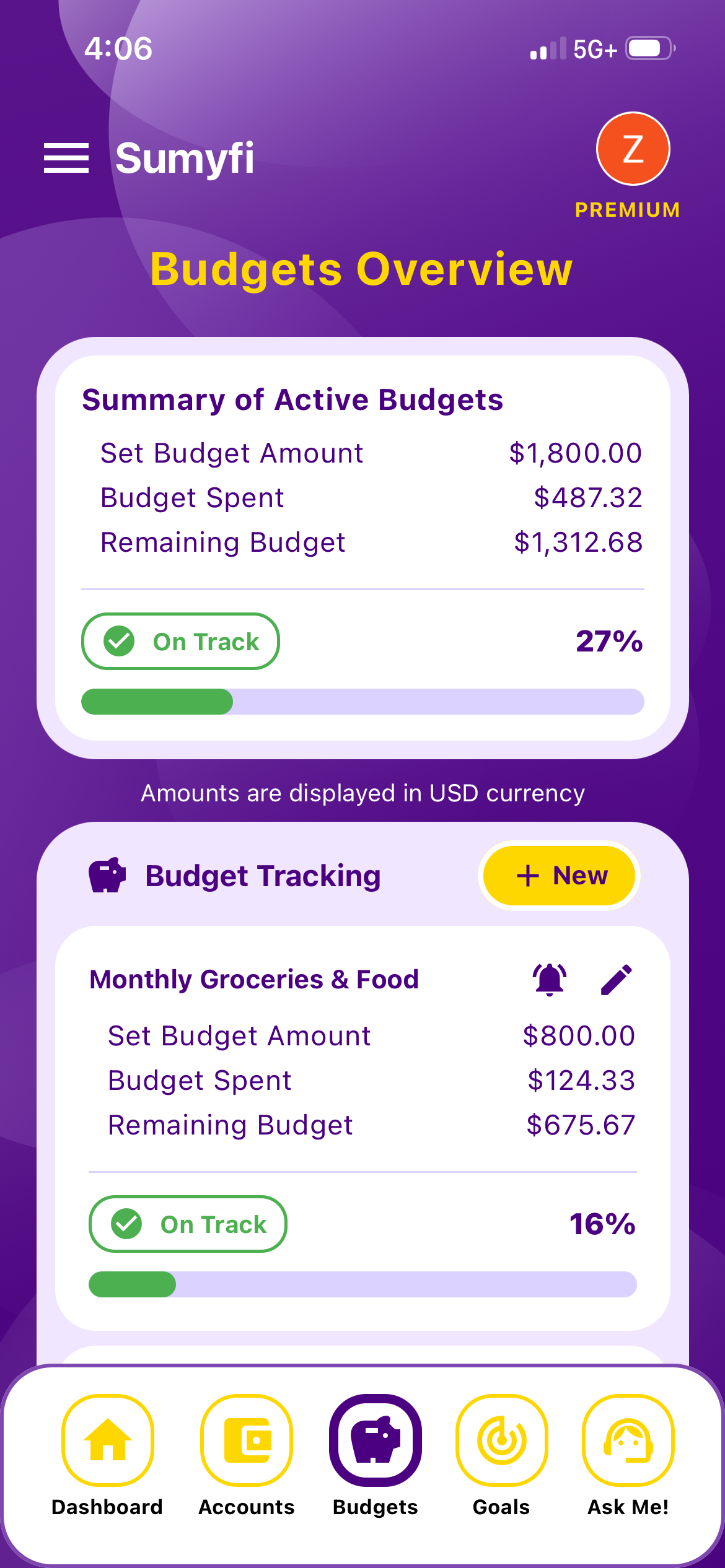
Sumyfi doesn't pull credit scores, so it's a natural partner to Credit Karma rather than a replacement for that part. What it adds is the planning side: category budgets, savings goals, net worth and a recurring-charges view on one dashboard, in CAD or USD. The recurring view shows what's due in the next 10 days, ranks charges by monthly cost and gives you a yearly total.
The free plan includes budgets, goals, categorization, basic reports, manual accounts and CSV or Excel import, with no card required. Premium has a 7-day free trial and adds automatic, read-only bank sync through Plaid (Canadian and US institutions, coverage depending on your bank), custom spending alerts, advanced analytics and an AI assistant that can make changes when you ask, like creating a goal called Card Payoff for $1,500 by June.
For the debt side, the free debt payoff calculator on the site lets you compare paying off cards in different orders before you set a goal.
Pros
- Budgets, goals, bills and net worth in one place
- A free plan that covers basic budgeting
- Works in CAD and USD
Cons
- No credit scores or credit monitoring, so keep Credit Karma for that
- Automatic bank sync requires Premium
Set up your first budget in one evening
- Open Credit Karma and list every account it shows you. That's a handy checklist of cards and loans to add to your budget app.
- Add your chequing or checking account and every credit card to the budget app, by connection or by CSV import.
- Pull in the last three months of transactions and look at what you actually spent in each category.
- Set limits a little below those averages. If dining has been $340 a month, try $300, not $150.
- Create one savings goal and one debt goal, like a $1,000 emergency fund and $250 a month toward your highest-interest card.
- Check the budget once a week and Credit Karma once a month. After three months, compare your card balances and score with where you started.